Changelog
See what's new and improved in Rize.
Try the latest features — start your free trial today.
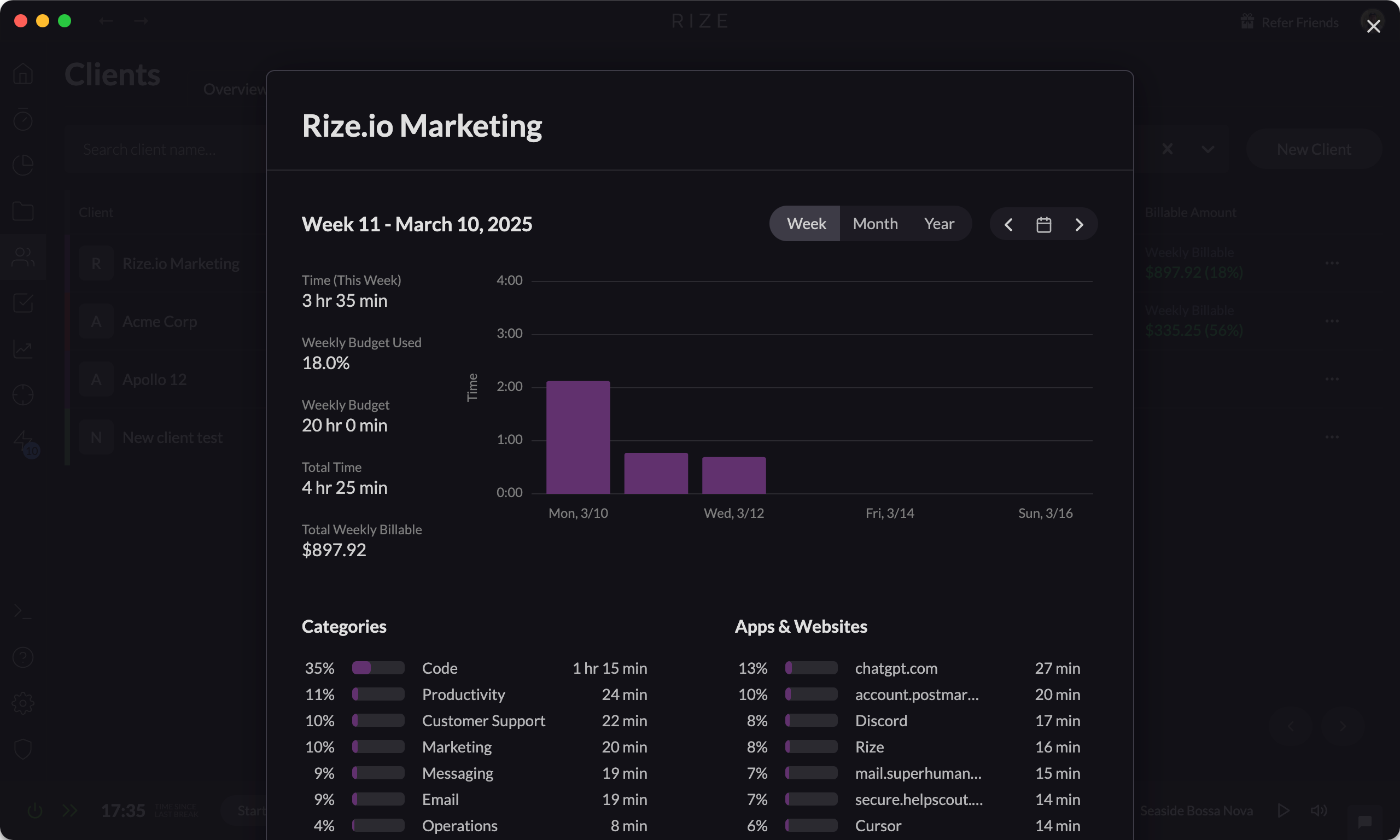
Start Free TrialSet Hourly Rates for Clients
Set custom hourly rates for your clients to automatically calculate the invoice amount, streamlining your billing and invoicing.
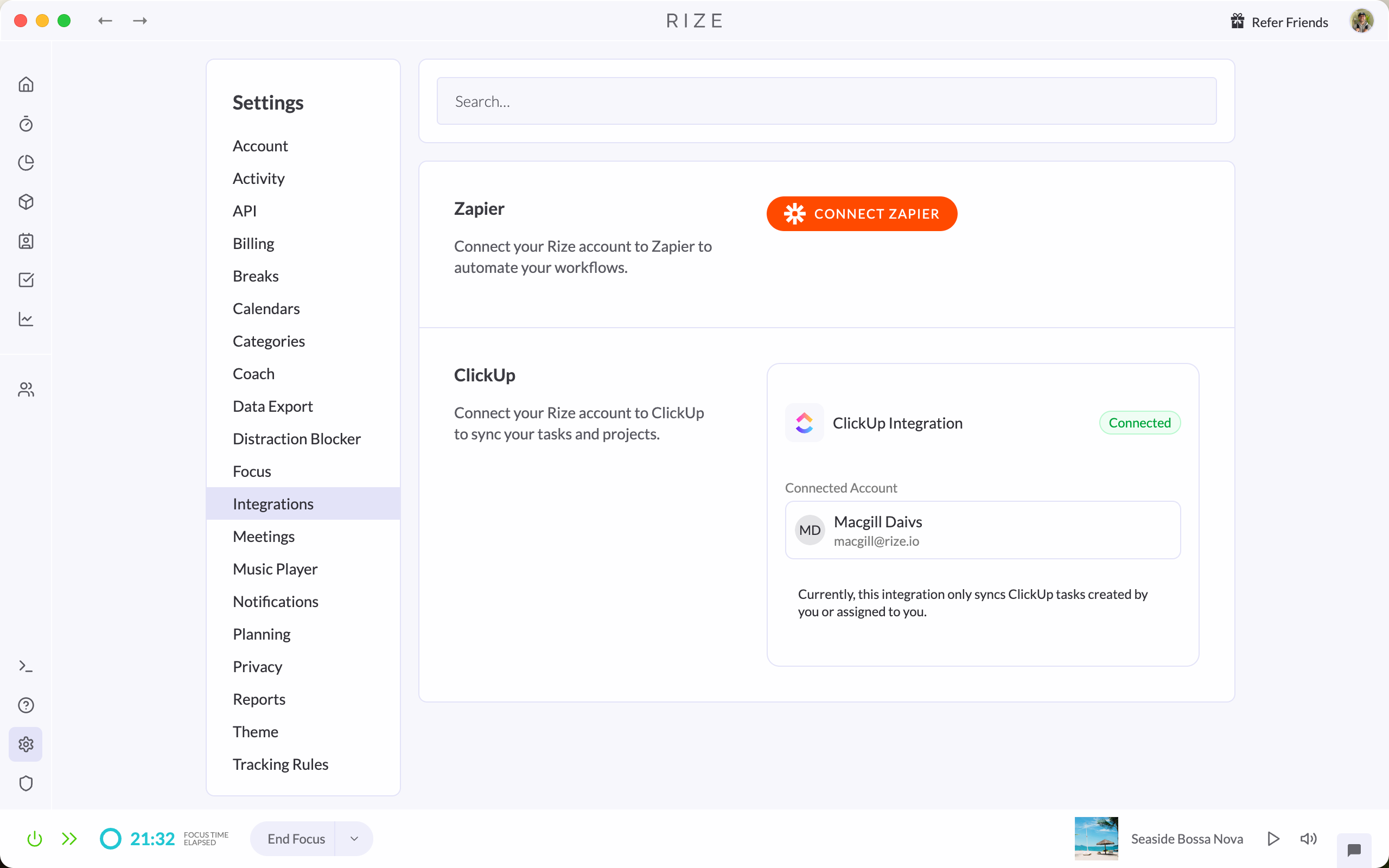
ClickUp Integration for Rize
Seamlessly sync your tasks between ClickUp and Rize to automatically post tracked time directly into ClickUp timesheets and reports.
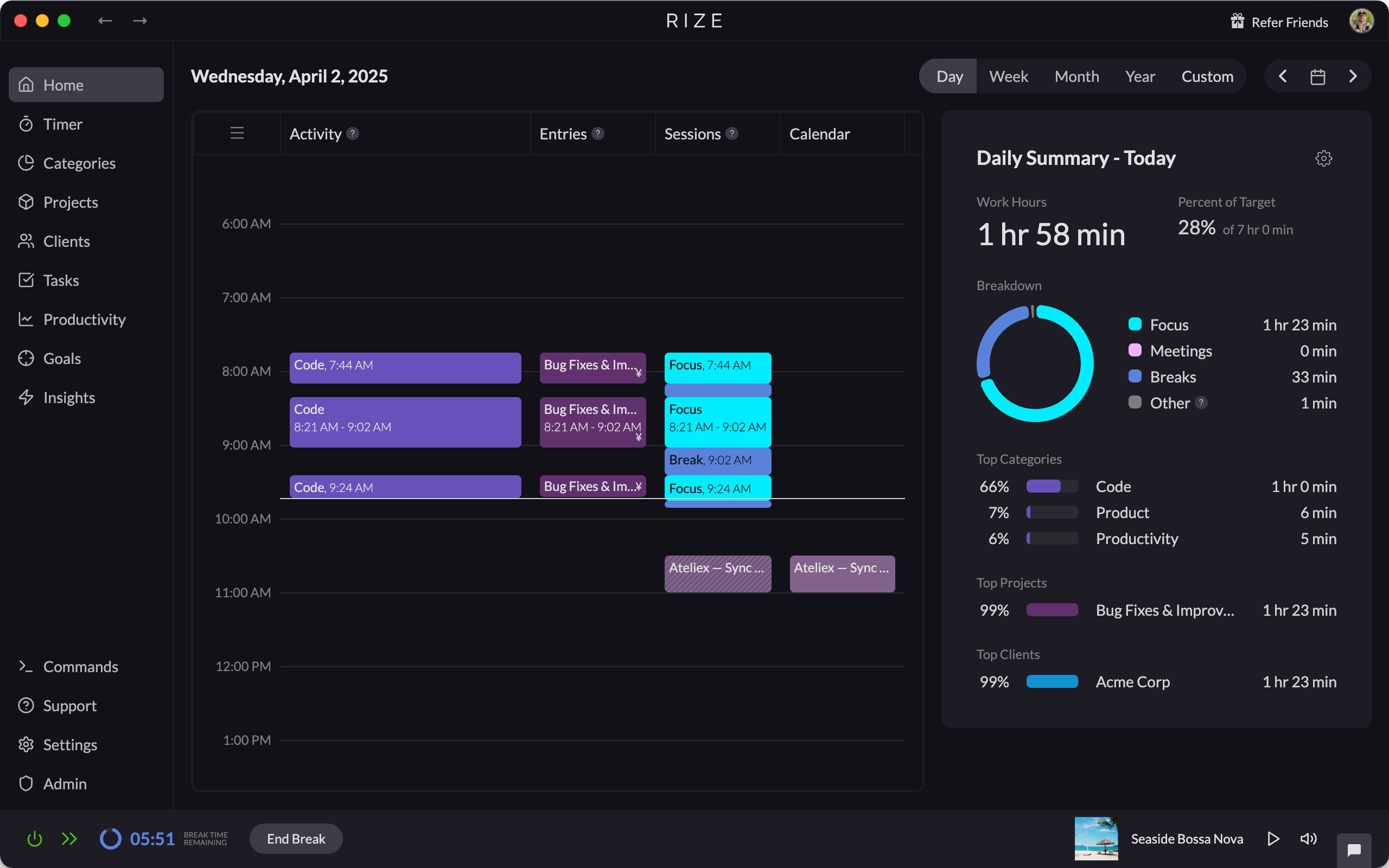
New collapsible sidebar for dashboard
The Rize dashboard now has a collapsible sidebar, giving you more space to view your stats and calendar while you work.
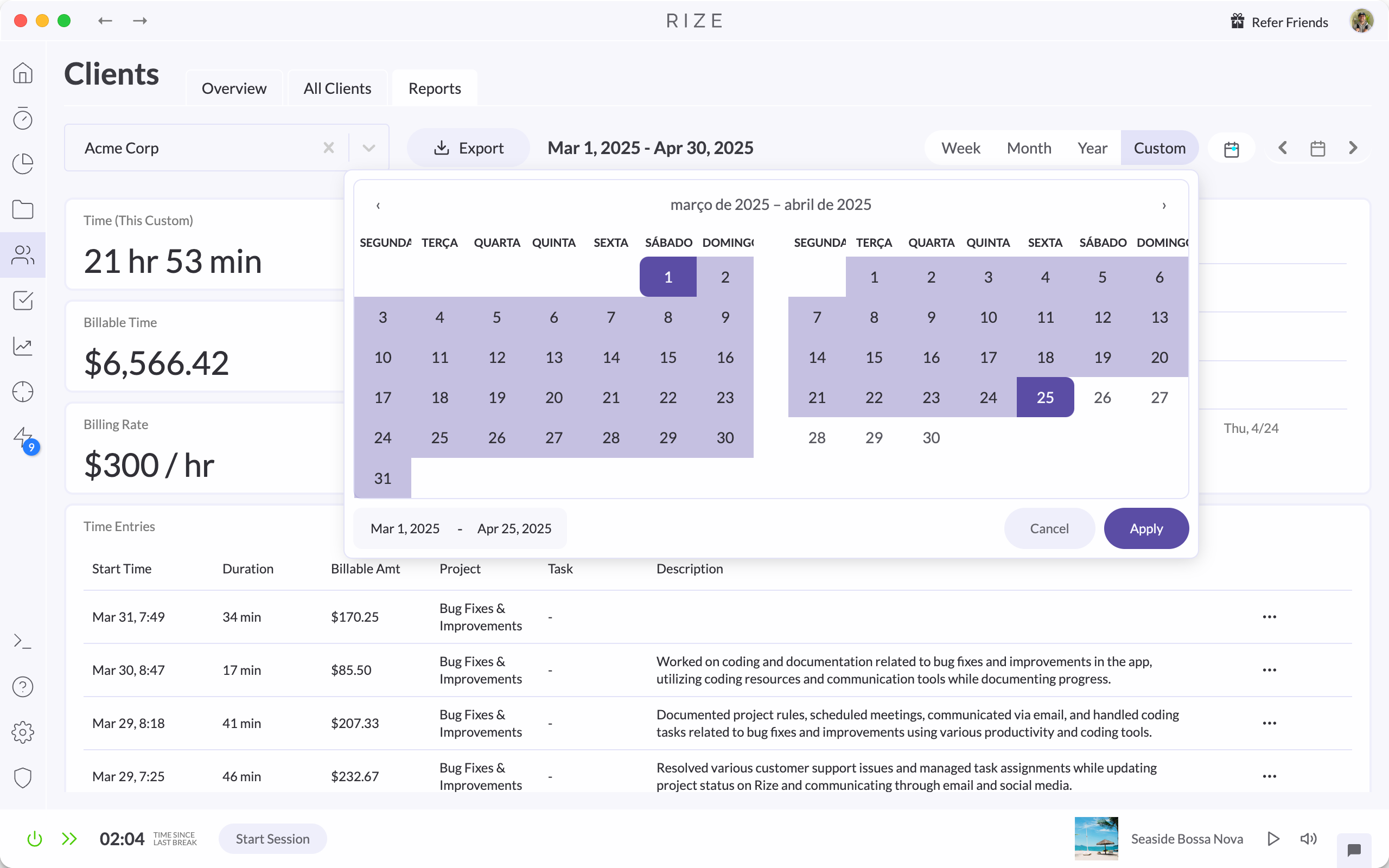
Custom Date Range for Reports
Generate and export Client, Project, and Task reports in Rize with custom date ranges, then download the results as CSV or PDF files.
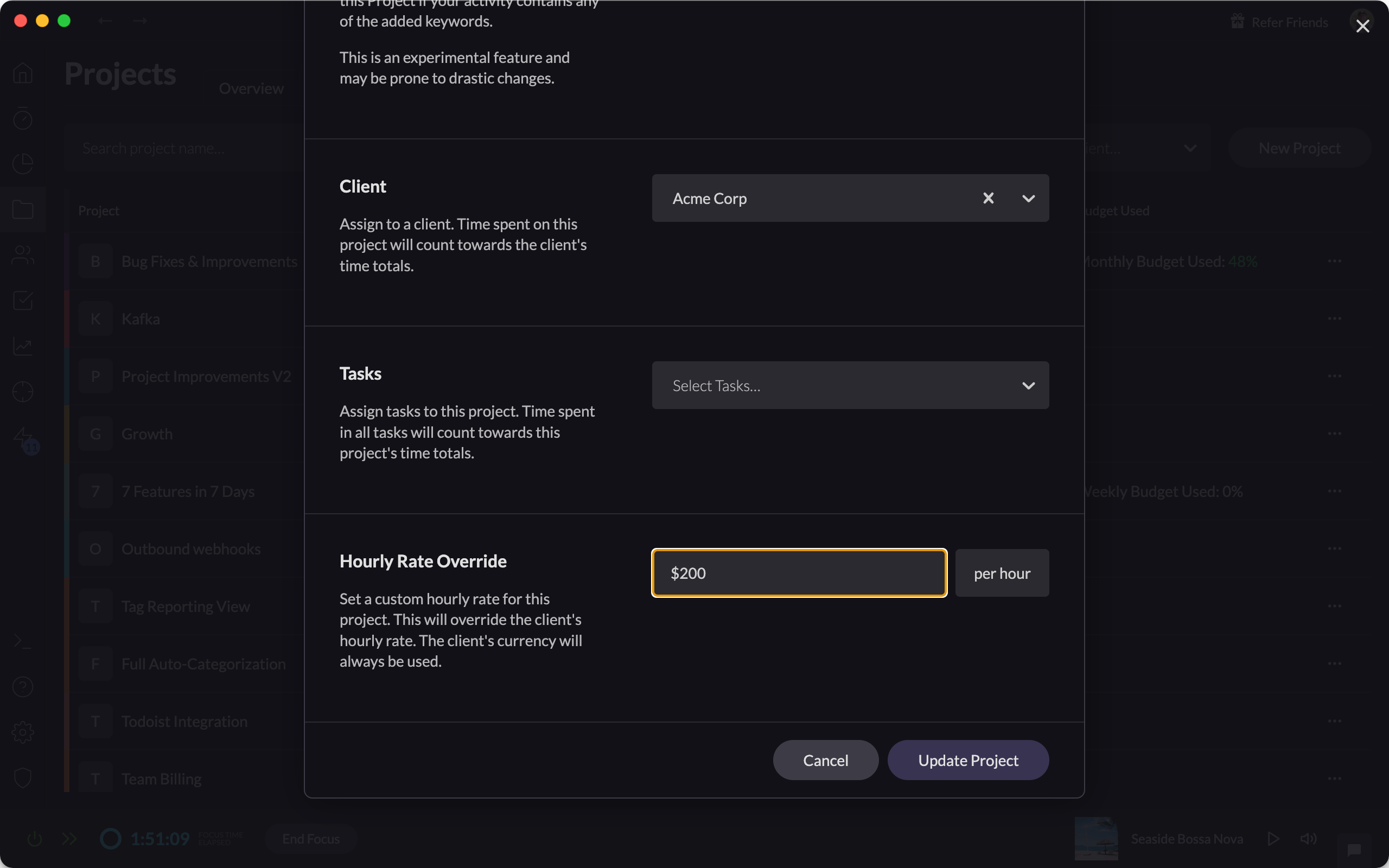
Custom Hourly Rates for Projects
Set and apply custom hourly rates for individual projects, enabling more accurate tracking for your billable hours.
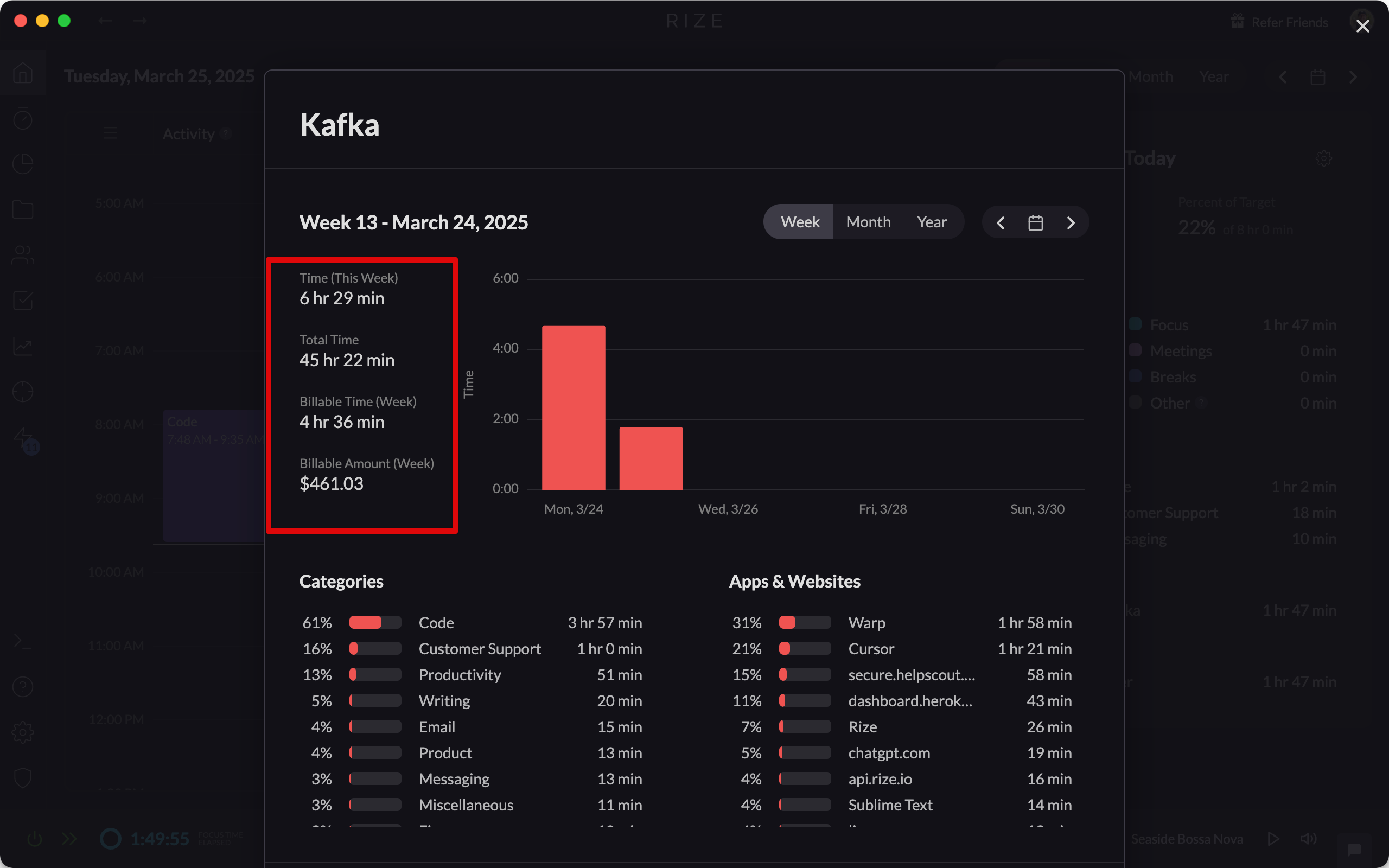
Improved Billable Time UI
Review billable time with improved clarity using currency labels, entry tooltips, and billable amounts shown in client modals and reports.
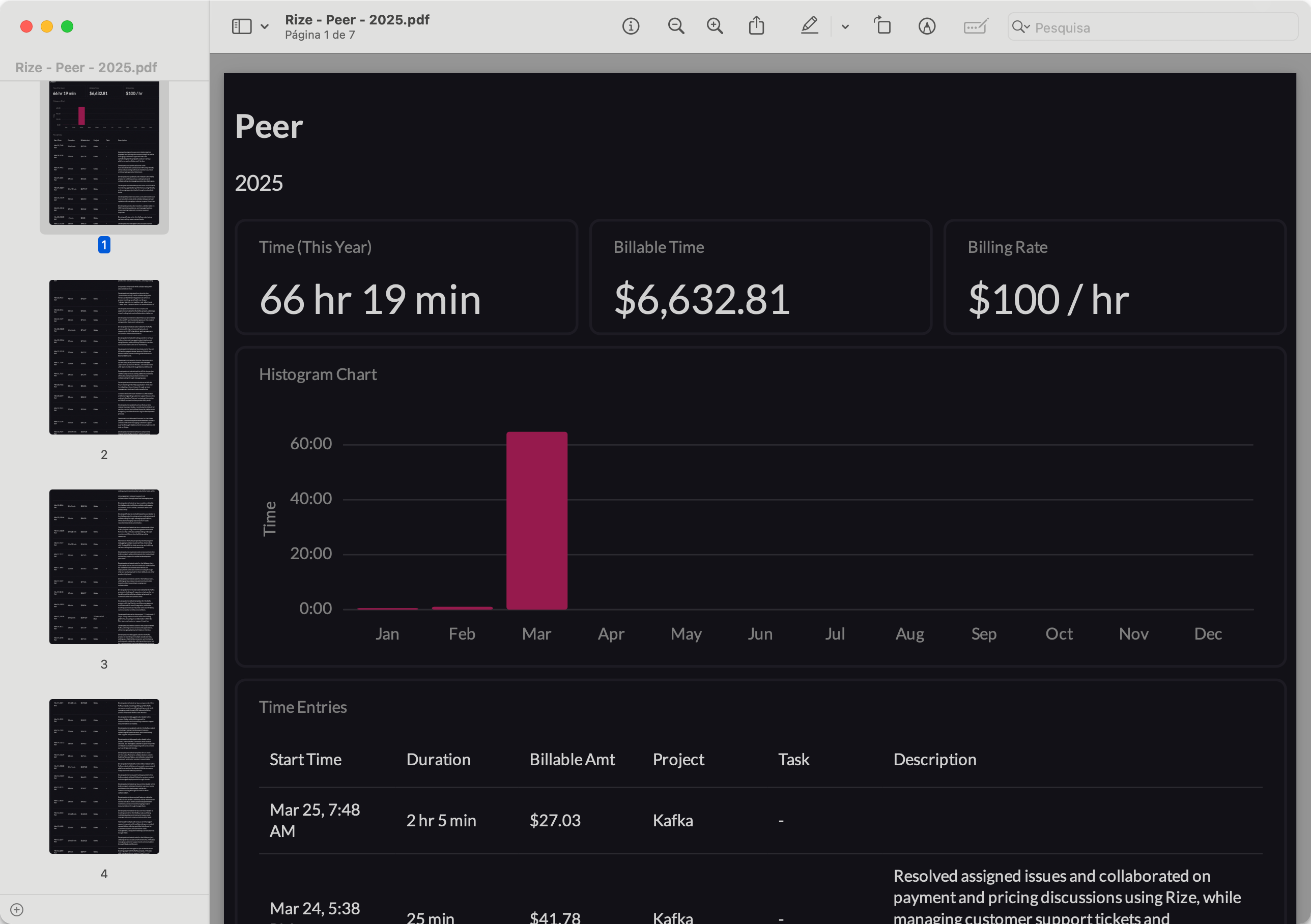
Improved Client PDF Reports
PDF reports for clients, projects, and tasks now include all time entries, not just the first page, plus totals, hourly rates, and histograms.
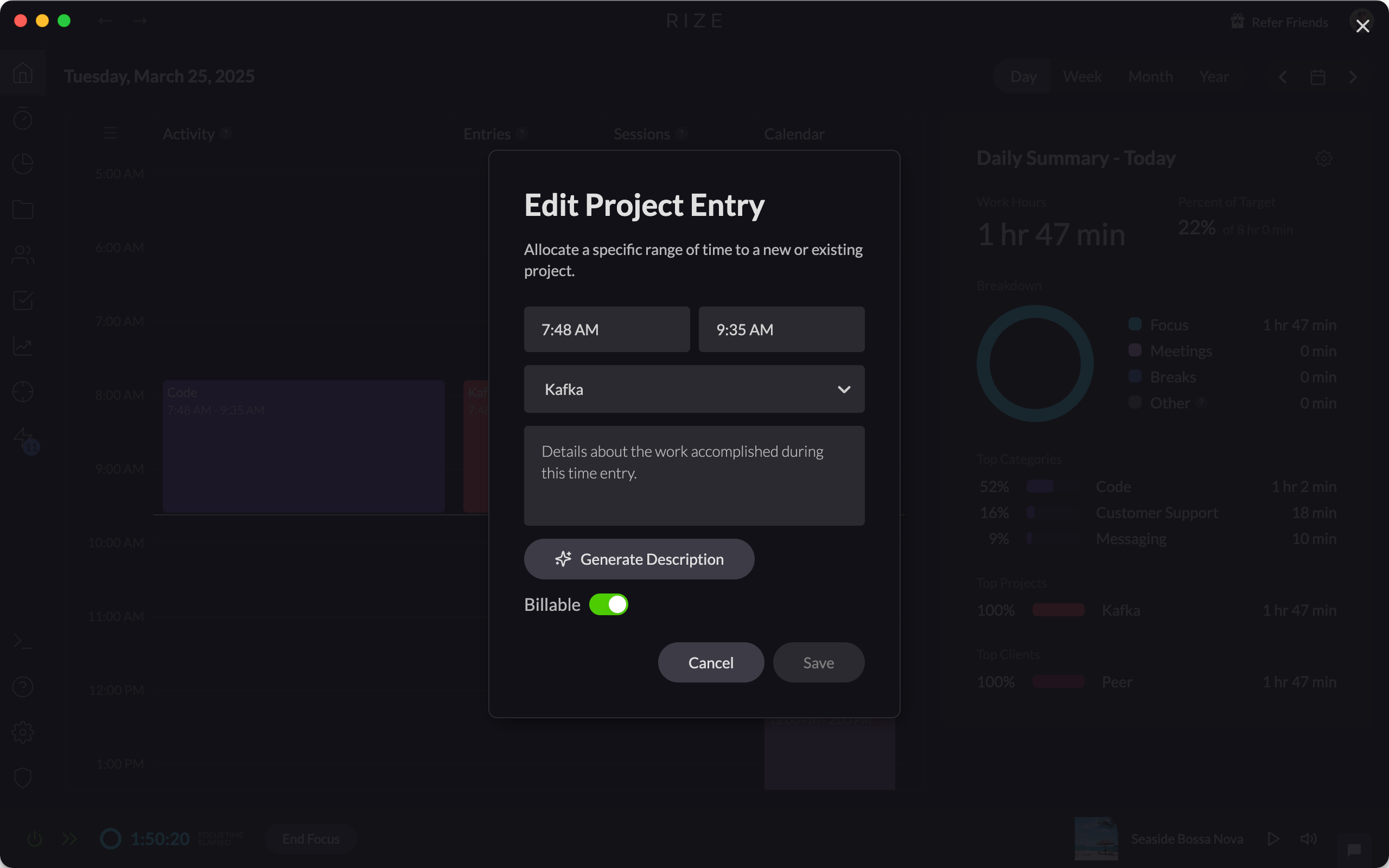
Mark Time as Billable or Non-Billable
Gain flexible and accurate tracking for your billable work by marking time entries as billable or non-billable across all your clients, projects, and tasks.
Release 1.5.5
Rize 1.5.5 fixes a race condition when quitting the app and adds stability and performance improvements for a smoother tracking experience.
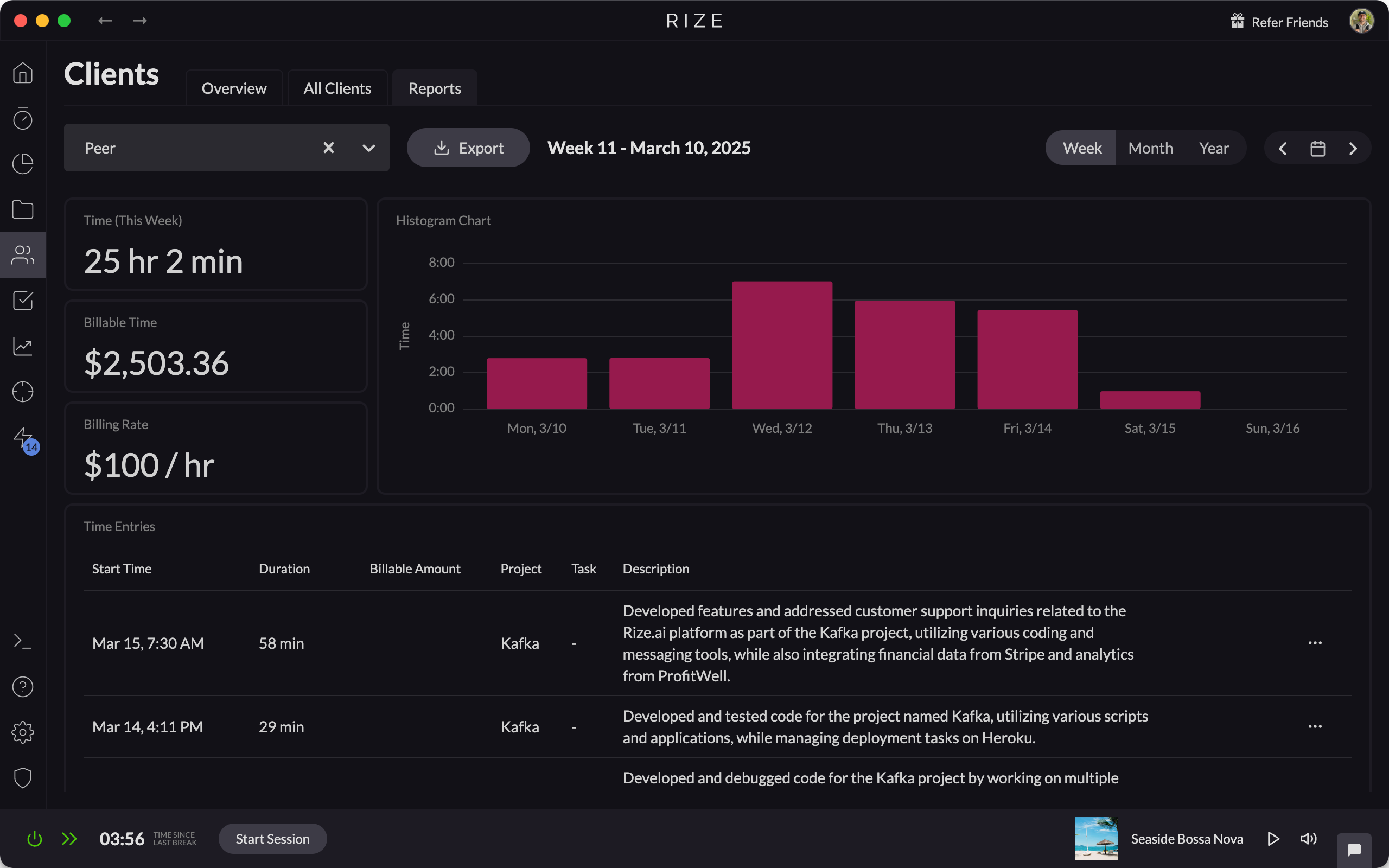
Client, Project, and Task Reports
Generate detailed Client, Project, and Task reports, making it easy to document your billable time and share with clients.
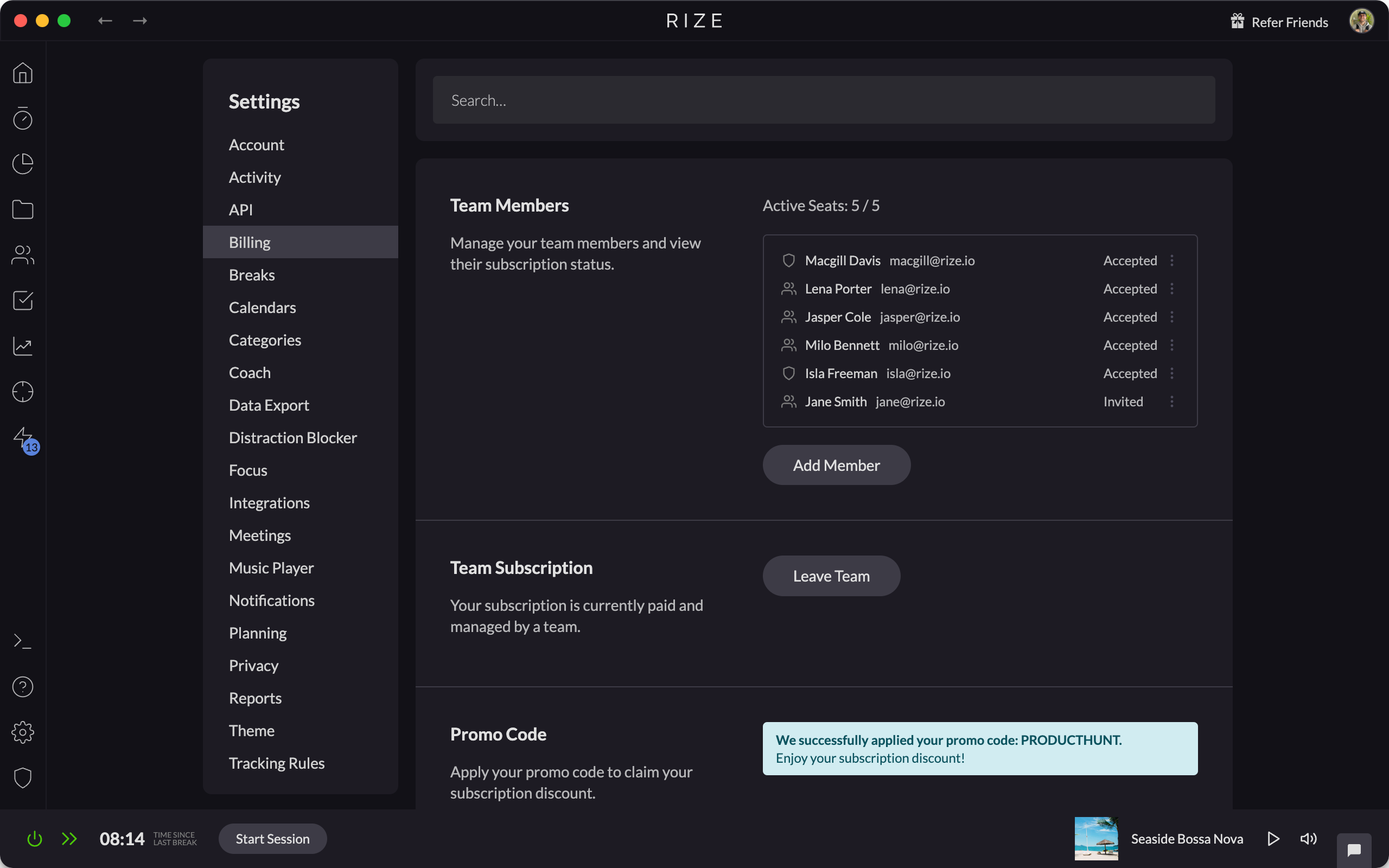
Team Billing
Streamline your Rize subscriptions and simplify expense tracking for your team by consolidating all payments under a single account.
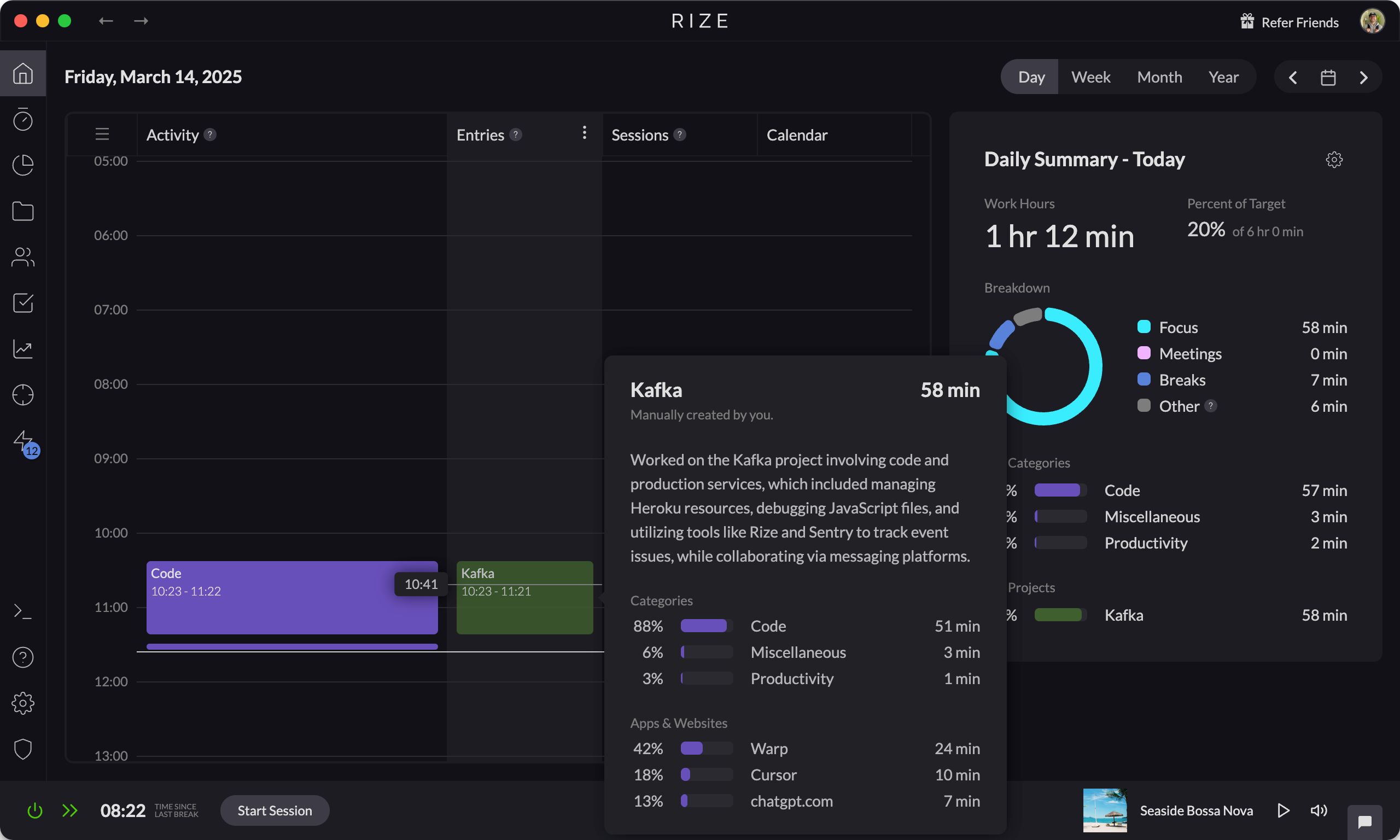
Automatic AI Generated Descriptions for Time Entries
Automatically generate detailed AI-powered descriptions for your time entries, saving time and improving time-tracking accuracy.
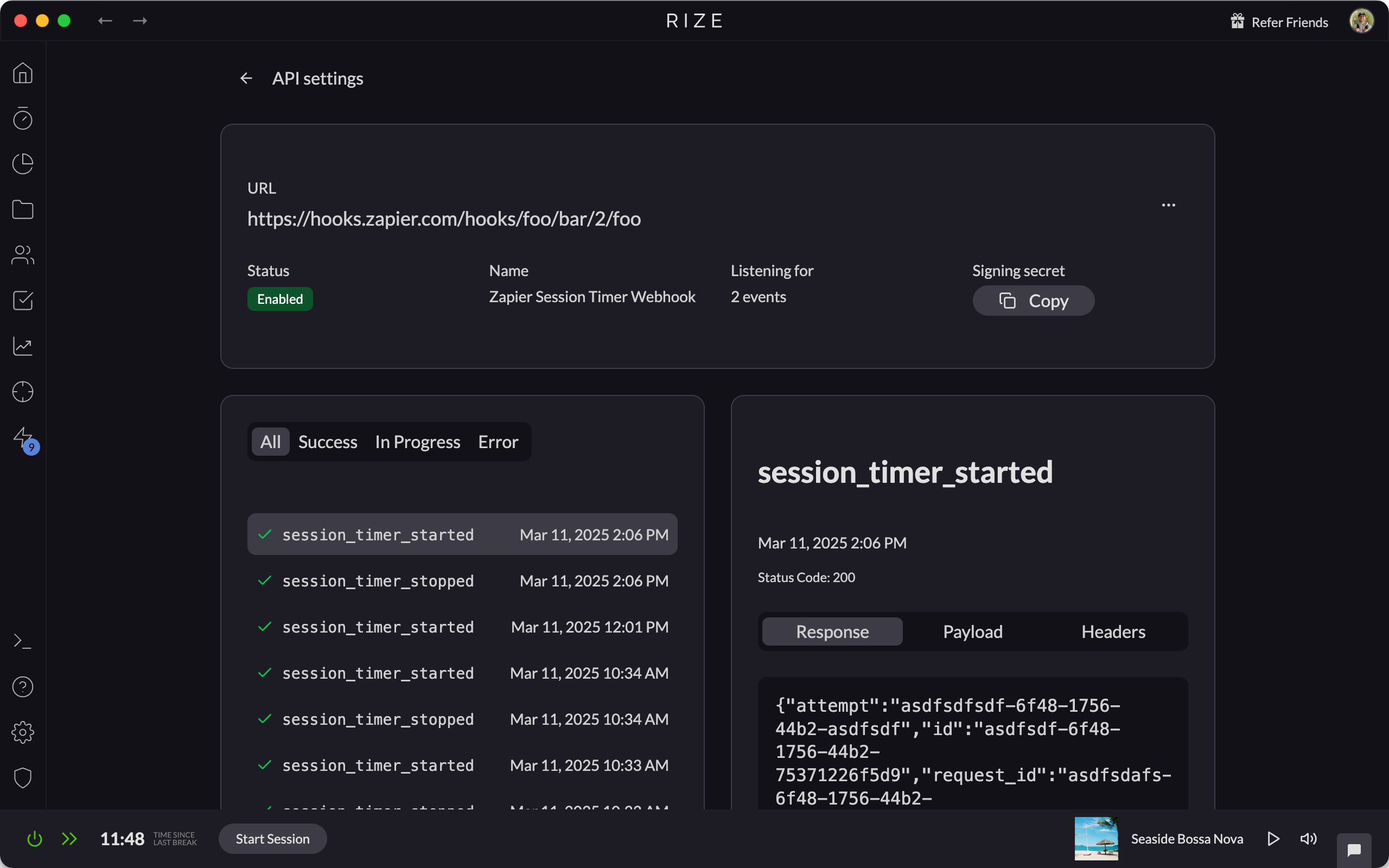
API Webhooks
Rize API webhooks send real-time session, category, and daily summary events to tools like Zapier, Slack, and Make to automate your workflows.
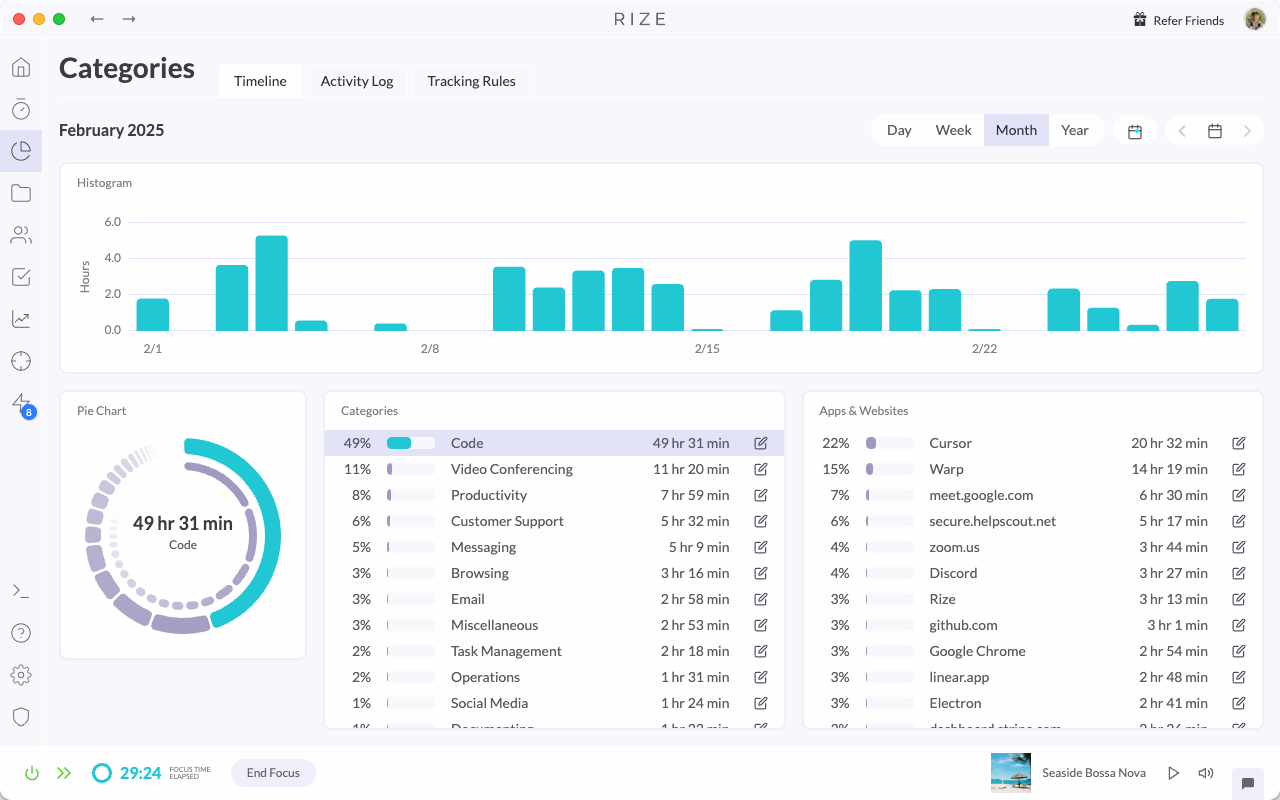
Full AI-Powered Auto-Categorization
Automate your time tracking with AI-powered auto-categorization, accurately organizing all your activity based on your job title.
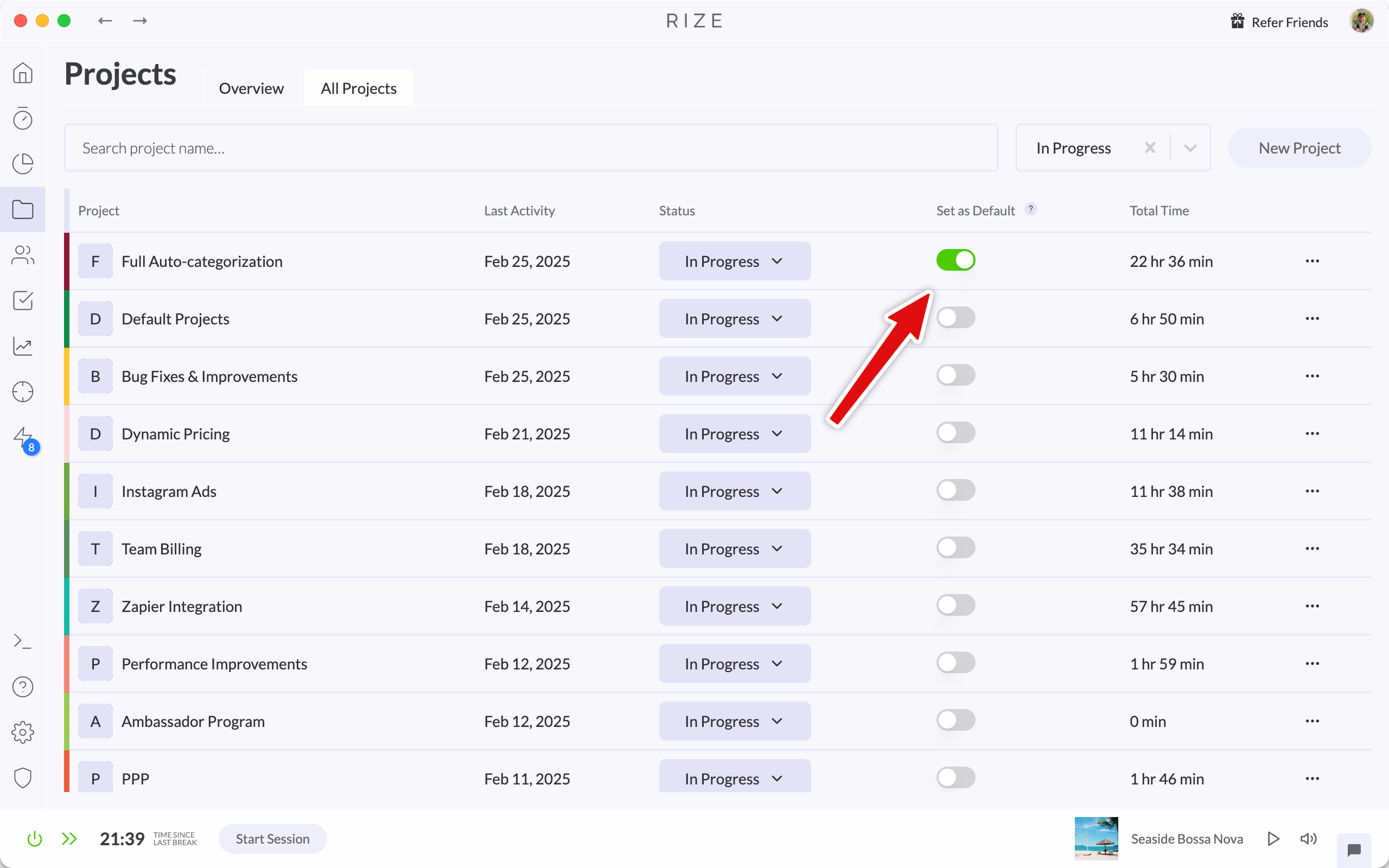
Auto-Tagging for Default Projects and Clients
Set a default project, client, or task in Rize and every new focus session is tagged with those defaults automatically, with no manual tagging.
Time Entry Suggestion Quick Actions Update
Major improvements to Time Entry Suggestions make reviewing, editing, and refining your day faster and more reliable.

Release 1.5.3
Rize 1.5.3 fixes dashboard focus issues when dismissing the blocker or break screen, keeps the widget on top on Windows, and improves stability.
Release 1.5.4
Rize 1.5.4 fixes the widget menu not dismissing on blur, adds better logging and error reporting, and includes stability and performance updates.
Release 1.5.2 - New Feature: Custom API
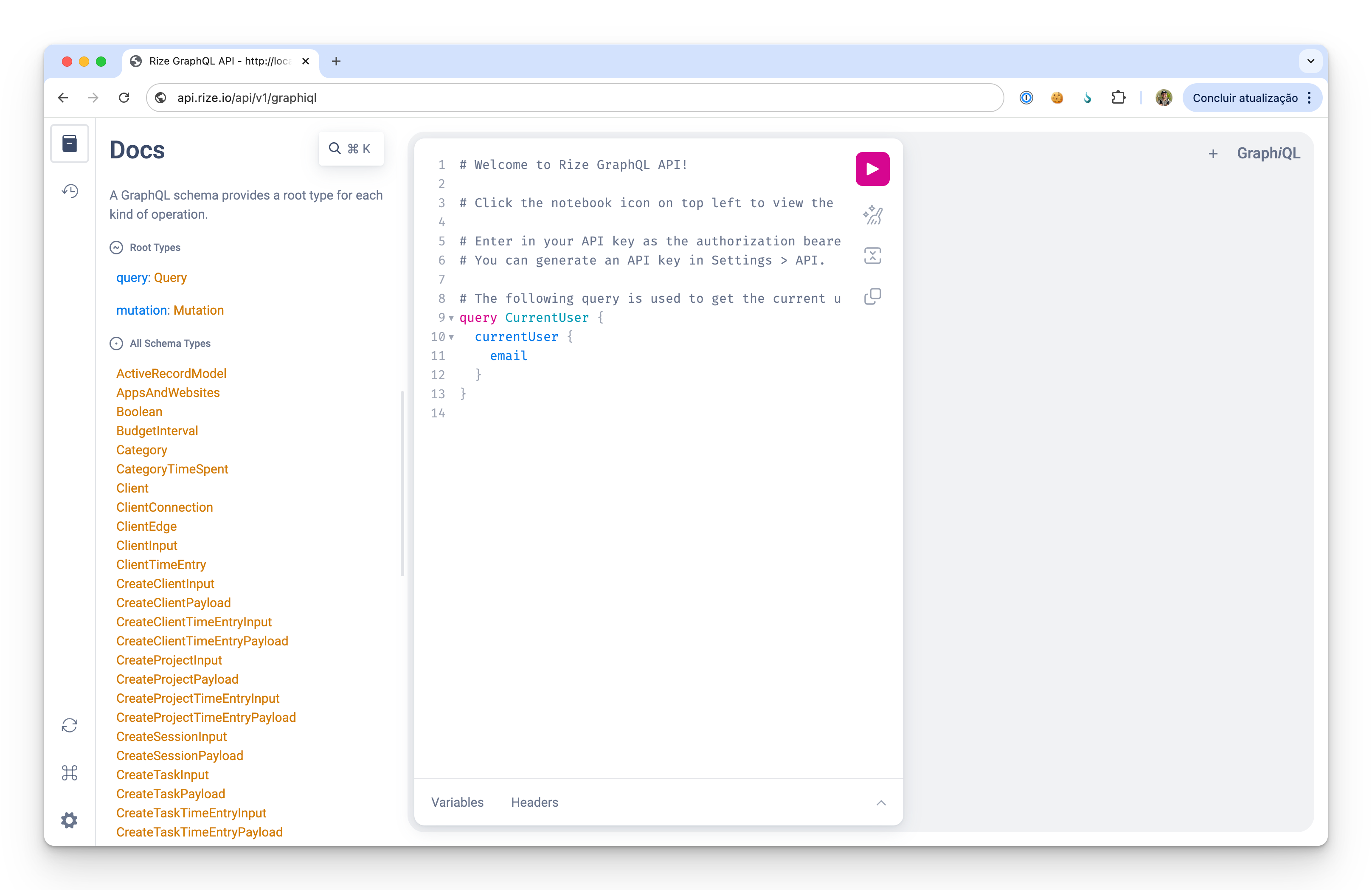
Rize 1.5.2 adds a custom API so you can connect Rize's time tracking and focus features to your own tools, scripts, and workflows.
Release 1.5.1
Rize 1.5.1 fixes idle tracking and planned session bugs and adds an option to disable auto-opening meeting links when meetings start.