Changelog
See what's new and improved in Rize.
Try the latest features — start your free trial today.
Start Free TrialRelease 1.5.0 - Plan and Navigate Your Day
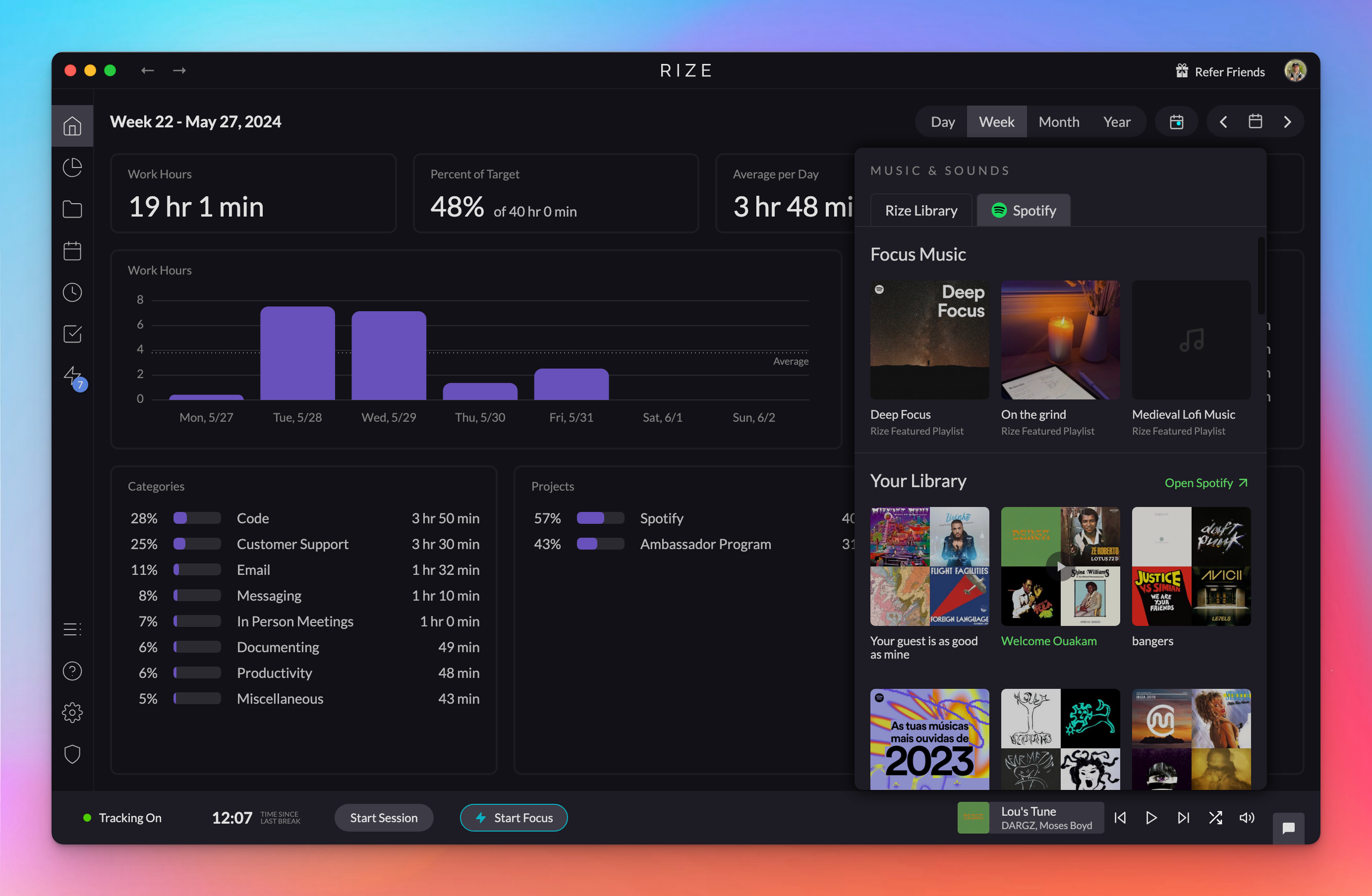
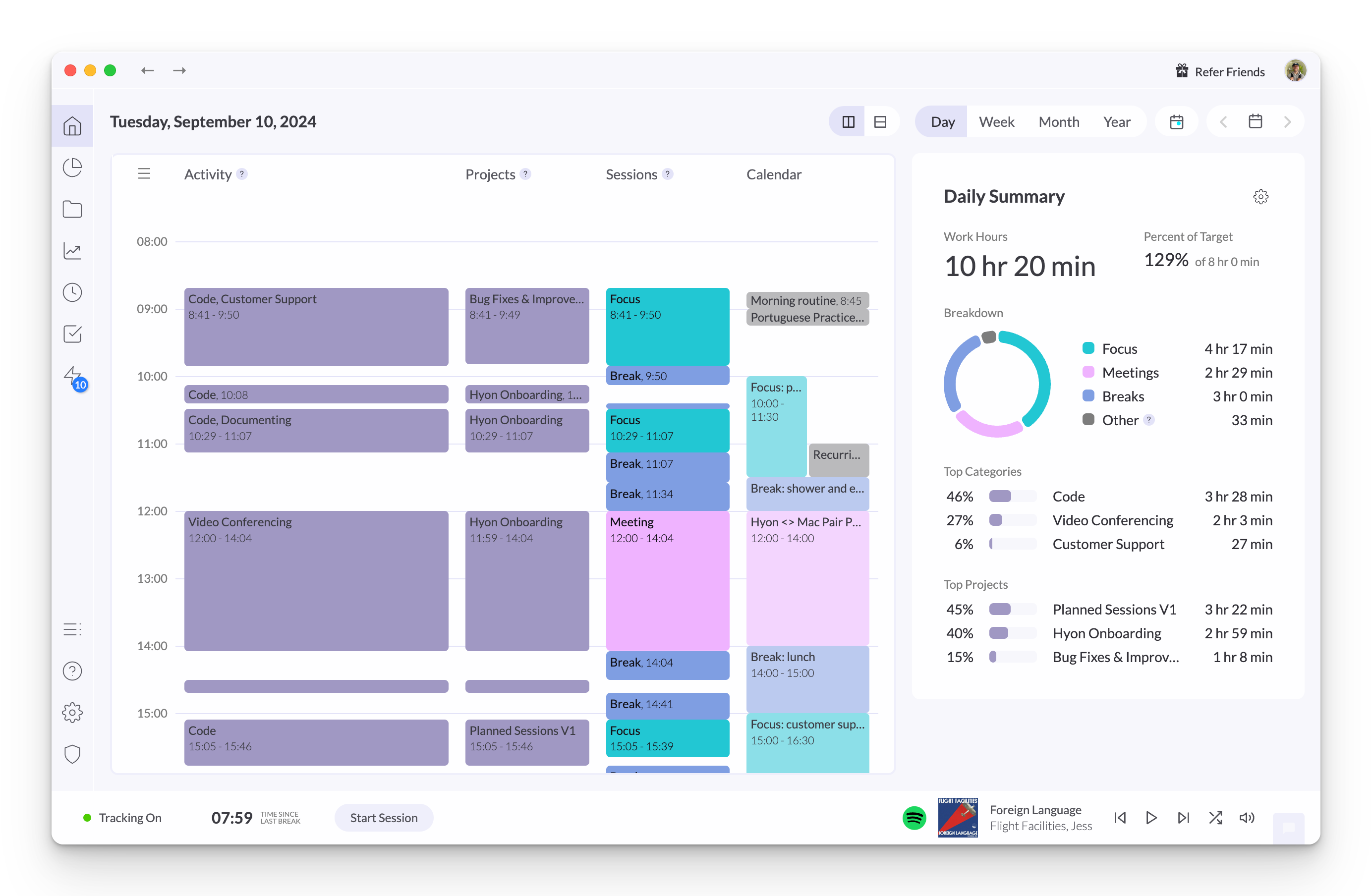
Plan and navigate your day with new Planned Sessions, allowing you to manually set your schedule or let Rize's AI optimize your focus time and breaks.
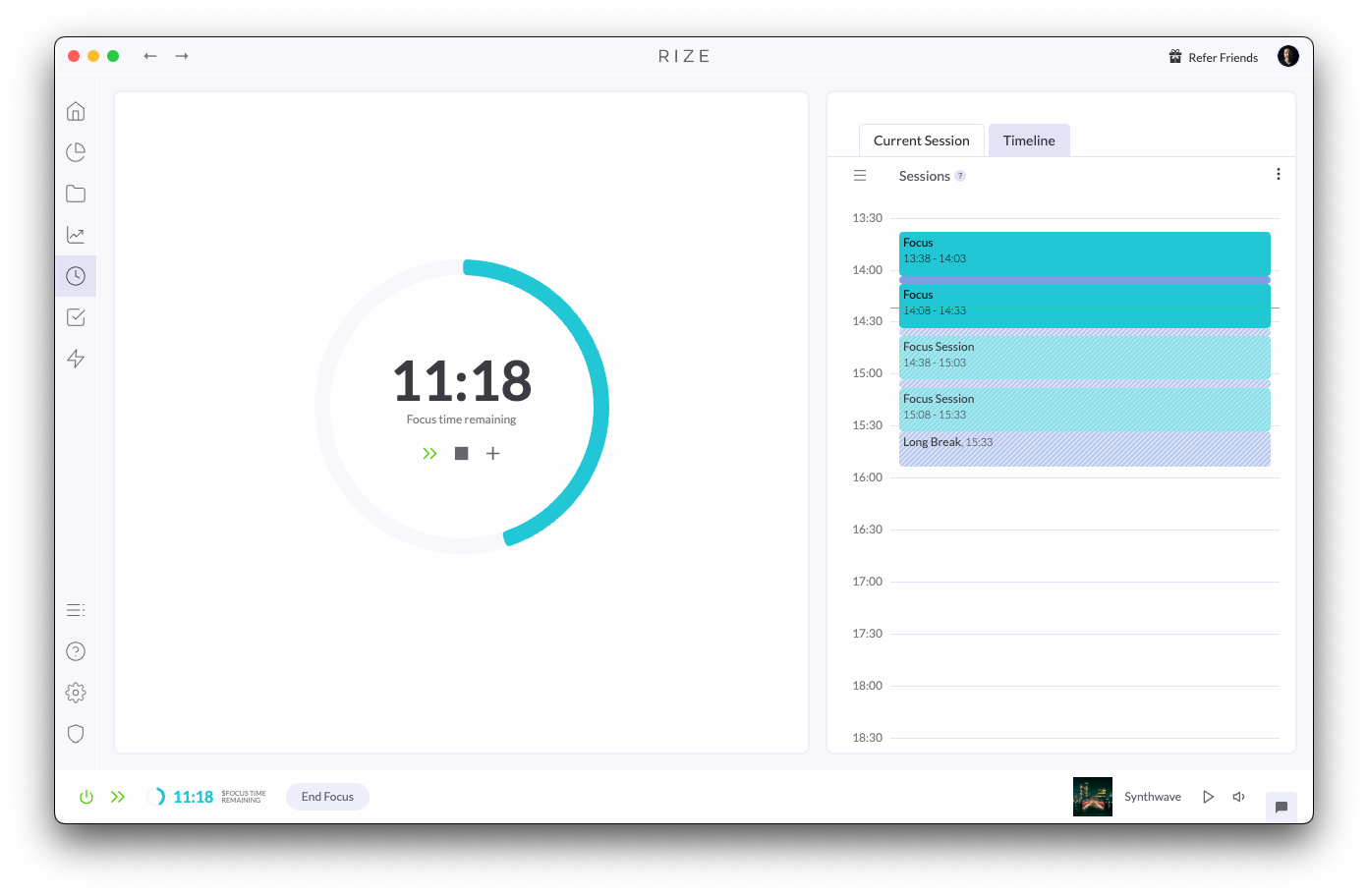
Custom Keywords for Calendar Session Creation
Automatically create Focus Sessions, Breaks, or Meetings from your calendar events using custom keywords, making it easier than ever to track your time.
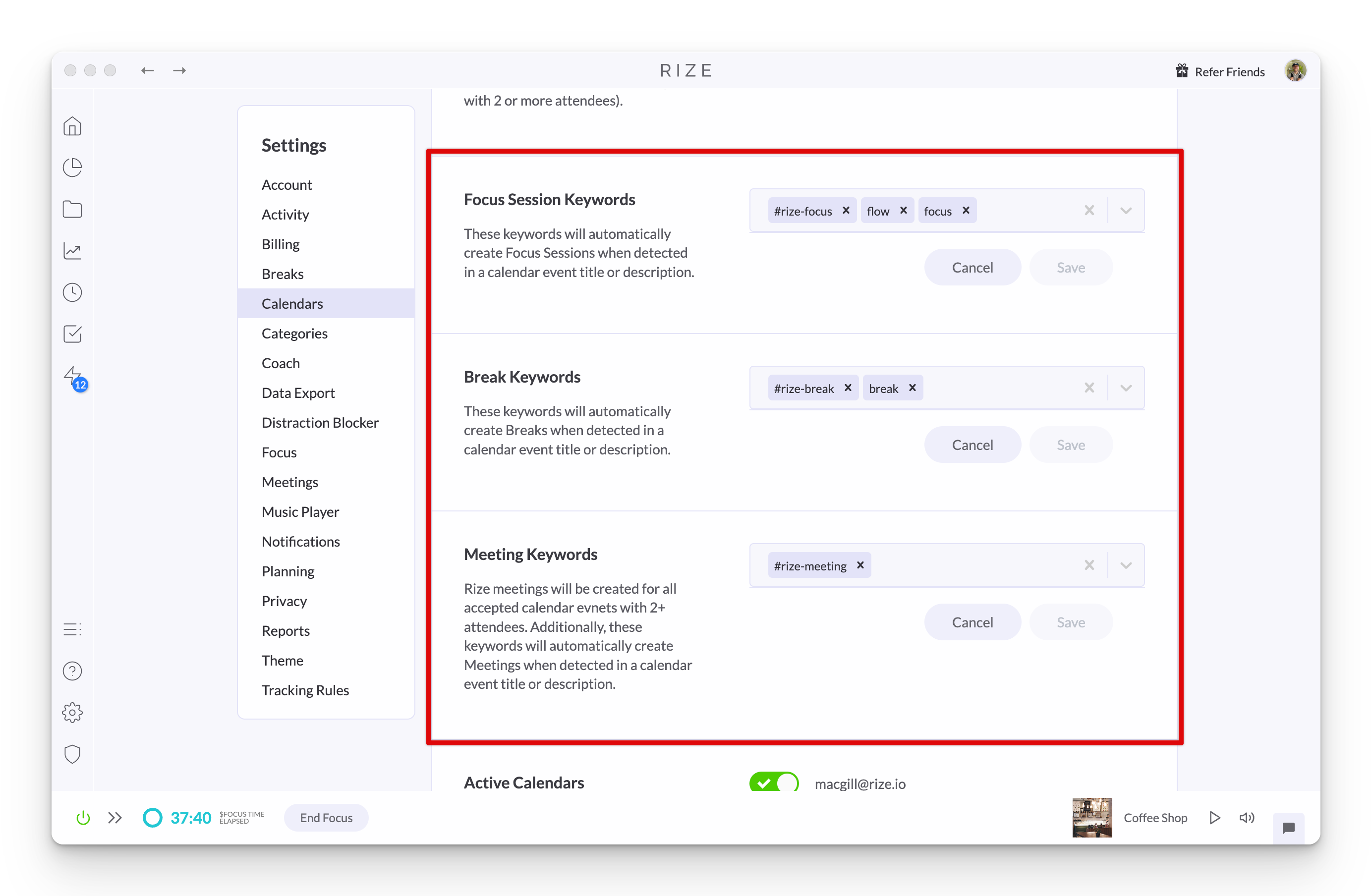
Mark Days as PTO
Mark days as PTO so they are excluded from your Work Hours daily averages. Days with PTO or OOO calendar events are marked automatically.
1.4.4 Release
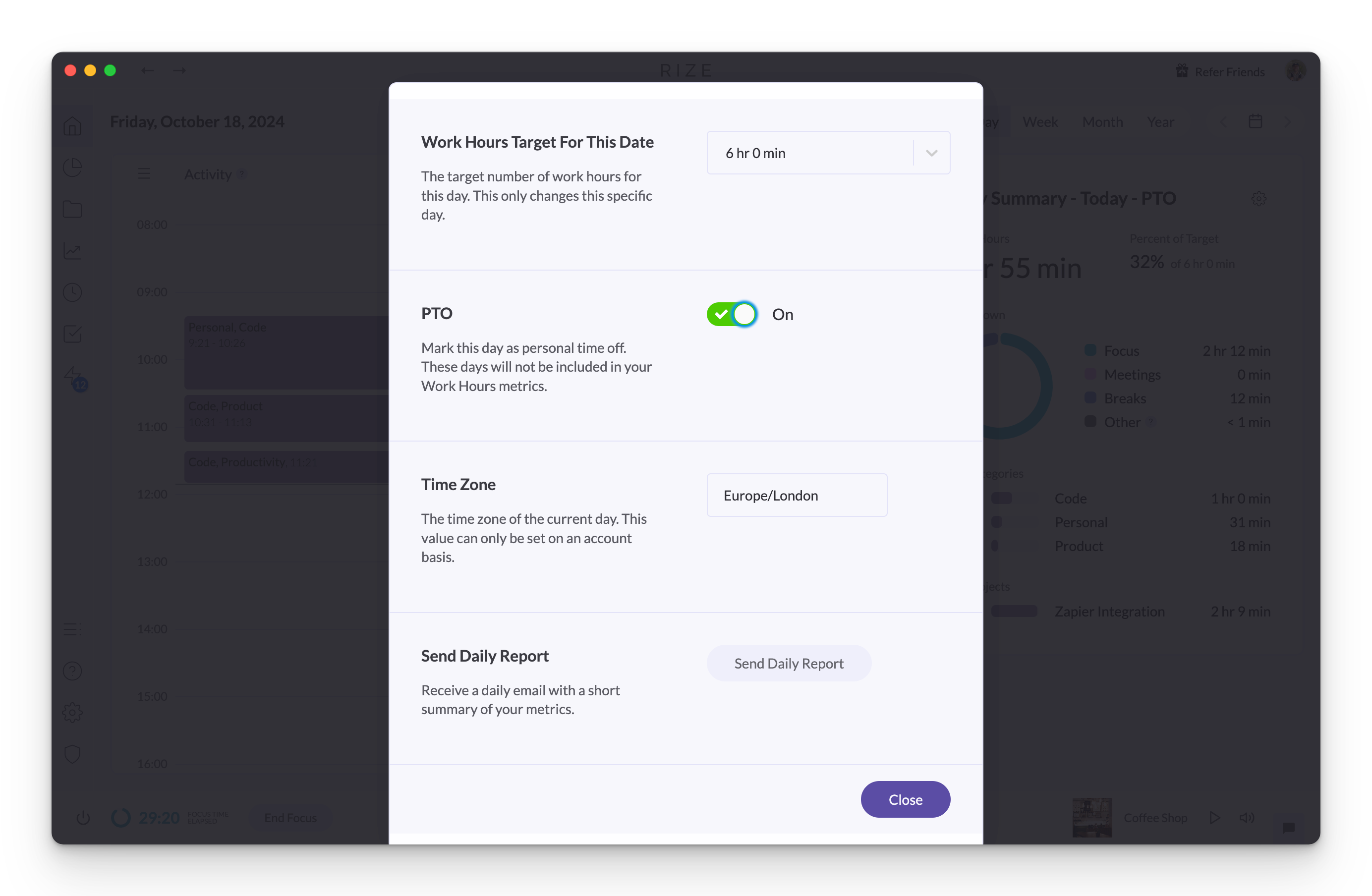
Experience improved stability, data synchronization, and a smoother user experience with bug fixes in Rize version 1.4.4.
1.4.3 Release
Rize 1.4.3 fixes another issue where the time since last break value was not updating correctly in the macOS menu bar widget.
1.4.1 Release
Rize 1.4.1 fixes project views showing only the top 5 categories and apps, a crash in debug mode, and light mode styling in the categorization modal.
1.4.2 Release
Rize 1.4.2 adds a System theme option that follows your macOS setting and fixes idle detection, menu bar widget, and dashboard error issues.
1.4.0 Release - Light Mode
Rize 1.4.0 introduces Light Mode, a brighter interface you can enable in Settings > Theme, plus fixes for quitting and Windows bar theming.
1.3.26 Release
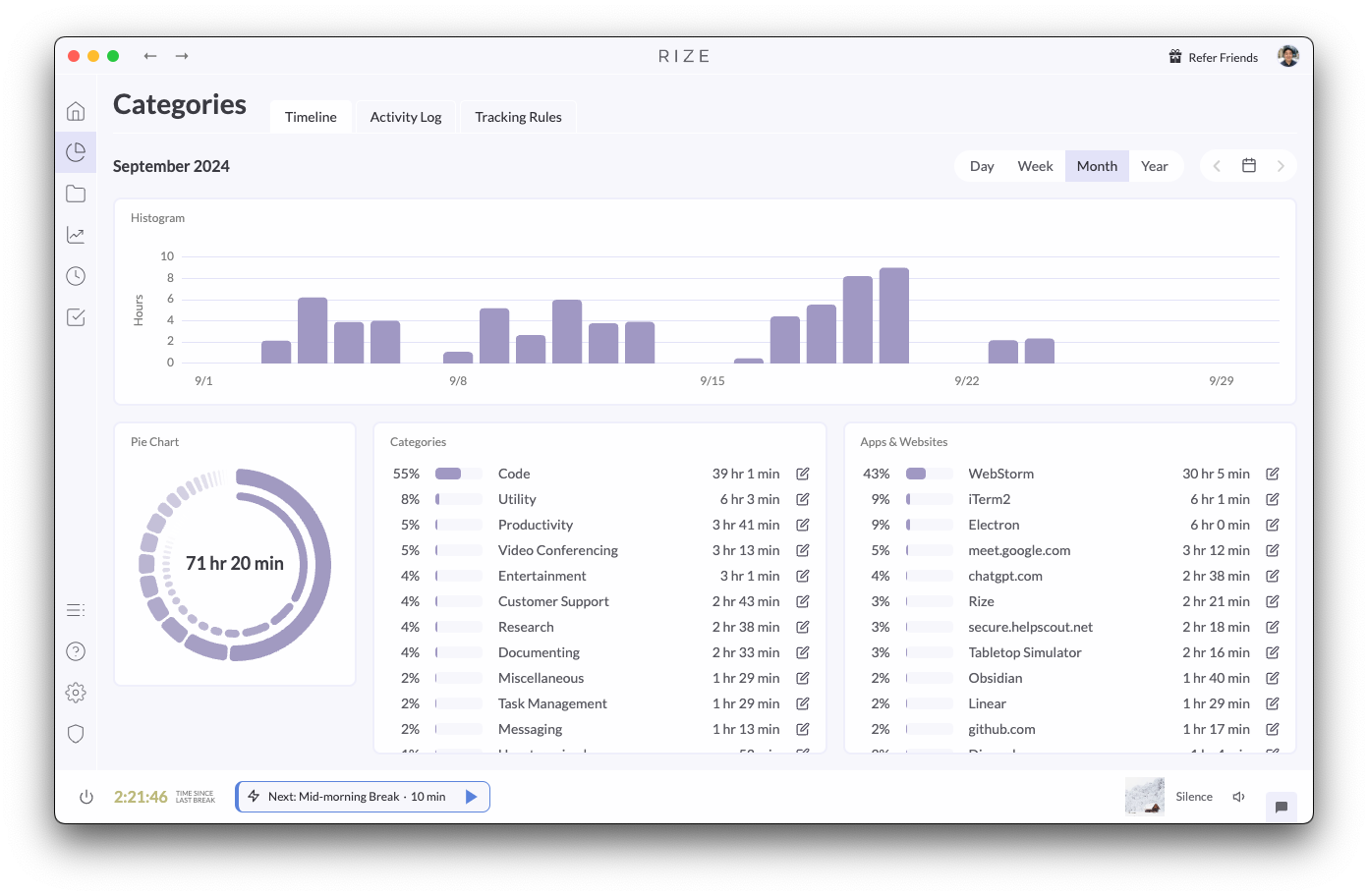
Rize 1.3.26 overhauls tracking logic for better stability, adds a daily work hours target setting, and pauses notification timers on hover.
1.3.27 Release
Rize 1.3.27 fixes an issue where the distraction blocker would break when urge surfing was enabled, restoring reliable distraction blocking.
1.3.19 Beta Release - Light Mode
Rize 1.3.19 beta introduces light mode and major rewrites to the tracking code for more reliable tracking, with downloads for Windows and macOS.
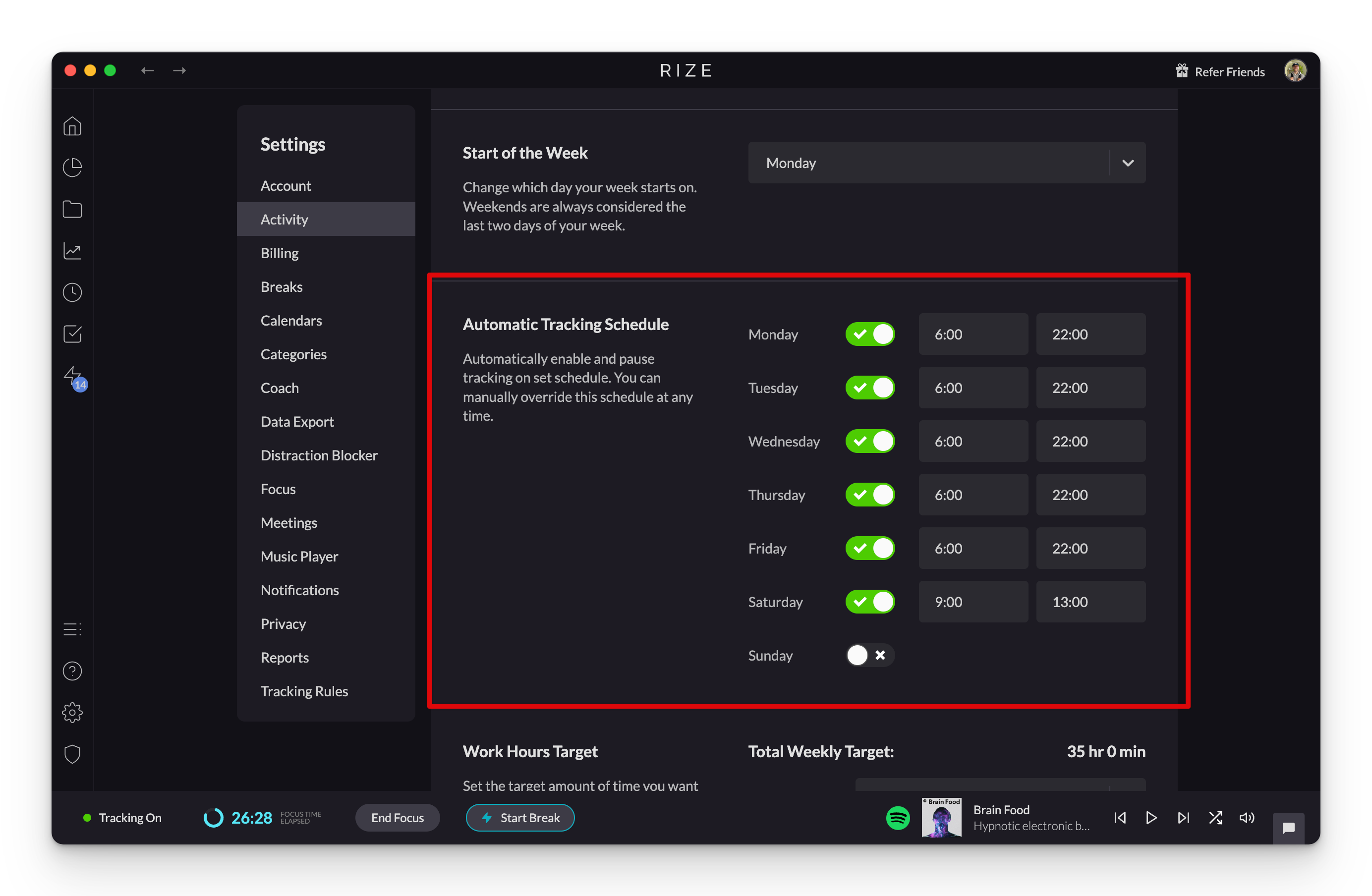
Customize Automatic Tracking Schedule Per Weekday
Gain complete control over your time tracking by customizing Rize's automatic tracking schedule for each day of the week.
1.3.6 Release
Gain enhanced productivity insights and customize your time management with a new Productivity tab, custom work hour targets, and improved session controls.
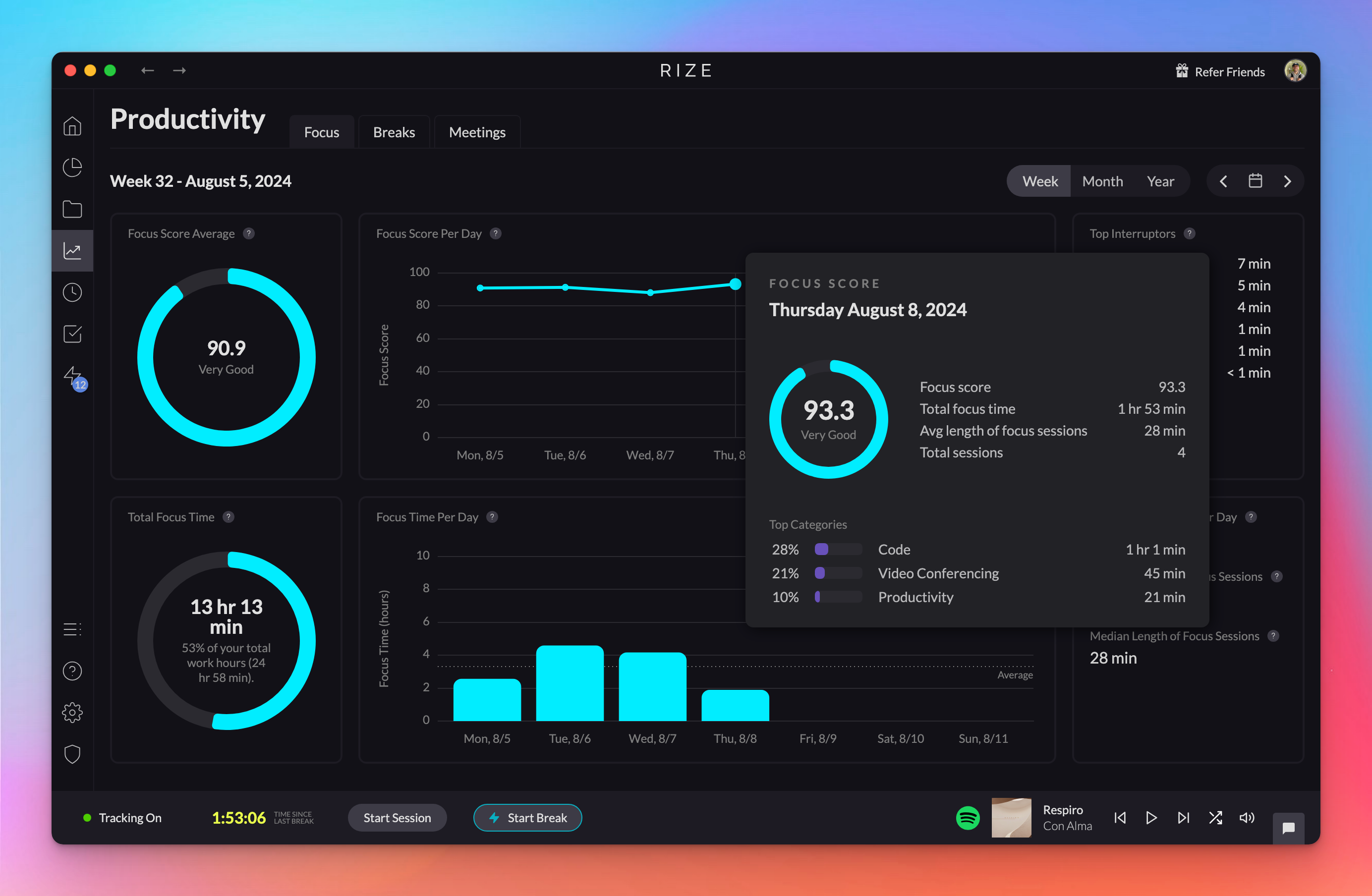
Brand new Productivity tab with improved metrics
Gain deeper insights into your Focus, Breaks, and Meetings with revamped metrics available in the brand new Productivity tab.
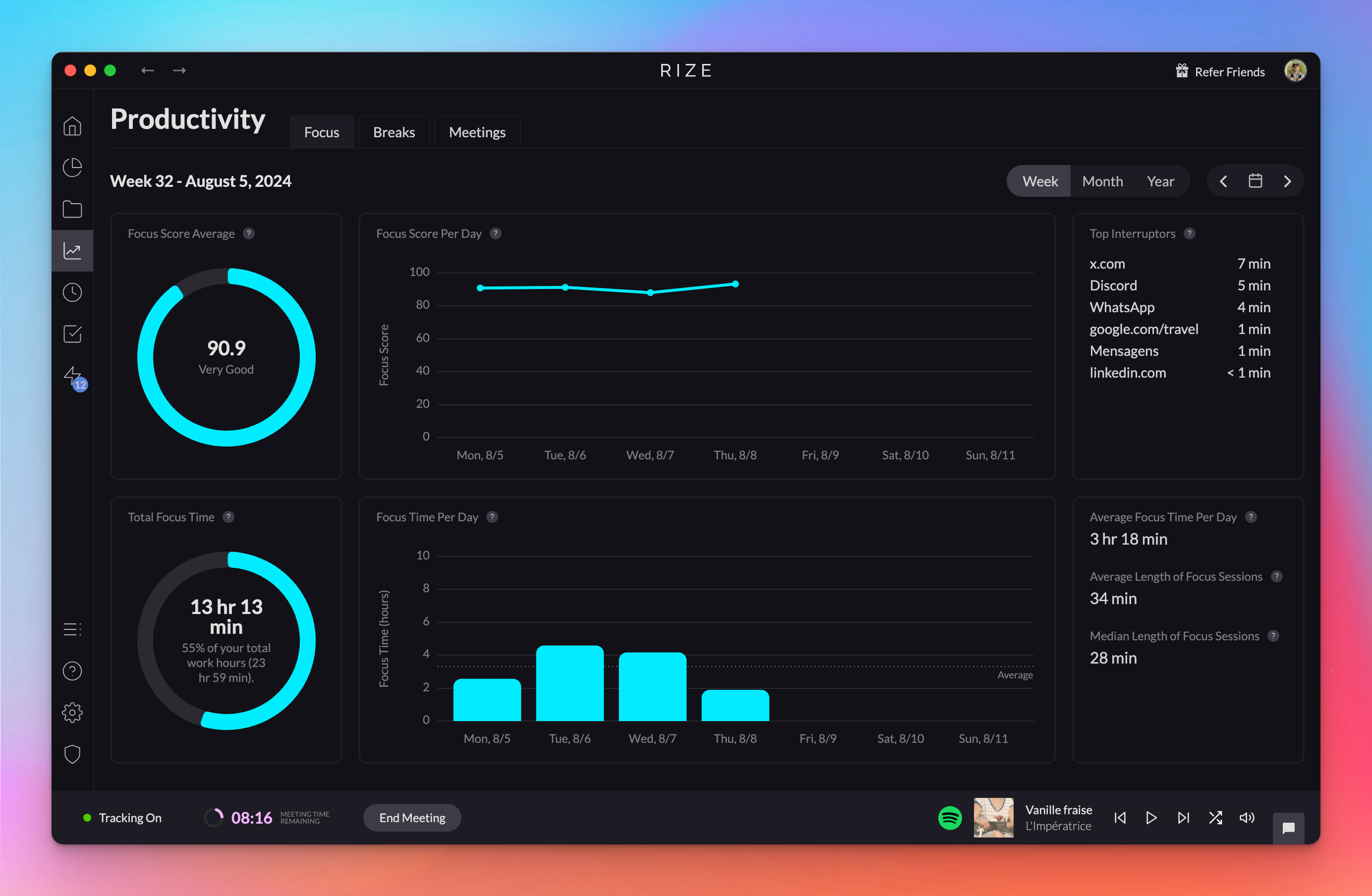
Custom Time Options for Sessions and Breaks
Personalize your Focus Sessions, Breaks, and Meetings to fit your workflow by setting custom default durations.
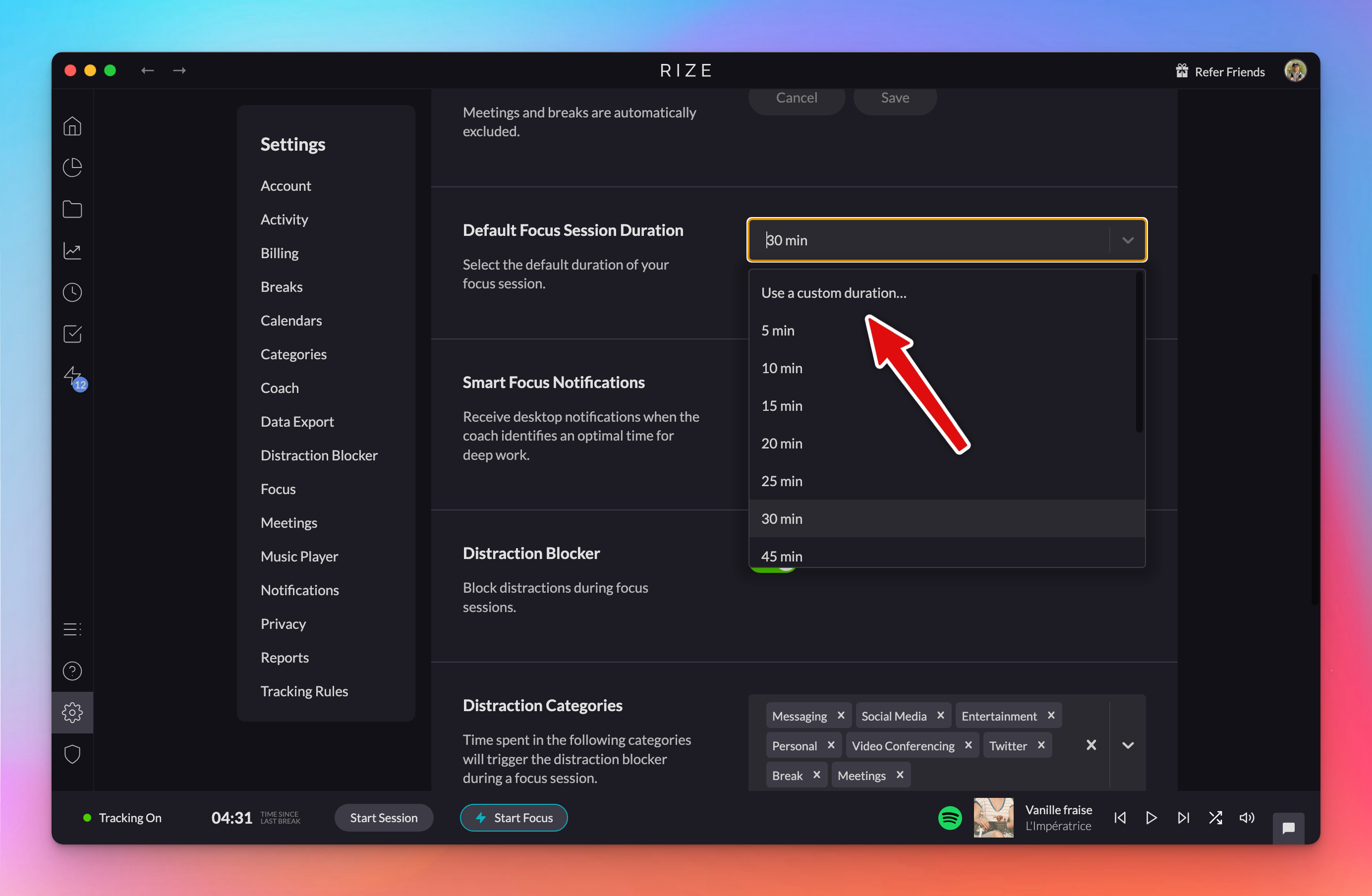
Improved start Focus Session, Break, and Meeting view
Start Focus Sessions, Breaks, and Meetings faster with simplified pop-up views that condense your options into a few quick choices.
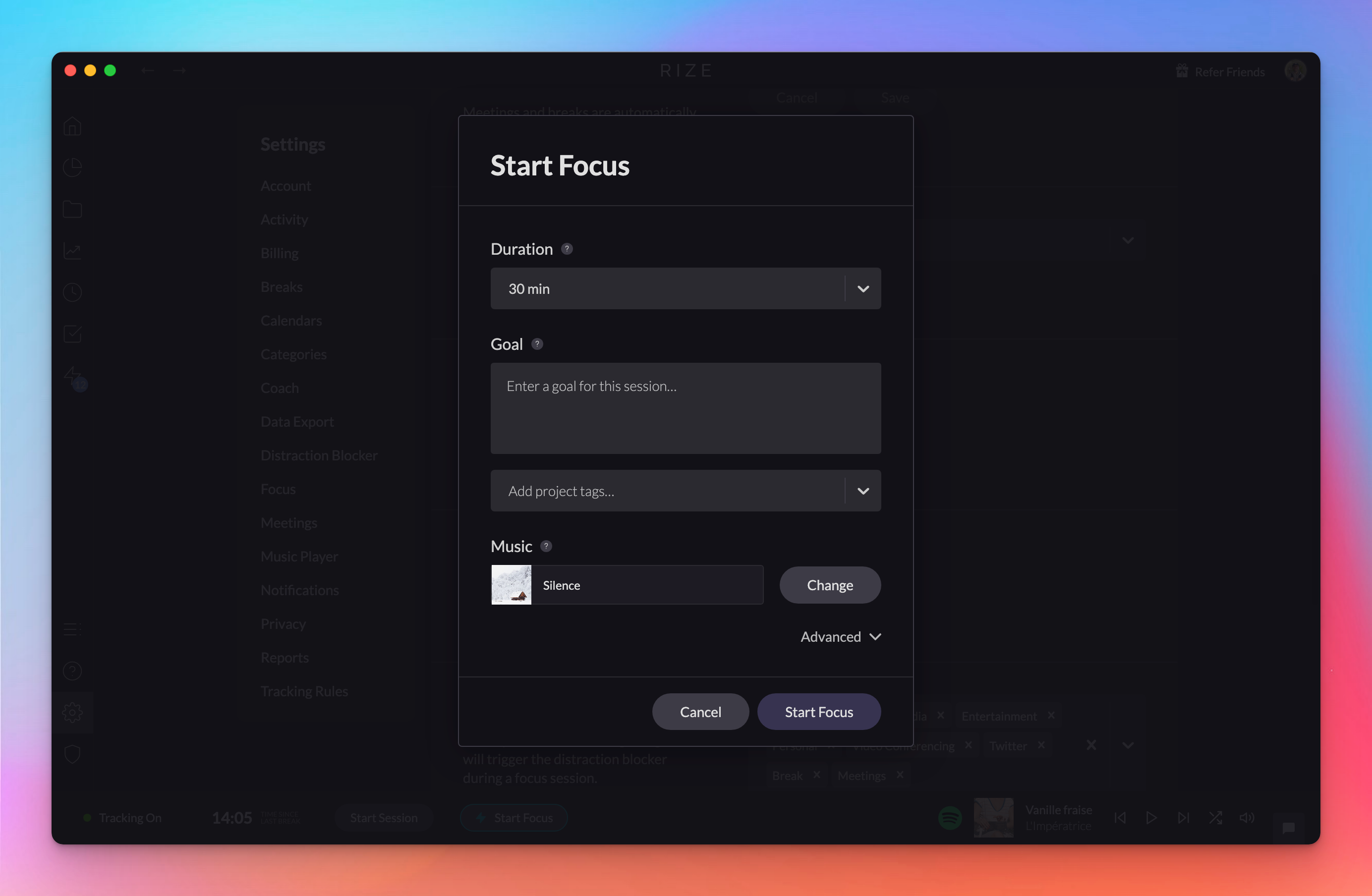
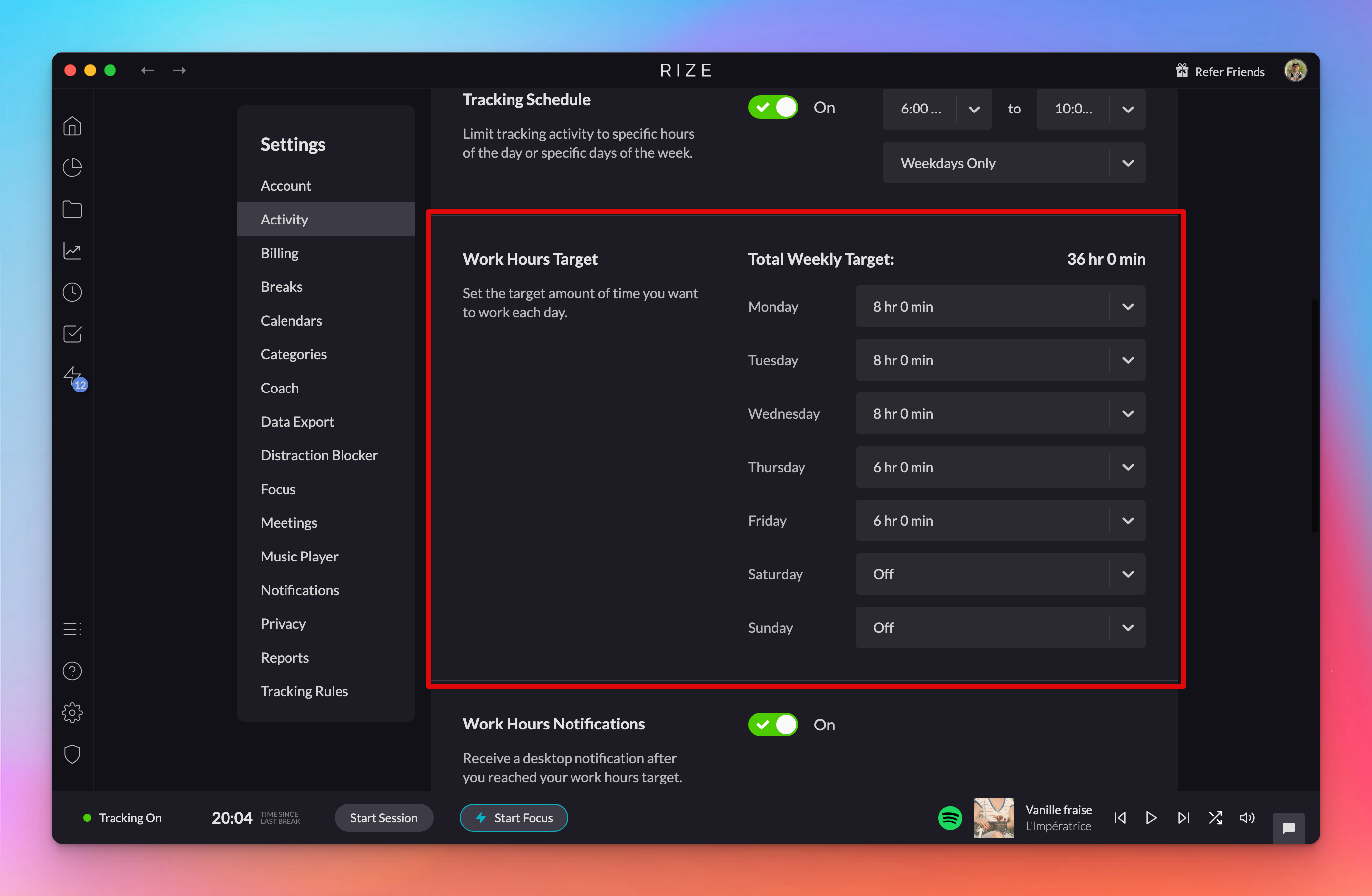
Set custom work hours target per weekday
Set a custom work hours target for each weekday in Settings > Activity > Work Hours Target. Weekly, monthly, and annual calculations use these targets.
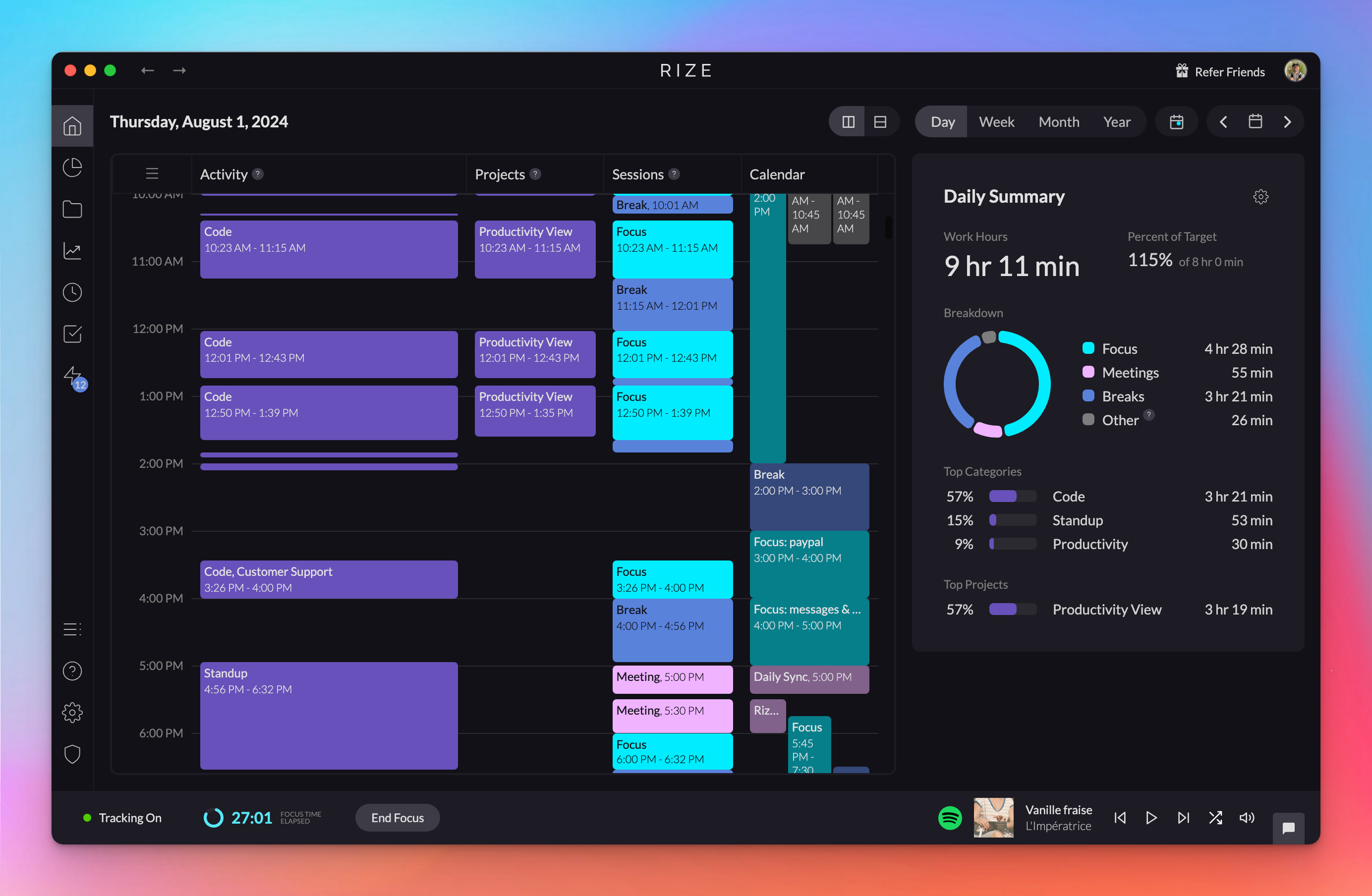
Set default timeline range for Home calendar view
Customize your Home calendar view to display your preferred daily work hours by setting a default timeline range.
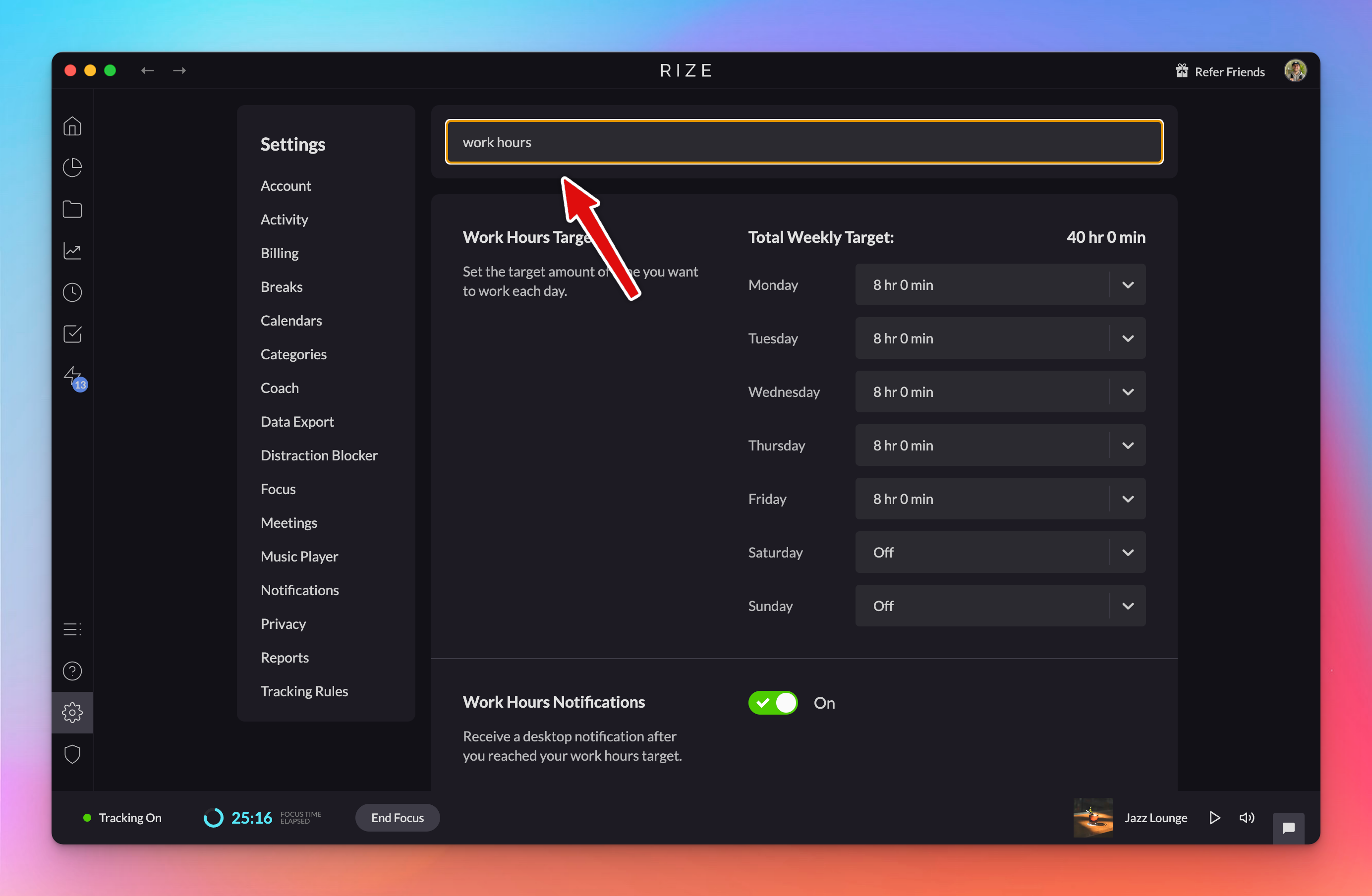
Updated settings page with search
The revamped settings page has a simpler structure and a new search that finds every setting related to a keyword like Break or Work Hours.
1.2.2 Release
Rize 1.2.2 ships bug fixes and lays the foundation for the upcoming Spotify integration, which is awaiting approval before rolling out to all users.