Changelog
See what's new and improved in Rize.
Try the latest features — start your free trial today.
Start Free Trial0.18.15 Release
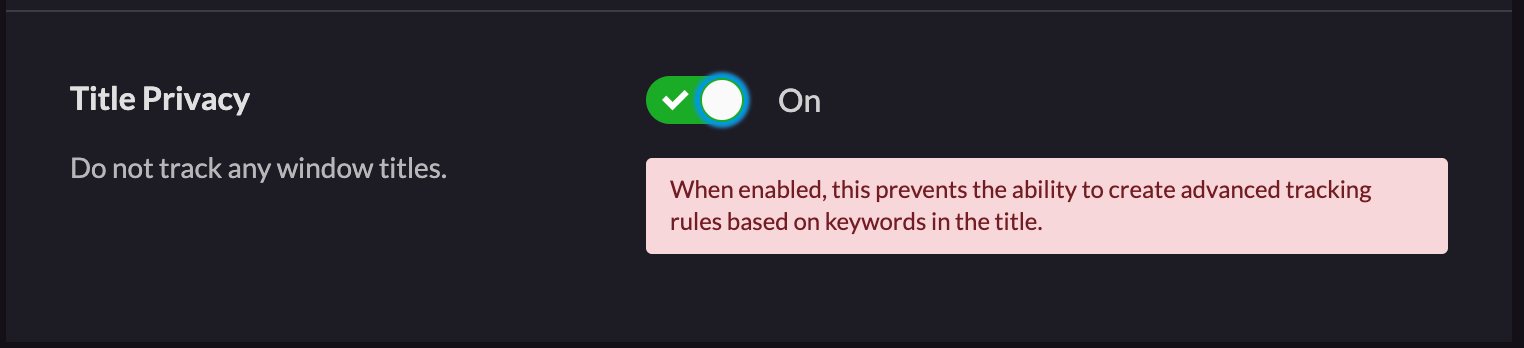
Upgraded Windows App Certification, new 'Do Not Track Titles' setting, and Firefox incognito fix in Rize version 0.18.15.
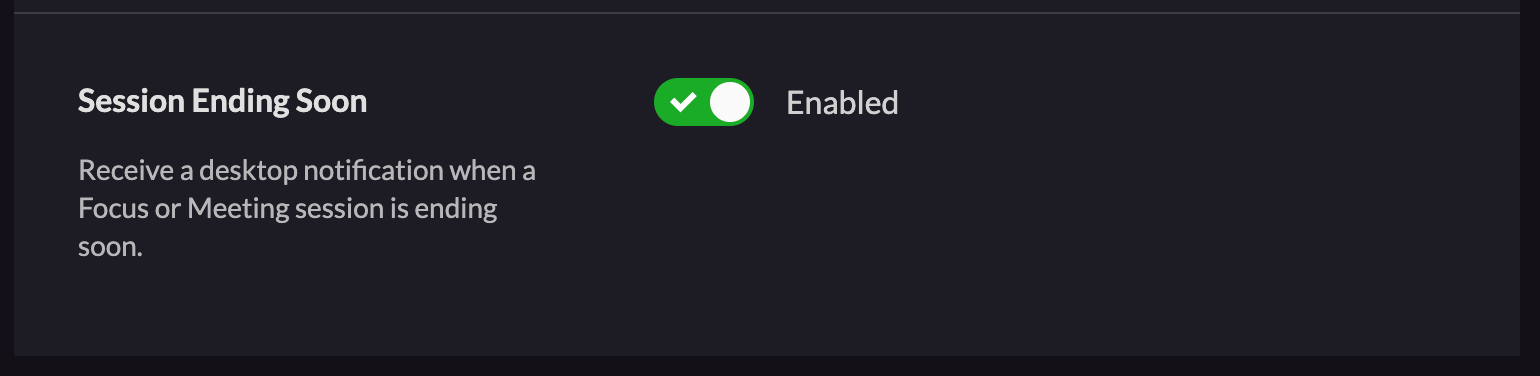
Focus Session & Meeting Ending Soon Notification
Stay on track with your schedule by utilizing the new notification that alerts you five minutes before your focus session or meeting ends.
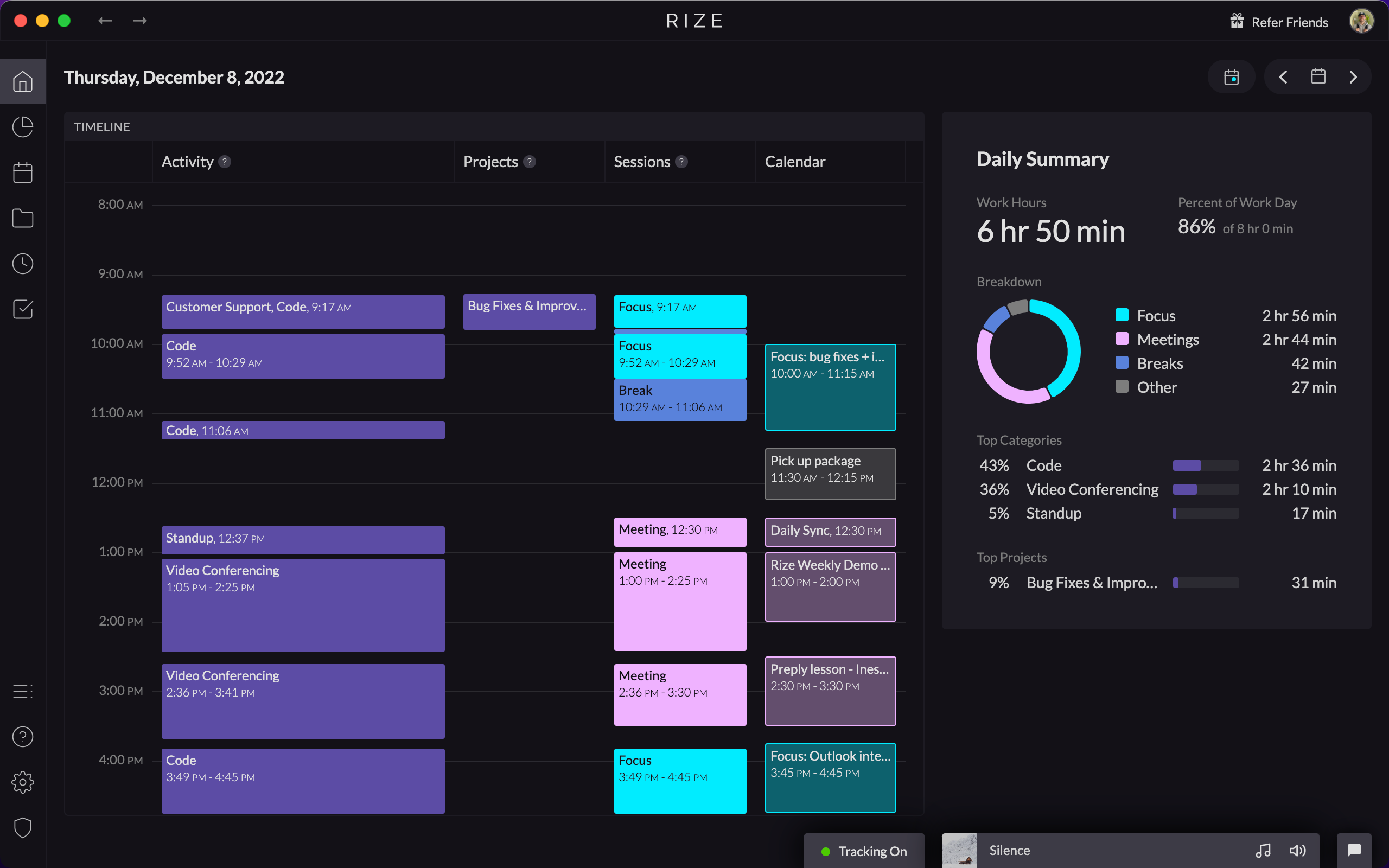
Launching the New Home Tab with Vertical Timeline
Visualize your entire workday with the new Home tab featuring a vertical timeline that displays all your activities, projects, and sessions.
Removing Work Hours without Breaks Feature
We are temporarily removing the Work Hours without Breaks setting due to technical blockers. Until it returns, Work Hours will include break time.
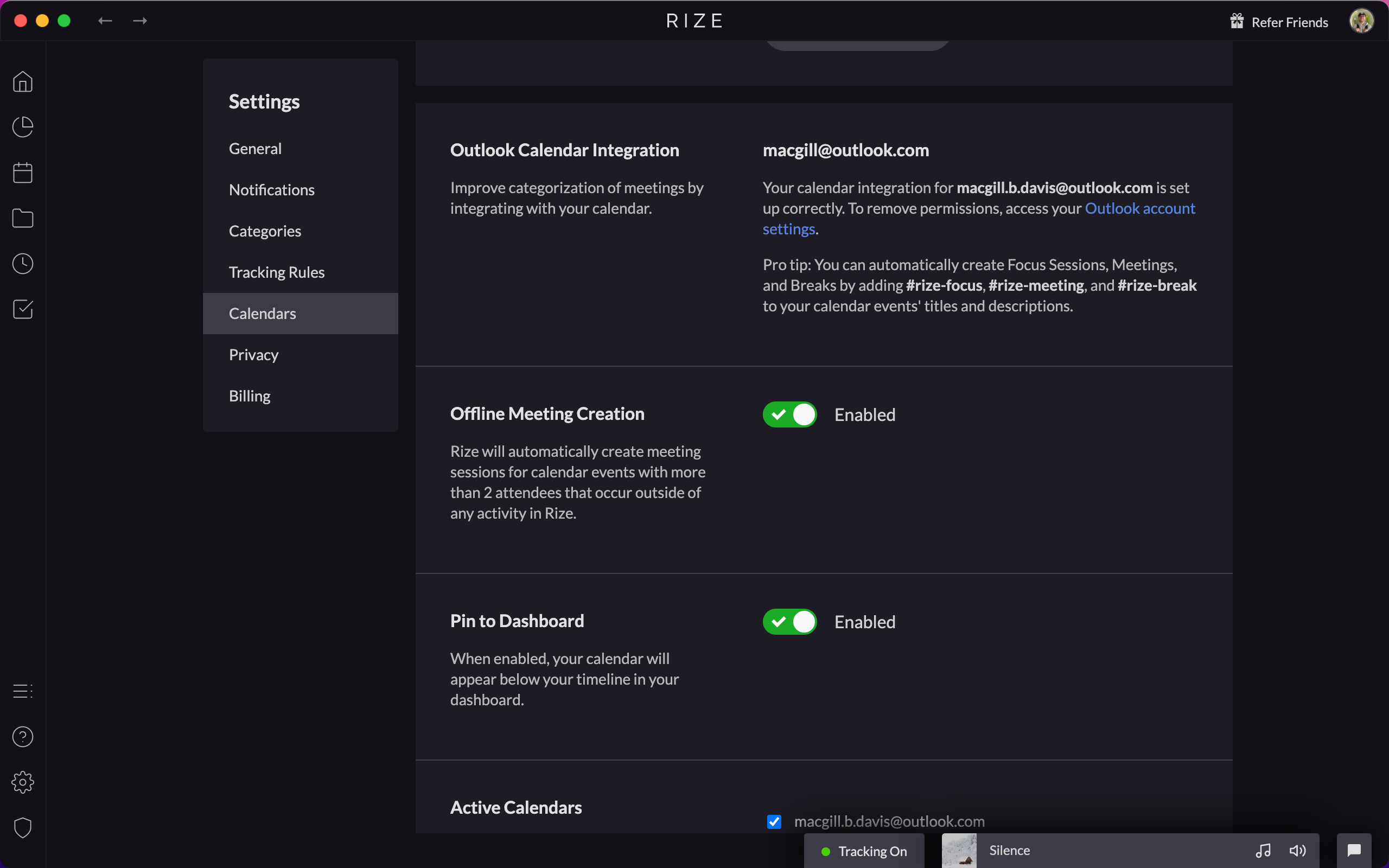
Outlook Calendar Integration
Connect your Outlook calendar to Rize under Settings > Calendars. The integration matches all the functionality of the Google Calendar integration.
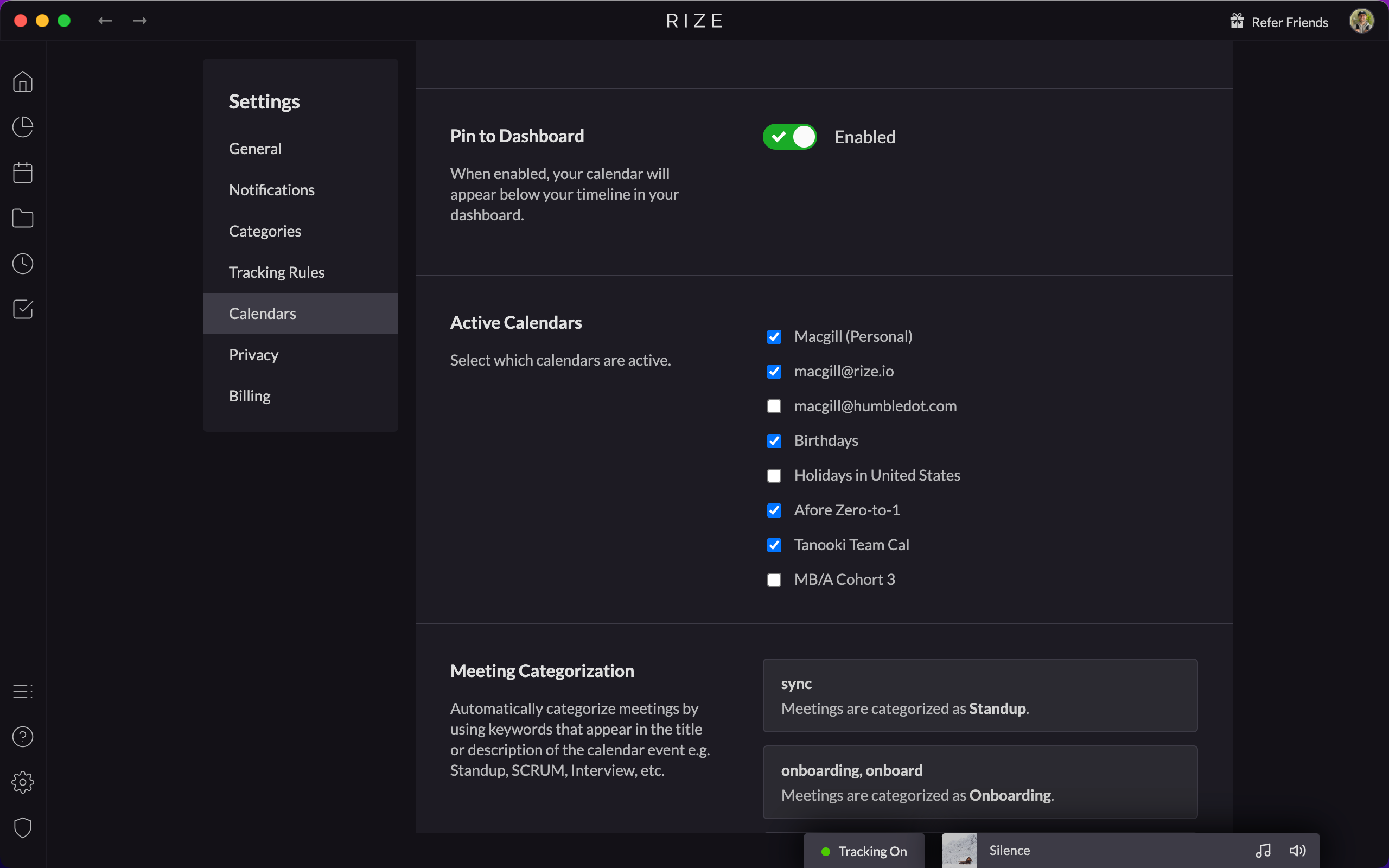
Add Secondary Google Calendar Support
Rize now integrates with any number of secondary Google calendars, not just your primary one. Check the calendars you want under Settings.
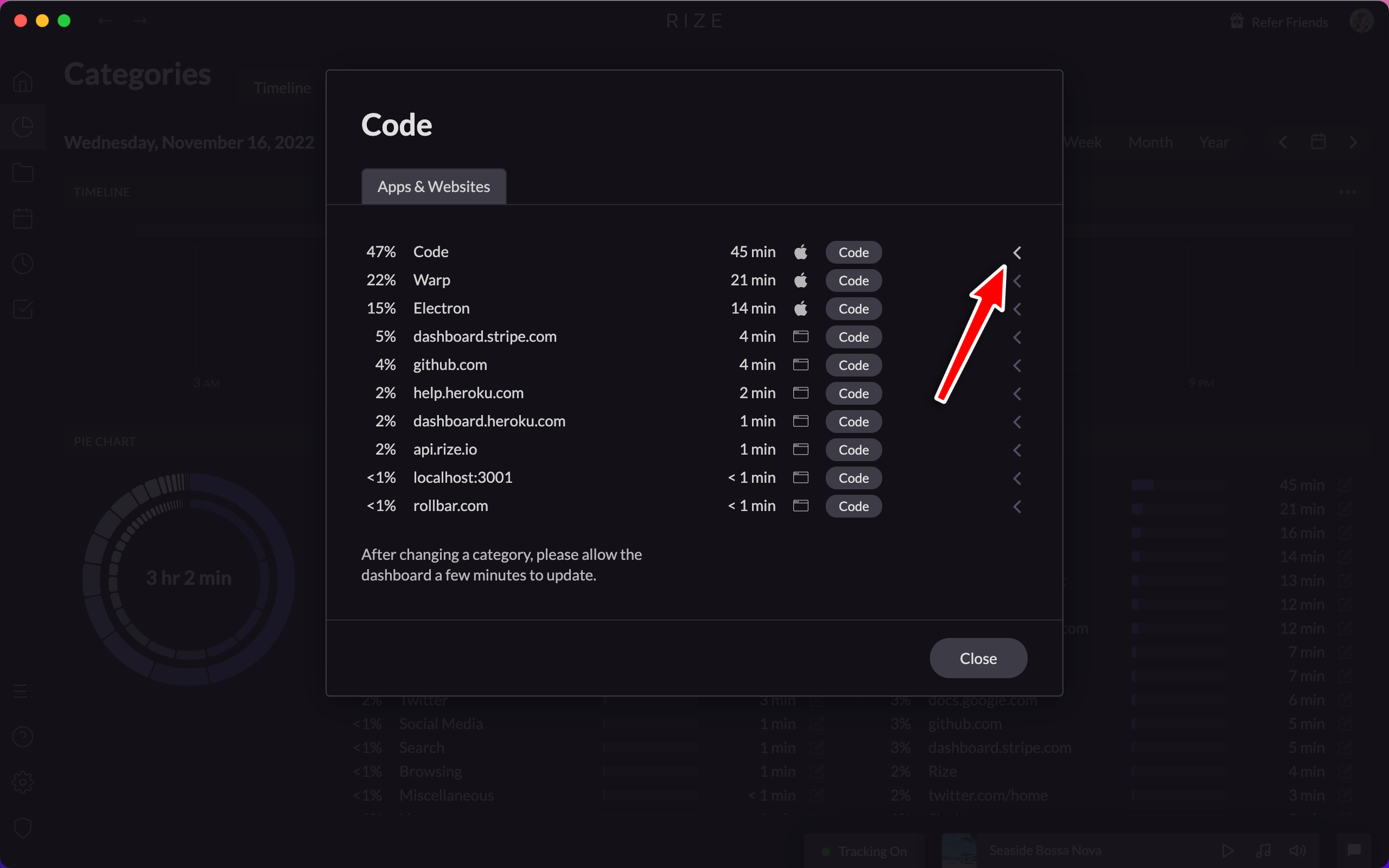
Improved Keyword and URL Categorization UI
Simplify configuring Rize's keyword and URL categorization with the improved UI, allowing advanced rules based on exact or partial title and URL matching.
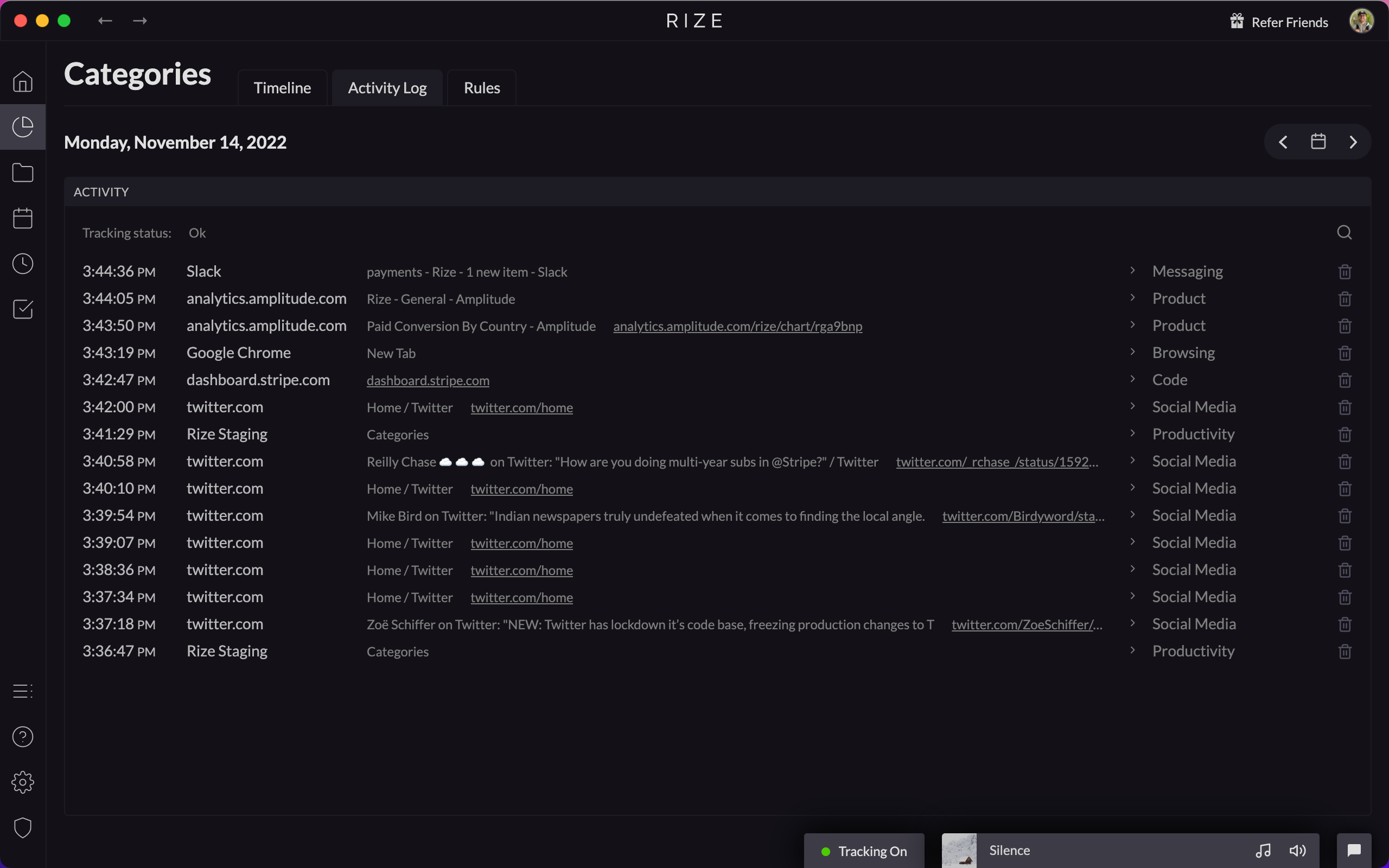
New Activity Log
The new Activity Log lets you view, search, and manage your recent activity history, with quick search and one-click event deletion.
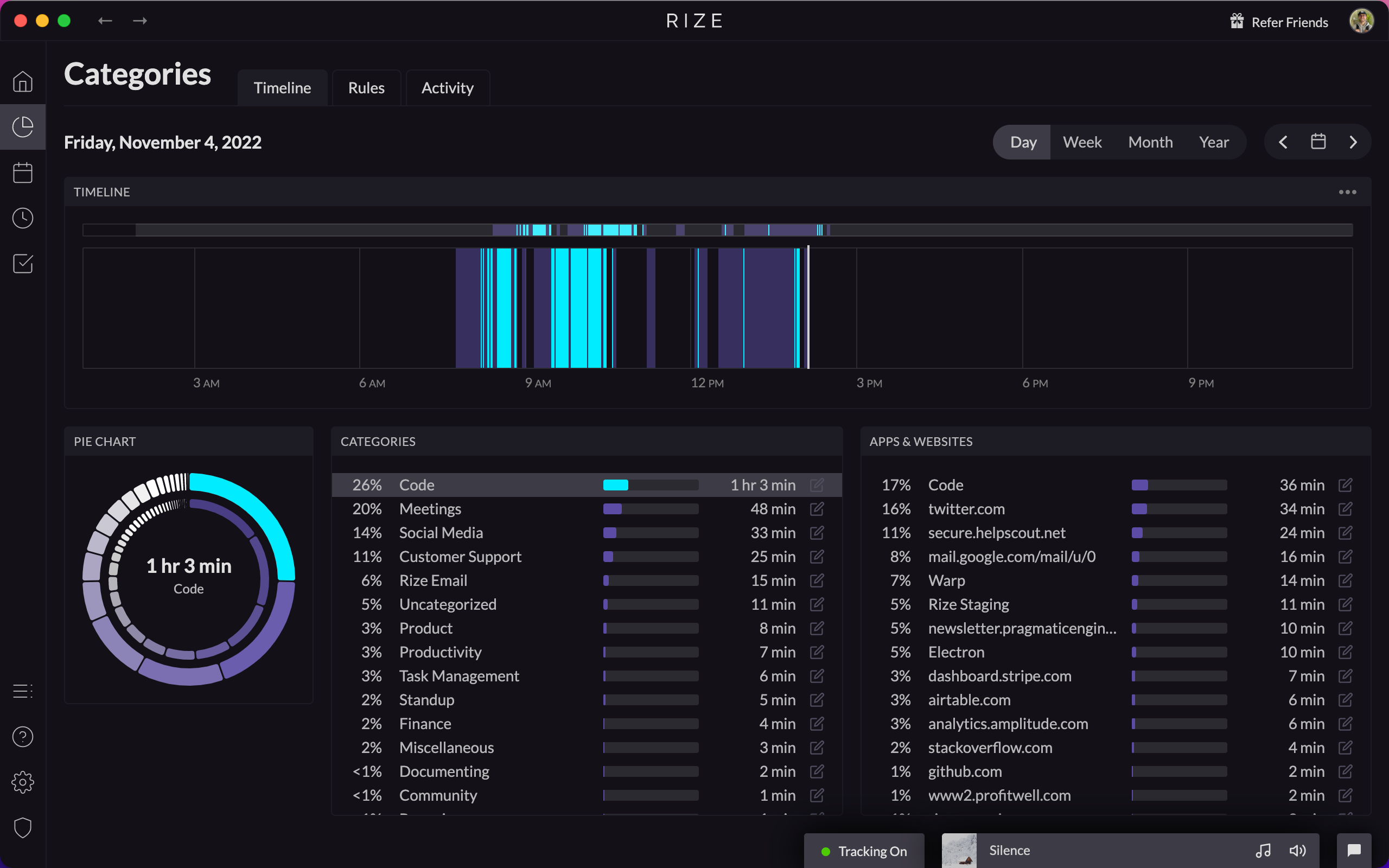
Dashboard Redesign
The Rize dashboard has been completely redesigned around time categorization, with new views for Home, Categories, Focus, Projects, and Goals.
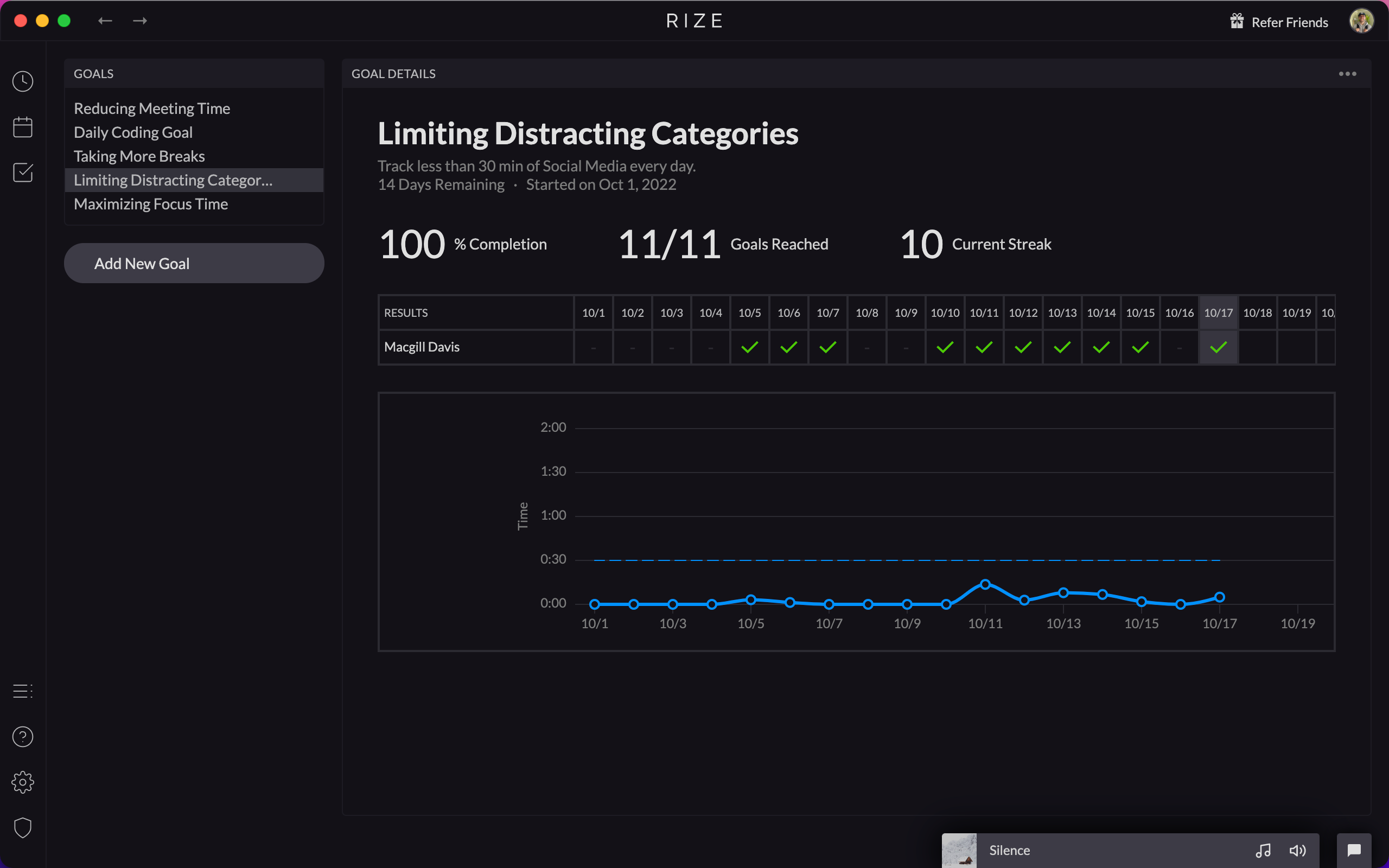
Launching Rize Goals
Achieve your productivity goals by setting customizable targets for Focus Time, Break Time, and Work Hours in Rize Goals.
0.17.6 Release
Rize 0.17.6 fixes a disappearing desktop widget, updates the tracking algorithm for better performance, and fixes music player playlist issues.
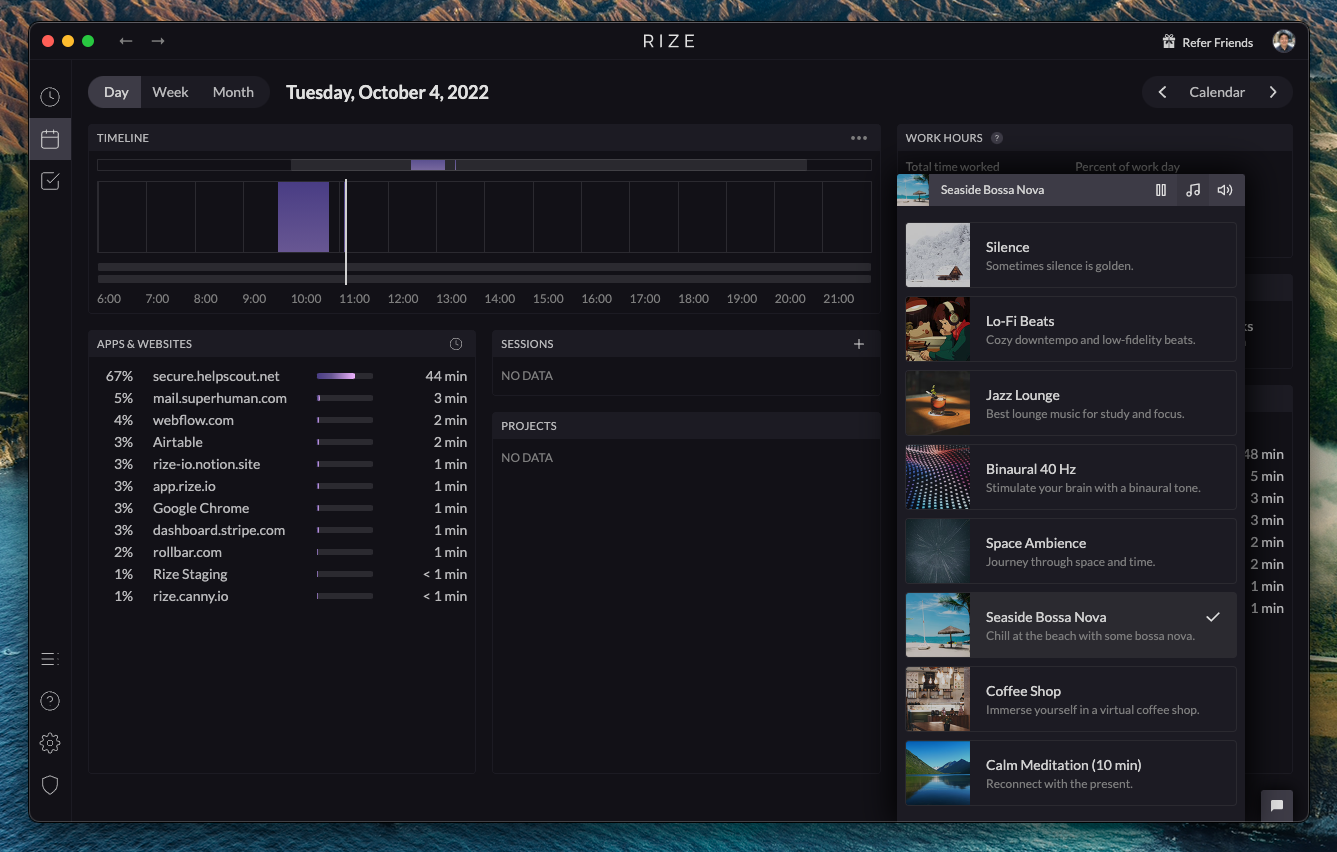
Improved Music Player
The music player now sits in a fixed spot on the Rize dashboard with volume controls, so you can listen anytime instead of only during sessions.
0.16.13 Release - Windows Opera Incognito Fix
Enhance your browser privacy with a fix ensuring Rize no longer tracks window titles when using Opera incognito mode on Windows.
0.16.9 Release - Windows Notification Buttons
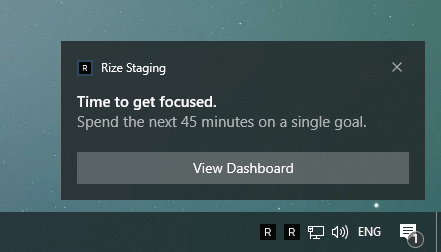
Rize 0.16.9 adds notification-specific buttons to Windows notifications, creating parity with the buttons already available on macOS.
0.16.8 Release
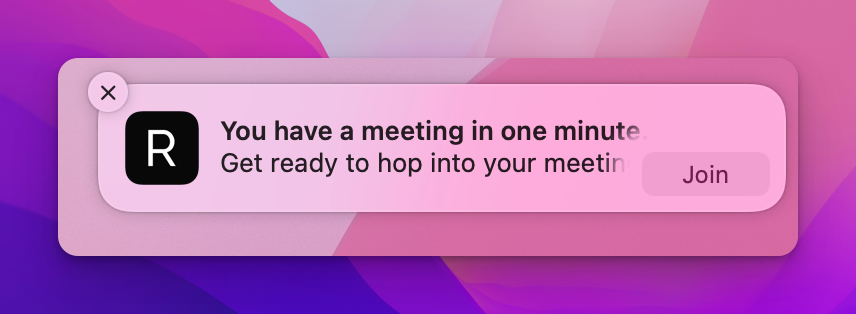
Rize 0.16.8 ships bug fixes and improvements. Upcoming meeting notifications now link directly to the meeting's video conference.
Improved Calendar Integration for Timeboxing
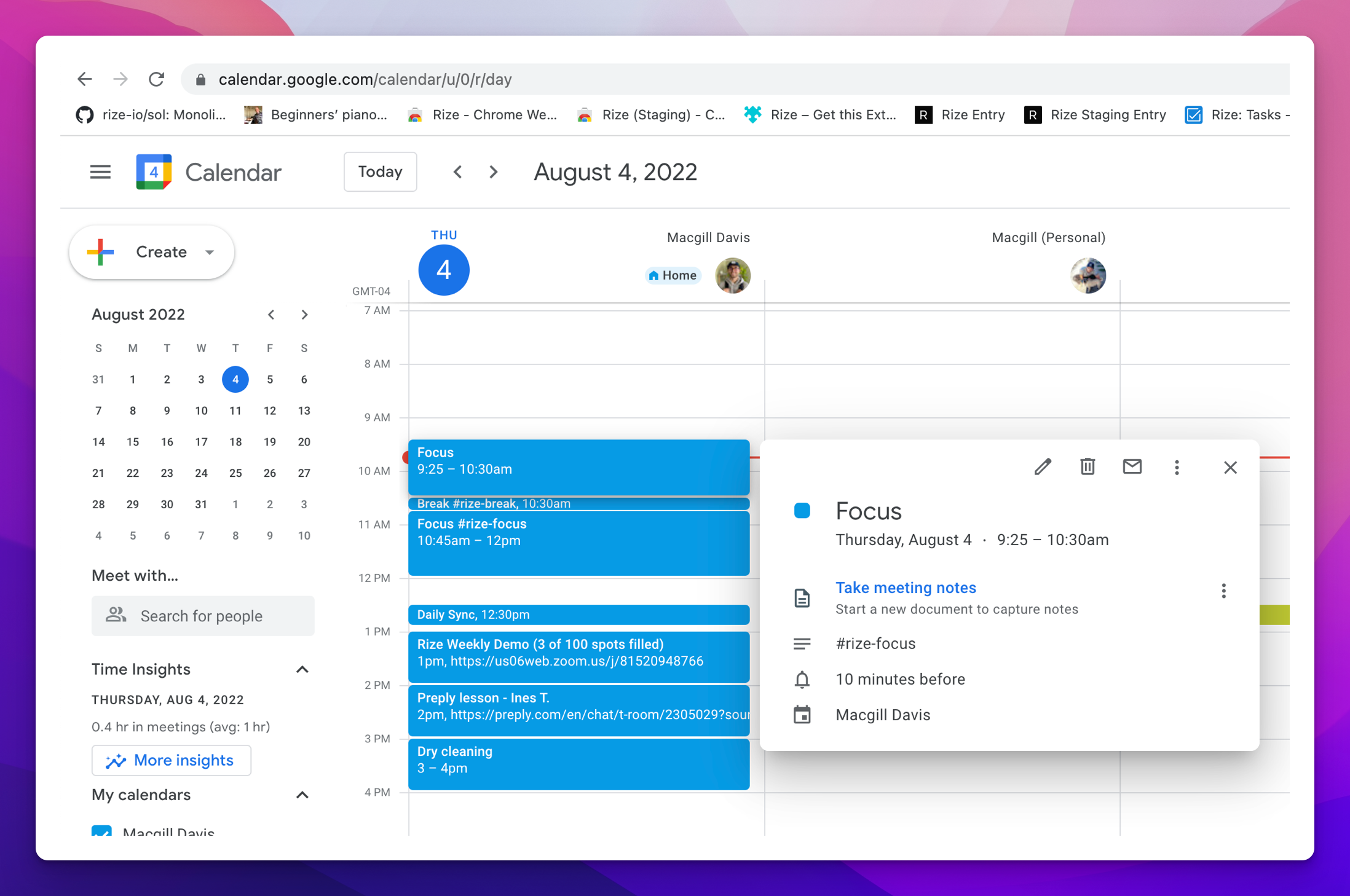
Schedule Meetings, Breaks, and Focus Sessions automatically by adding specific keywords to your calendar events.
New Apps and Websites Dashboard Card
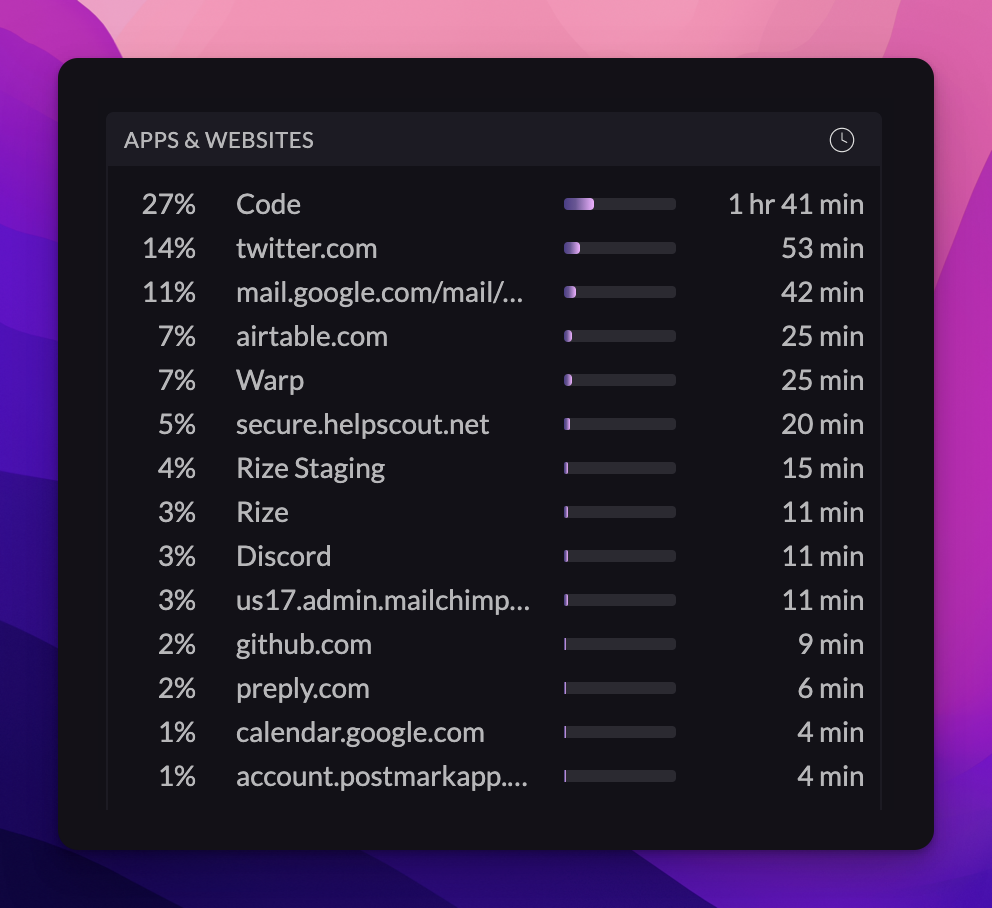
The new apps and websites dashboard card shows how your time is spent across daily, weekly, and monthly views, with recategorization built in.
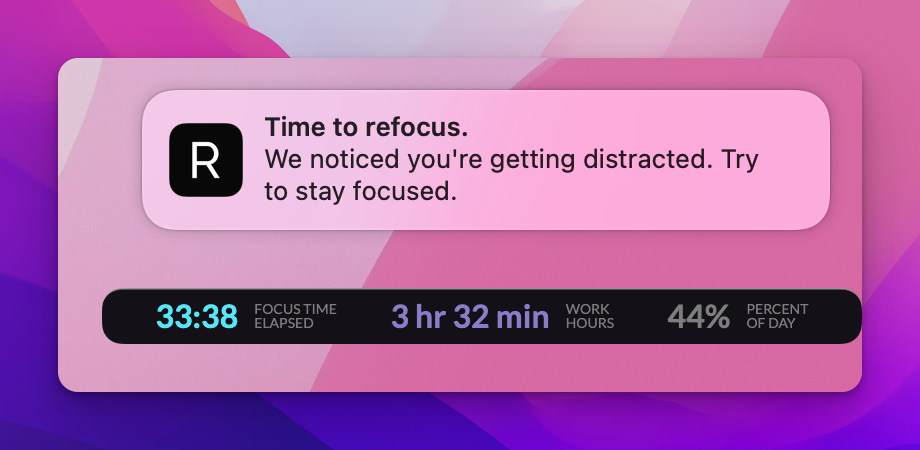
0.16.6 Release - Refocus notification
Maintain your concentration and enhance productivity with the new refocus notification that alerts you when you are distracted from focus session activities.
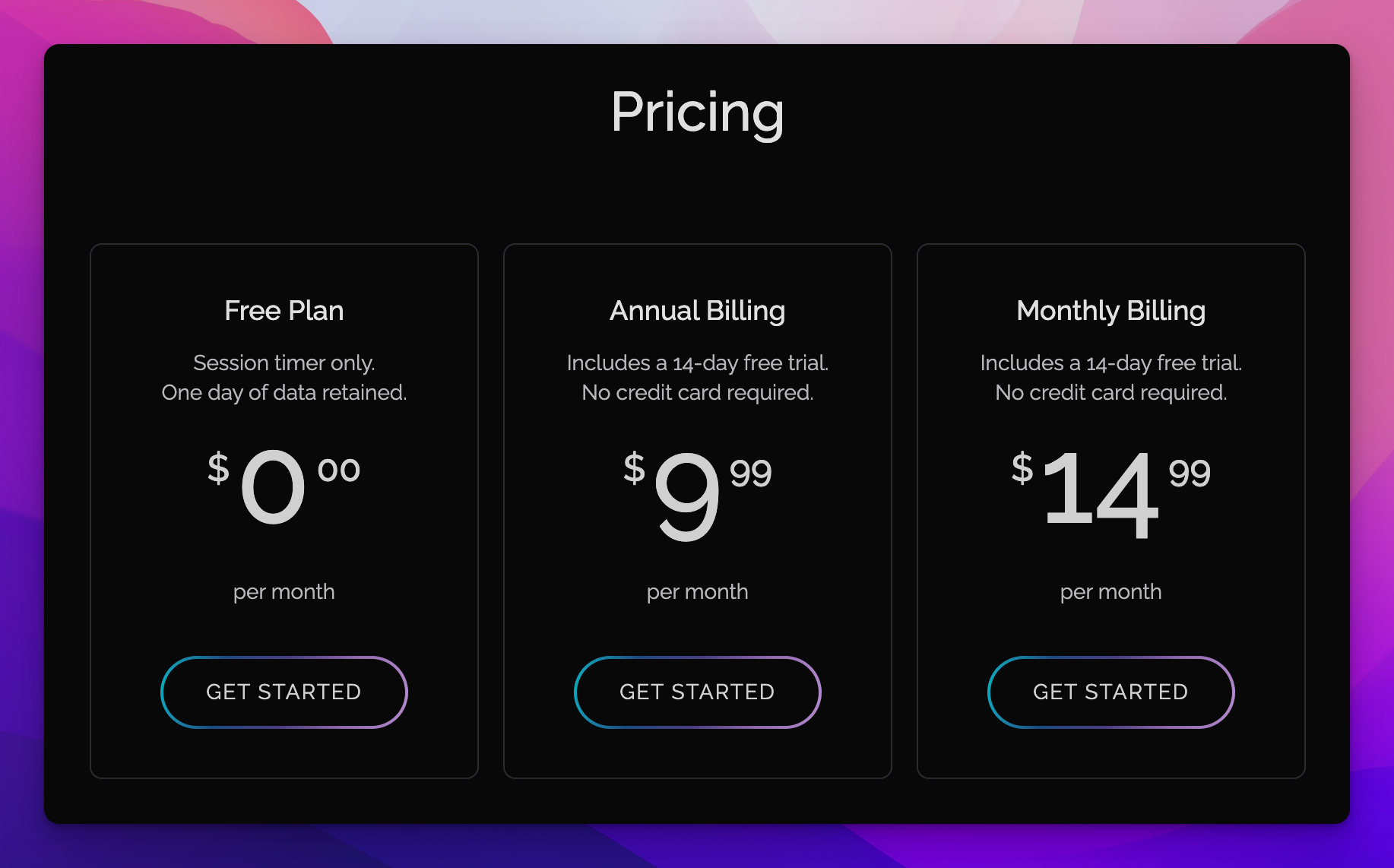
Rize Free Tier
Experience Rize with the new free tier, allowing you to utilize the Session Timer for basic productivity tracking without cost.
0.15.8 Release
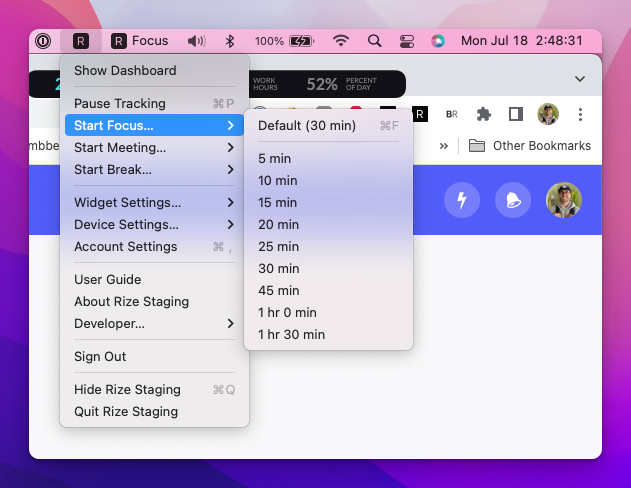
Rize 0.15.8 adds the ability to start and stop sessions directly from the menu tray, along with a number of bug fixes.