Changelog
See what's new and improved in Rize.
Try the latest features — start your free trial today.
Start Free Trial1.0.22 Release
Rize 1.0.22 fixes tracking rules not updating when changing distraction categories and adds a new in-app tutorial for new users.
1.0.19 Release
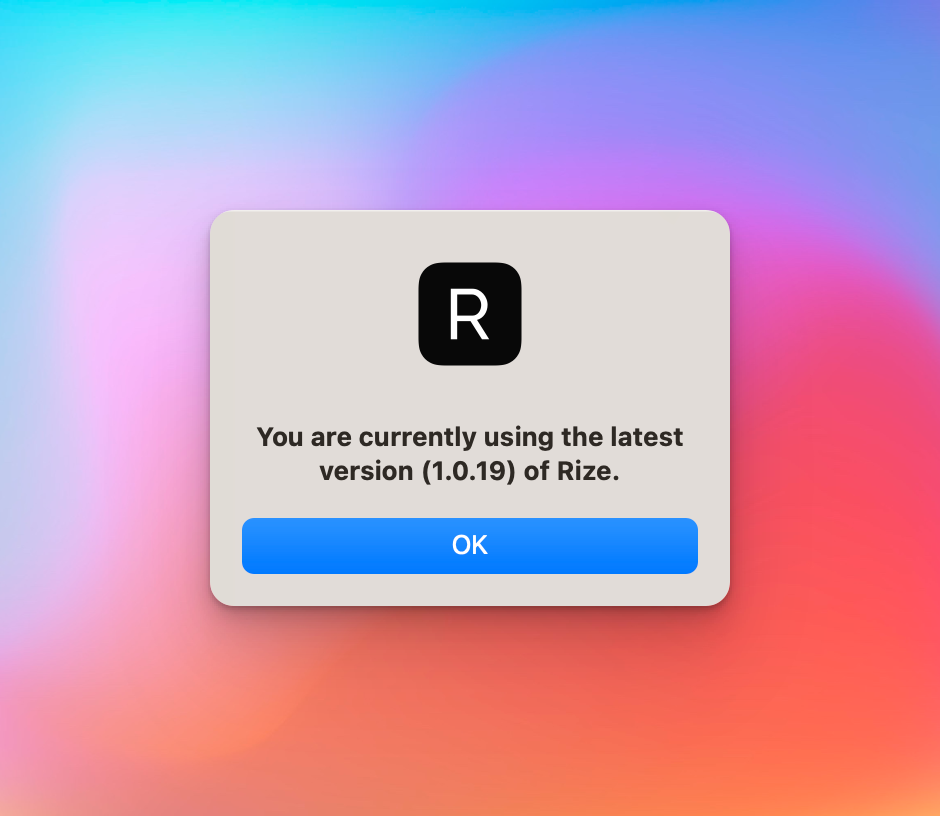
Rize 1.0.19 includes bug fixes, shows your current version under Check for Updates, and adds a Reset Local Cache option for troubleshooting.
Distraction Blocker v1
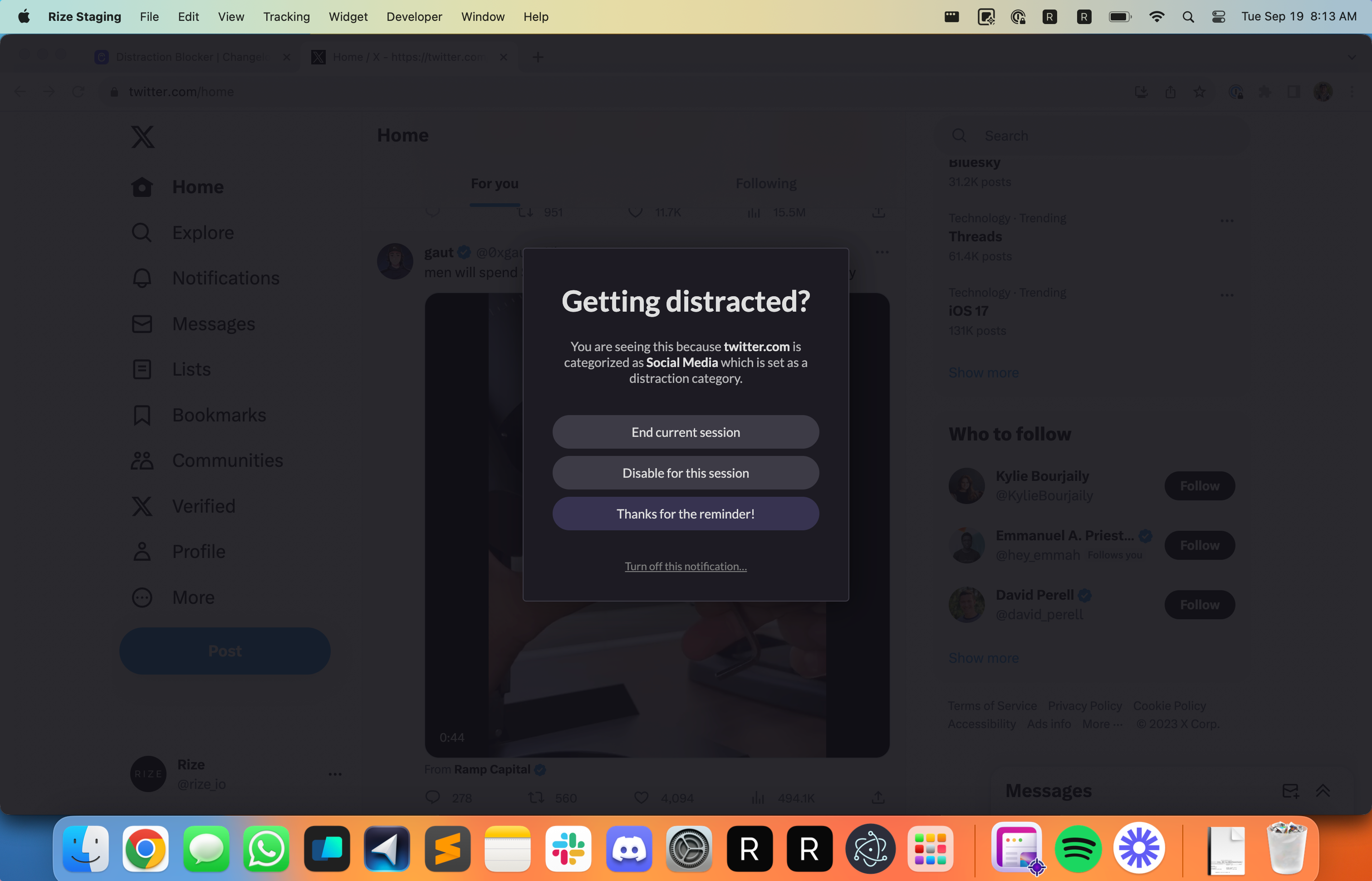
Stay focused and enhance your productivity by using the new Distraction Blocker to block apps during focus sessions.
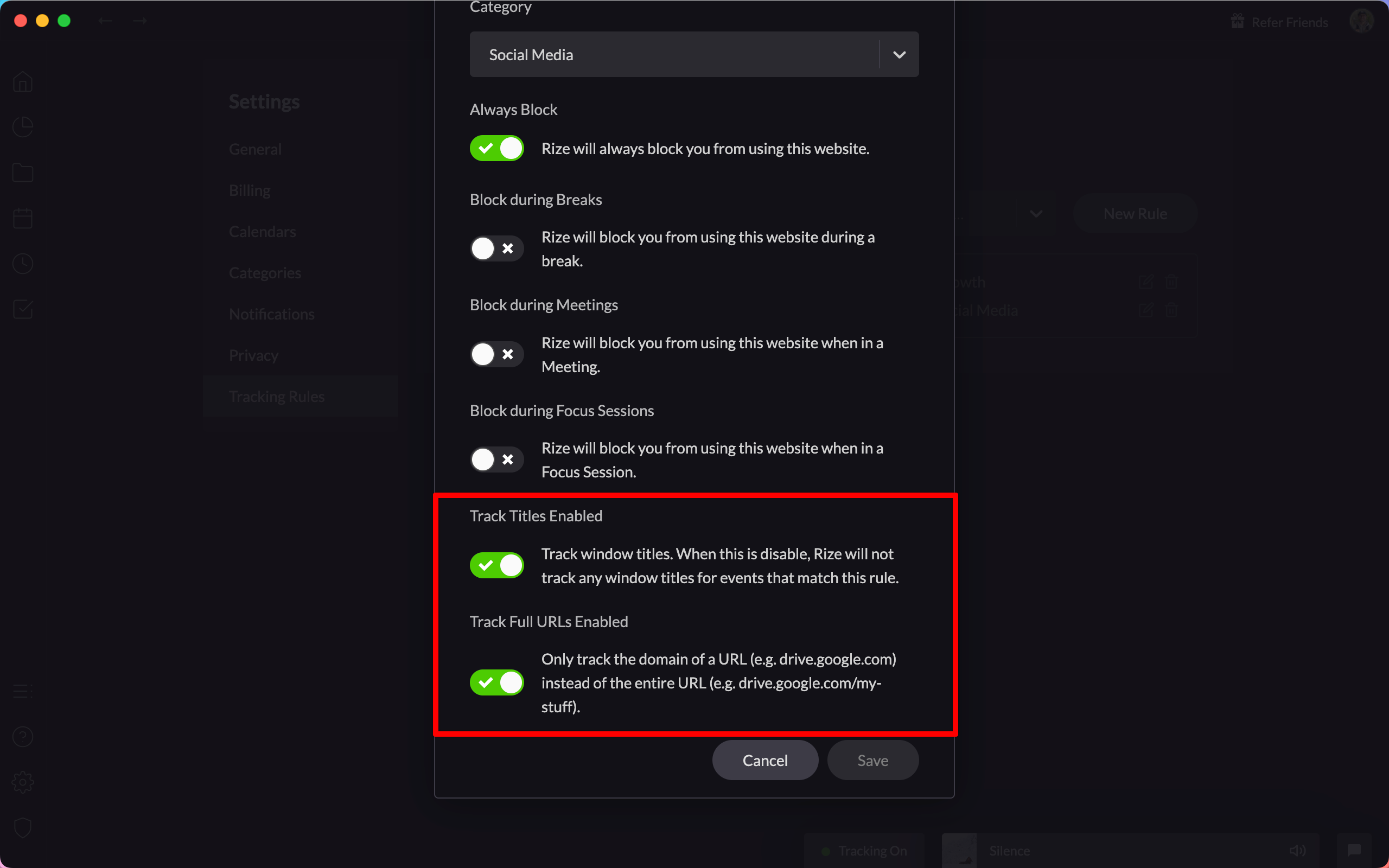
Granular Tracking Rule Privacy Settings
Enhance your data privacy with granular tracking rule settings, allowing you to control which window titles and URLs are tracked.
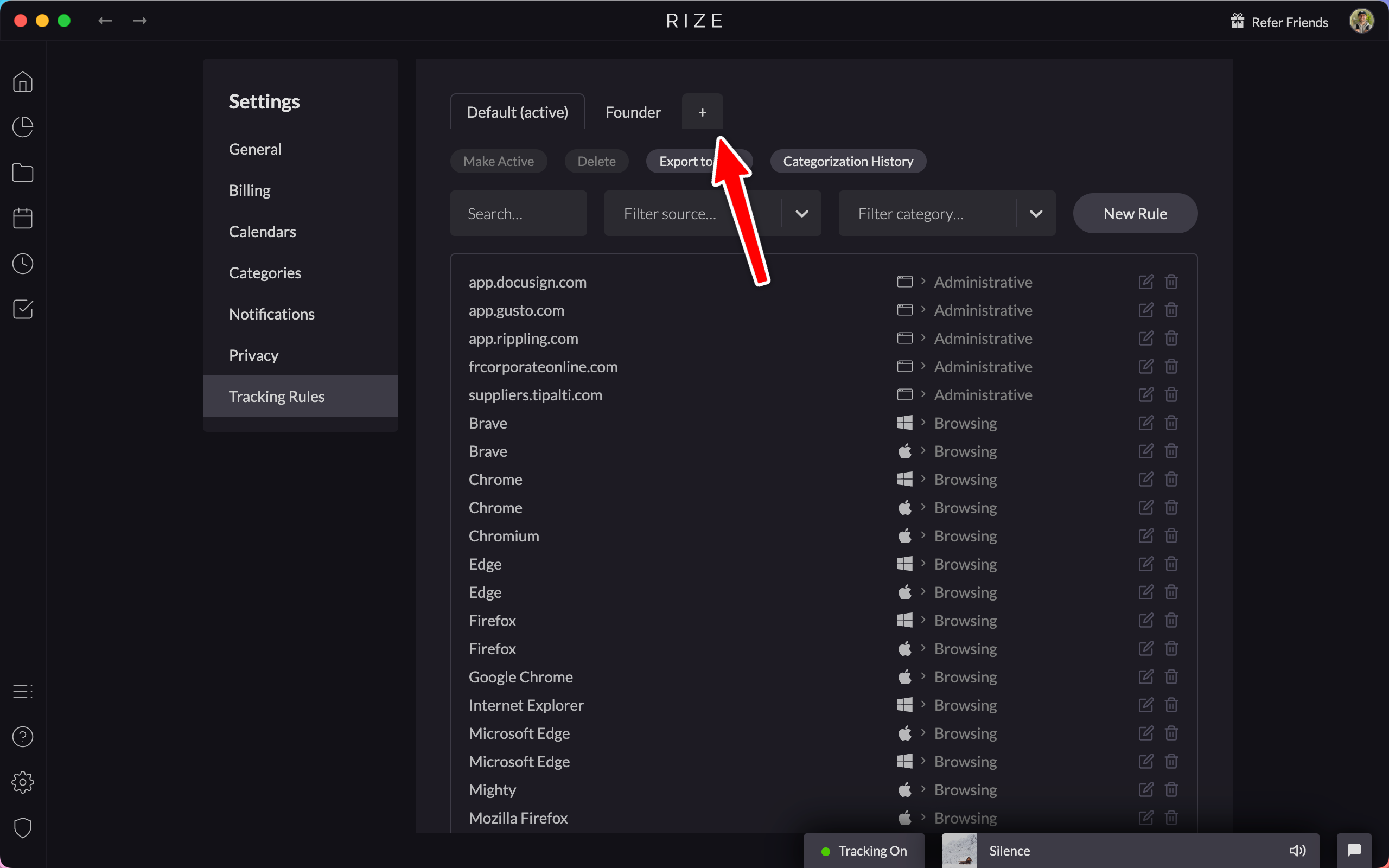
Import and Export Tracking Rules
Easily manage and share your tracking configurations by importing and exporting tracking rules using CSV files.
Improved Desktop Widget
The desktop widget now has a menu to pause tracking or start focus sessions, breaks, and meetings, and hides briefly when you scroll over it.

New and Improved Tracking Rules
Get more control over your time tracking with granular privacy settings and new role-based tracking rule packages.
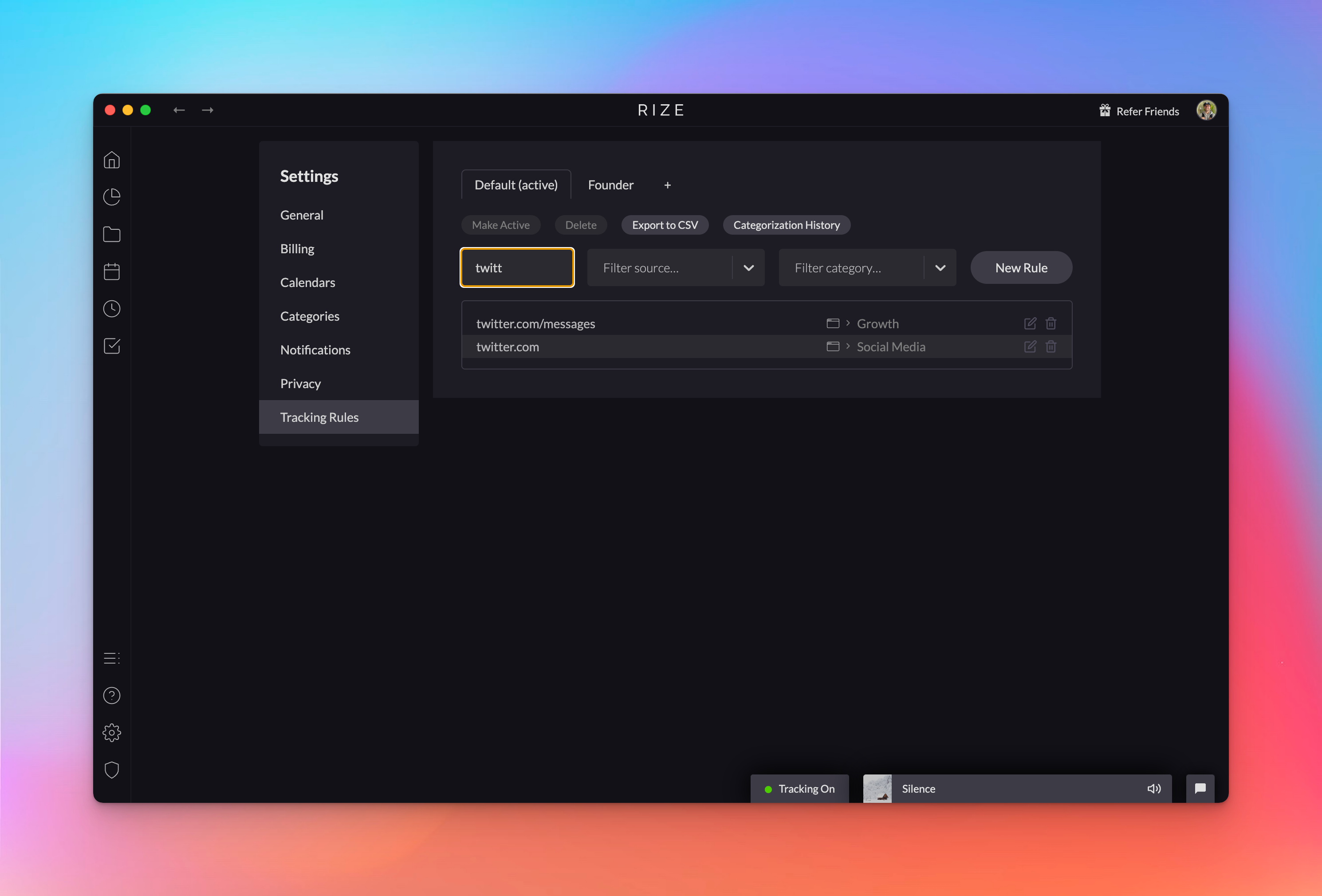
Tracking Rule Packages
Add flexibility to how you track your time by using tracking rule packages to easily switch between different tracking rule settings.
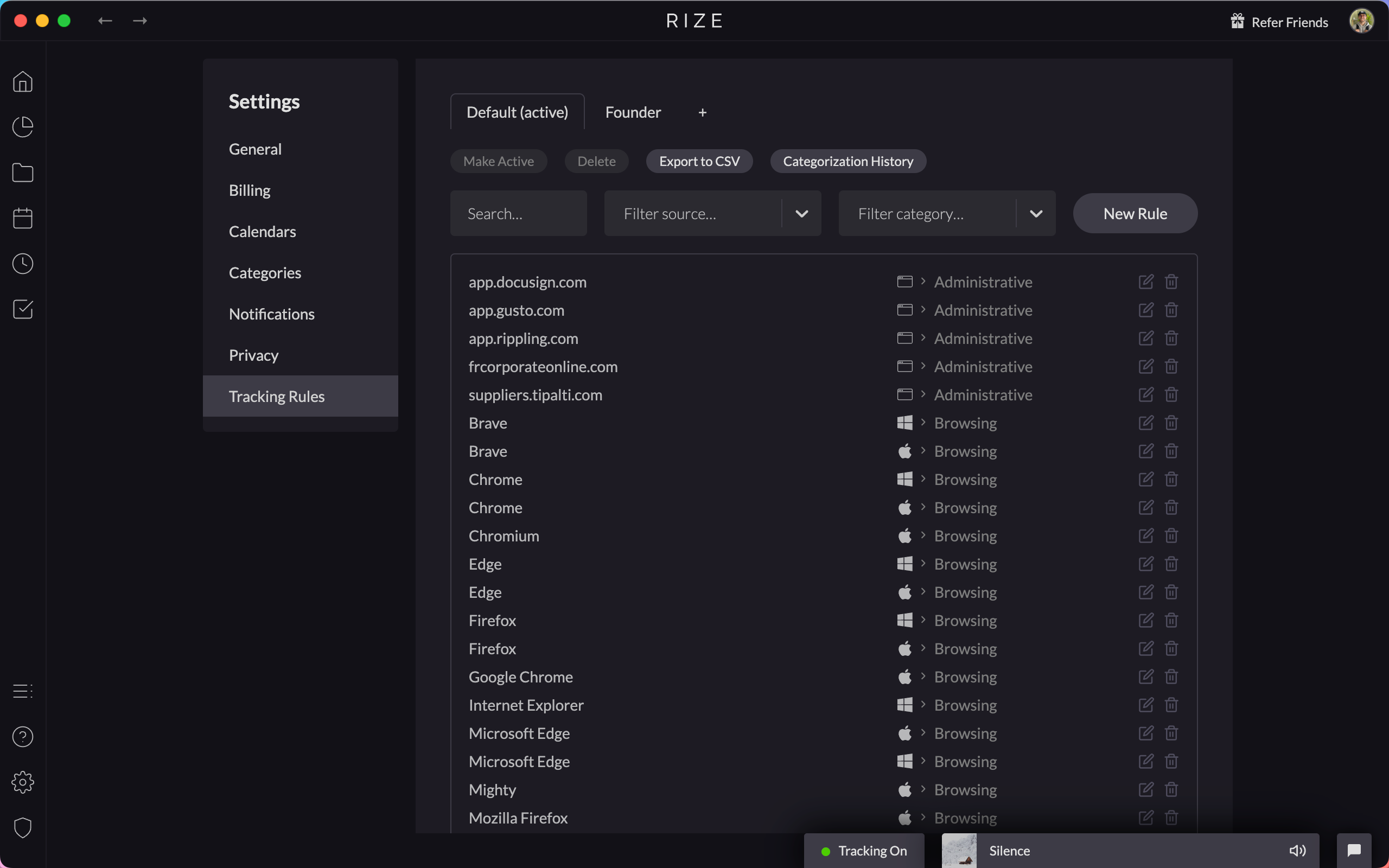
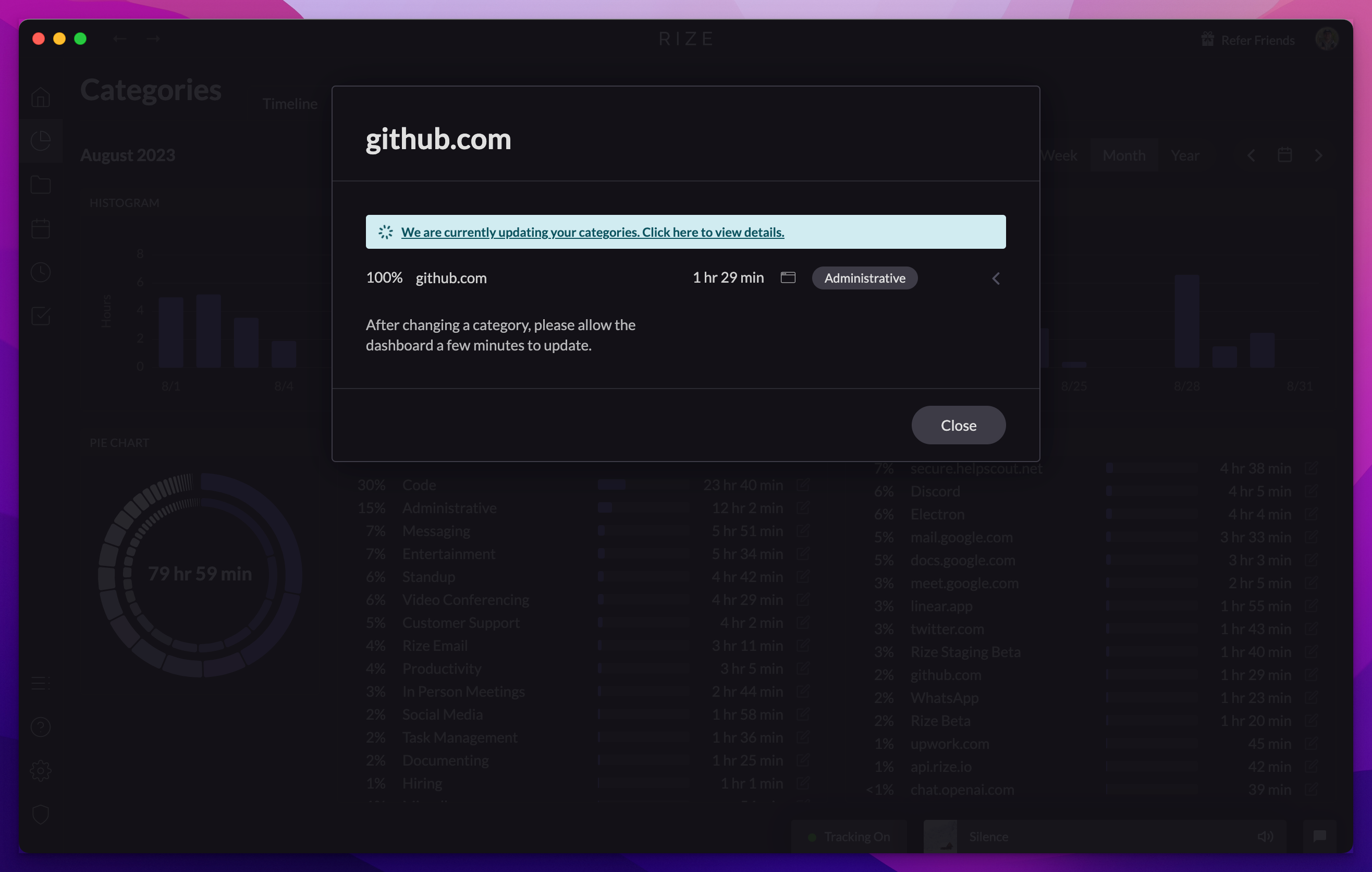
View Ongoing Categorization Updates
In the Rize Beta app you can now watch categorization updates in real time. Click the info bar after making a change to see updates in progress.
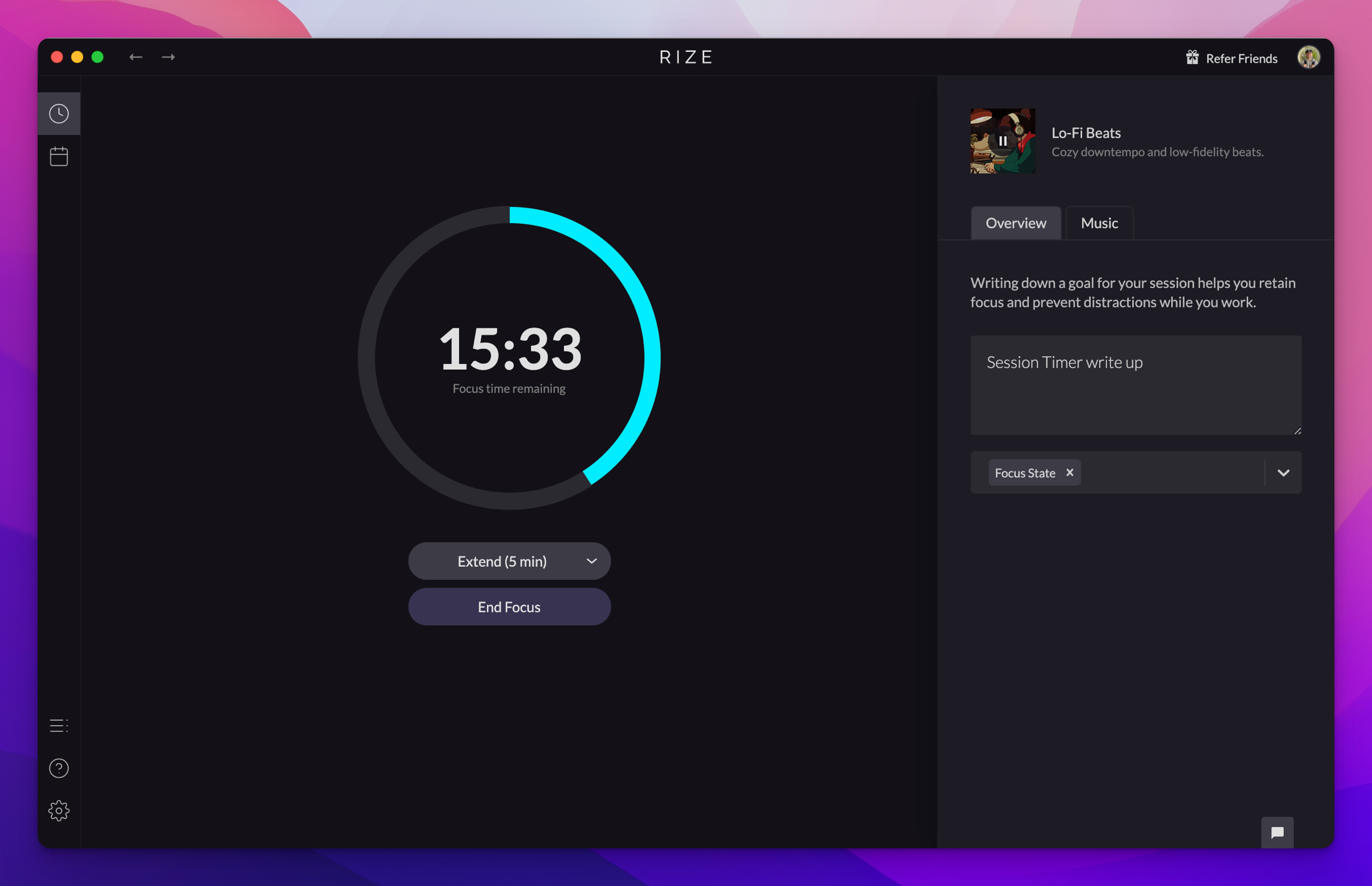
The Rize Session Timer
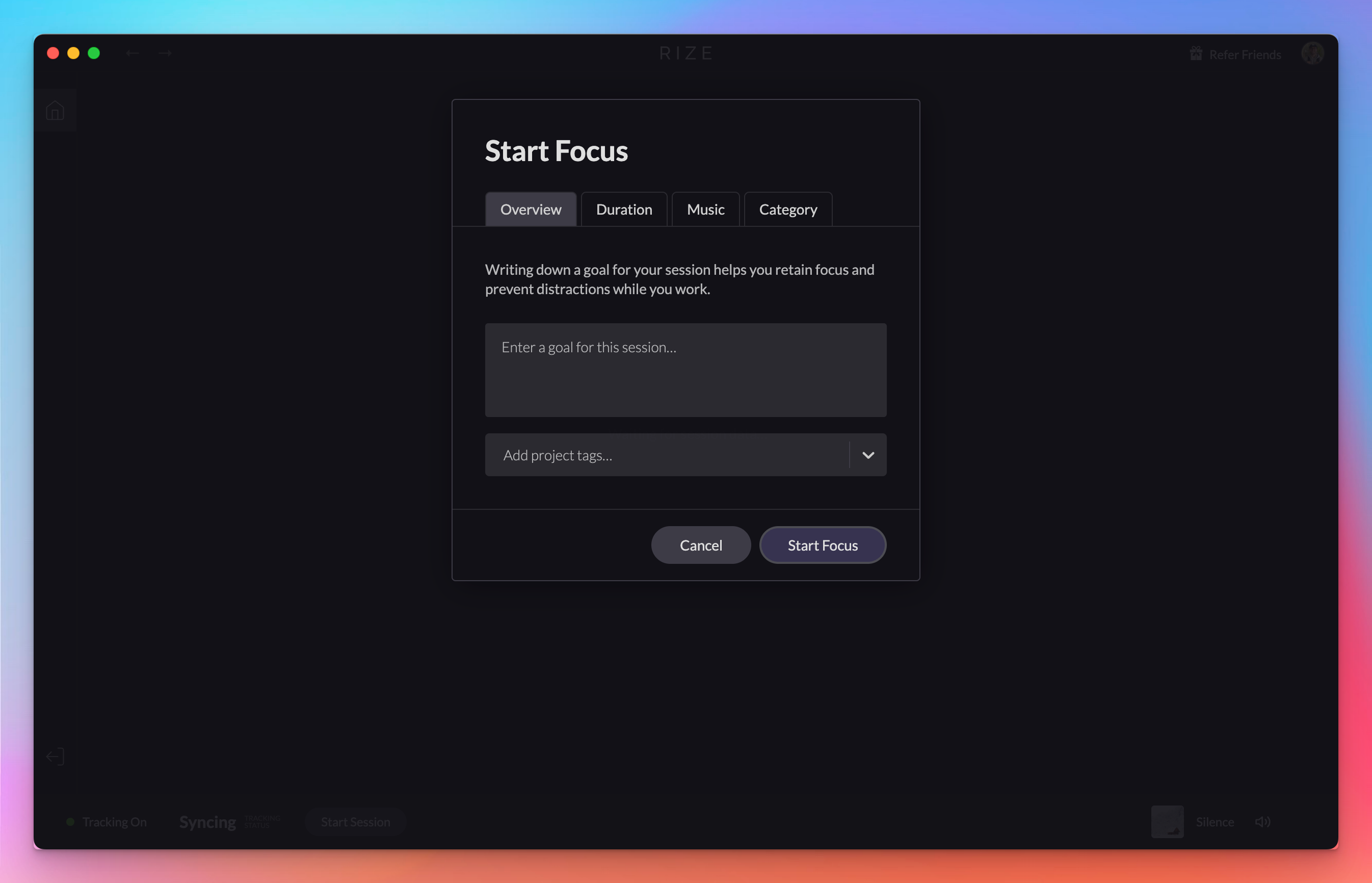
The new Rize Session Timer lets you start Focus Sessions, Breaks, and Meetings, pick durations and focus music, and rate each session's focus.
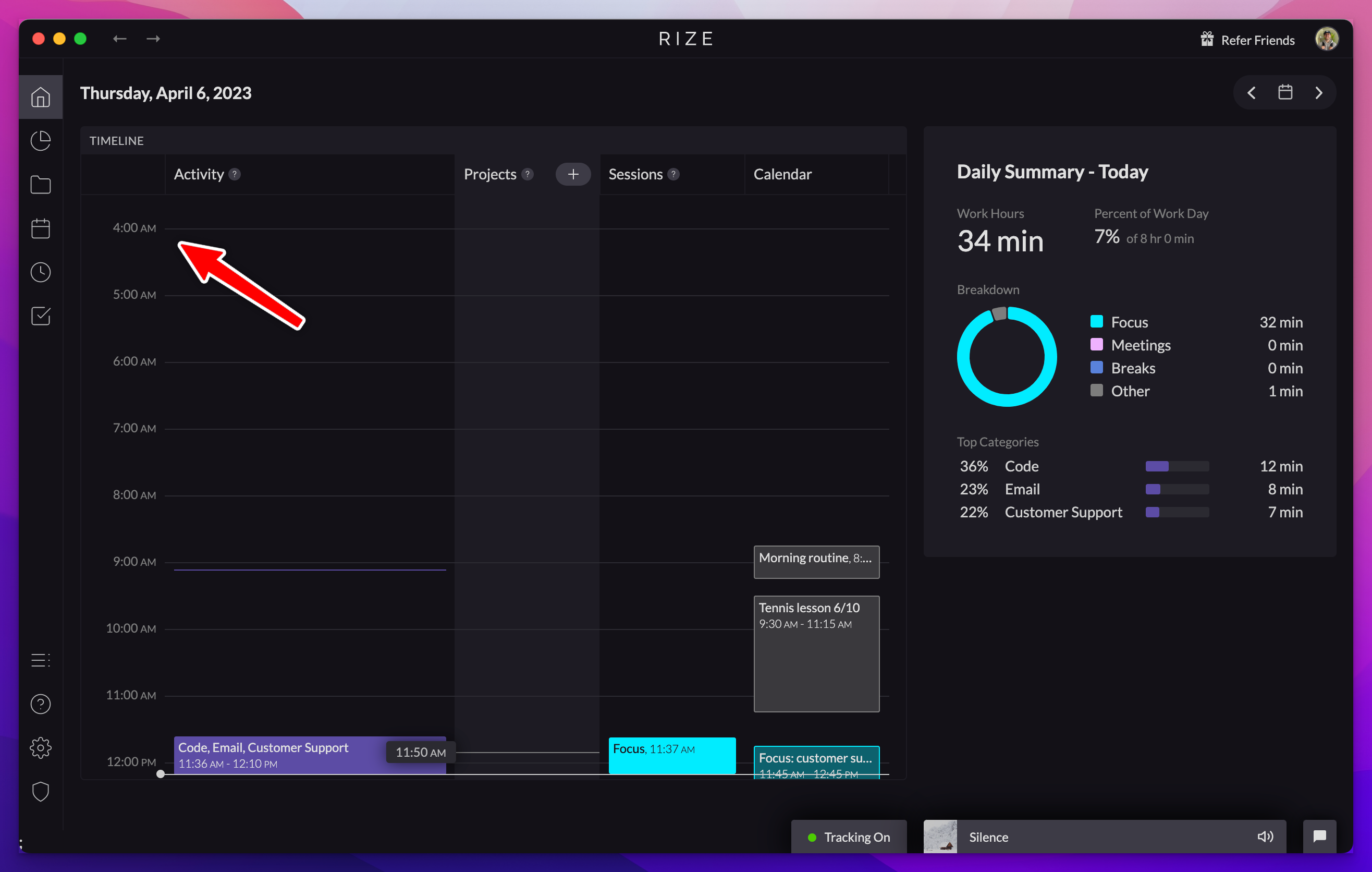
Customize the start of your day in Rize
Your day in Rize now runs from 4am to 4am by default to support work across midnight, and you can customize the start time in settings.
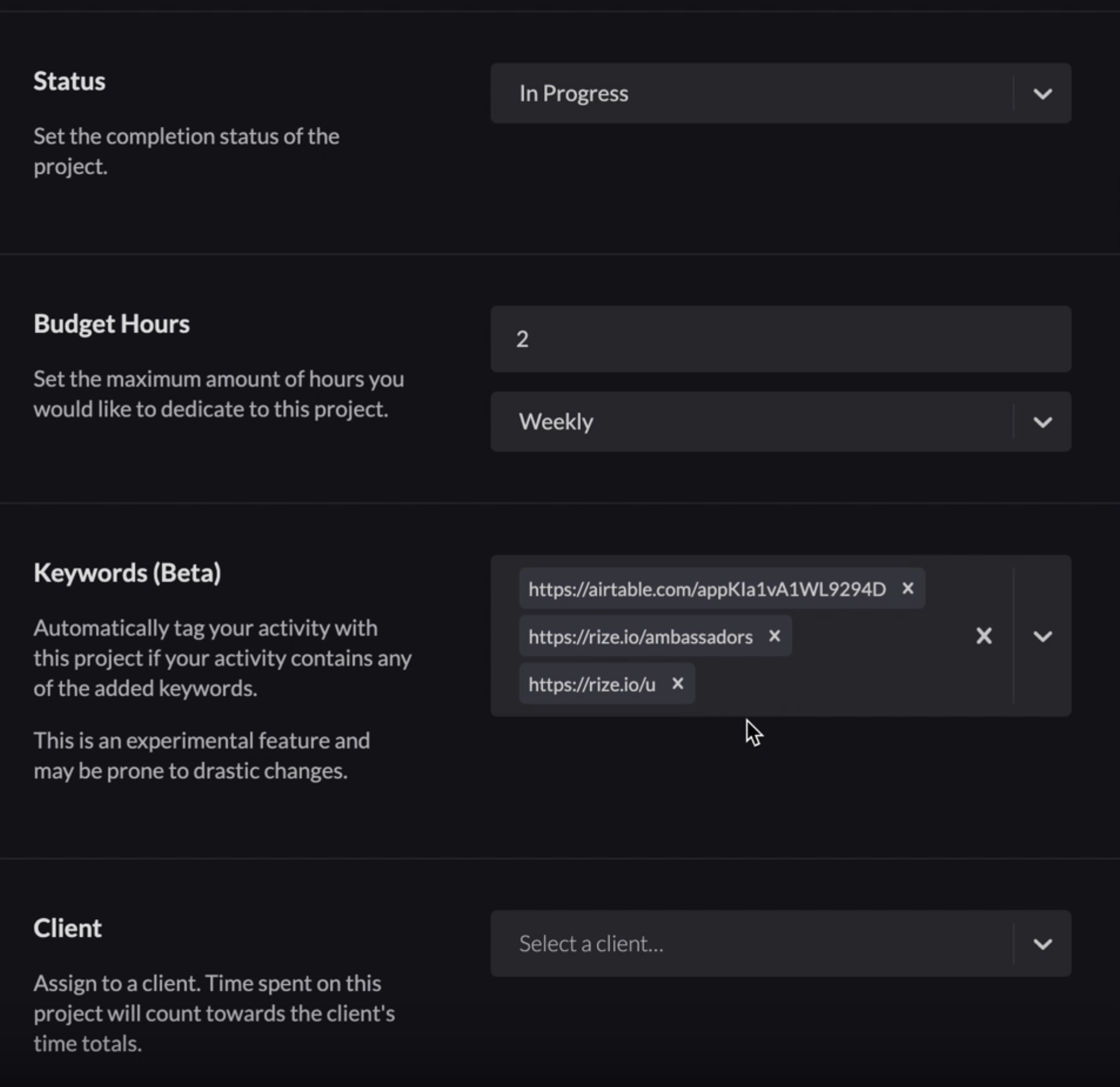
Add URLs to Automatic Project Tagging
You can now add URLs to automatic project tagging in Rize, so time spent on specific websites gets tagged to the right project automatically.
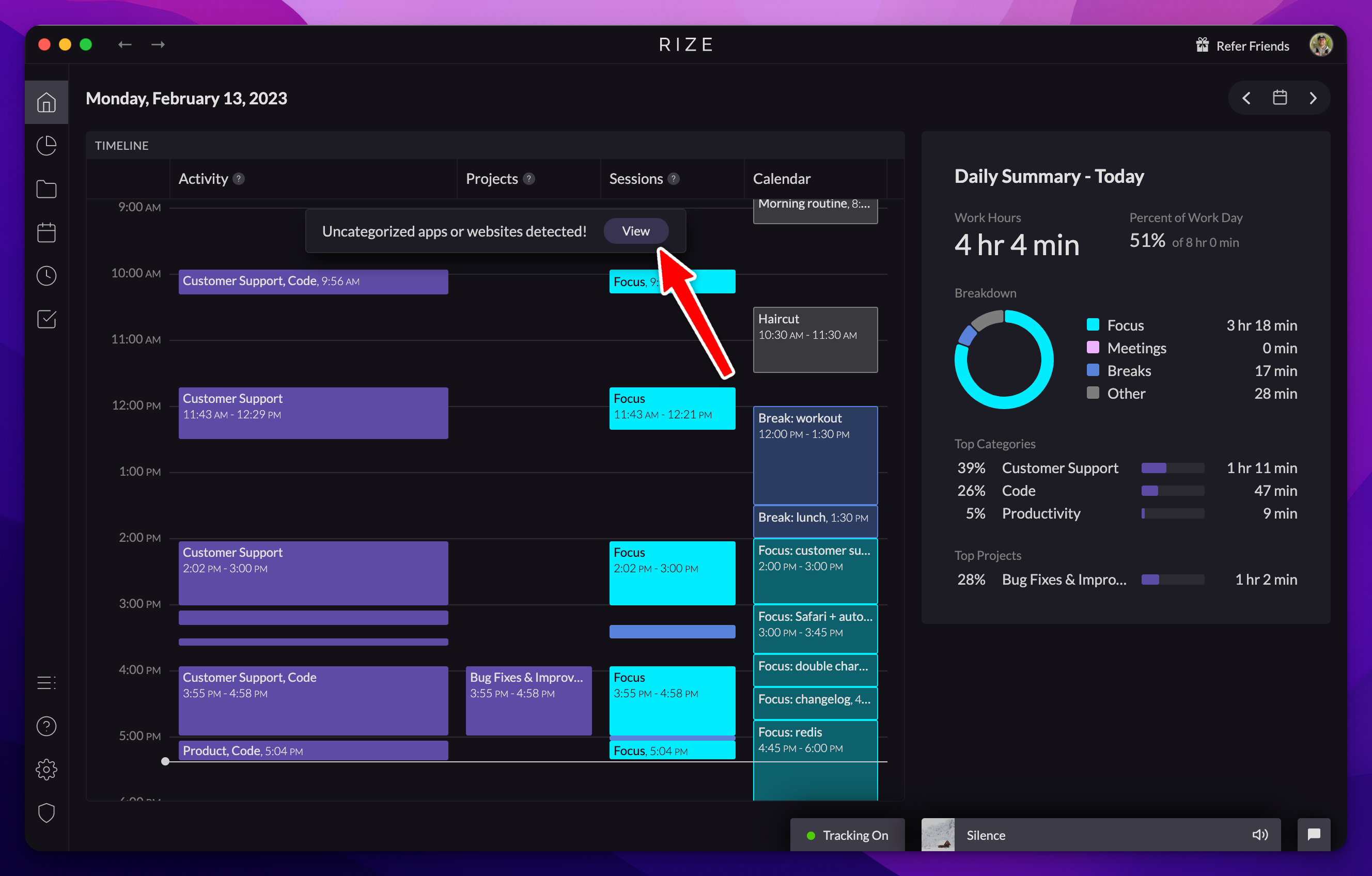
AI Categorization Suggestions
Rize now offers AI categorization suggestions for uncategorized apps and websites, which you can accept or dismiss to fetch a new suggestion.
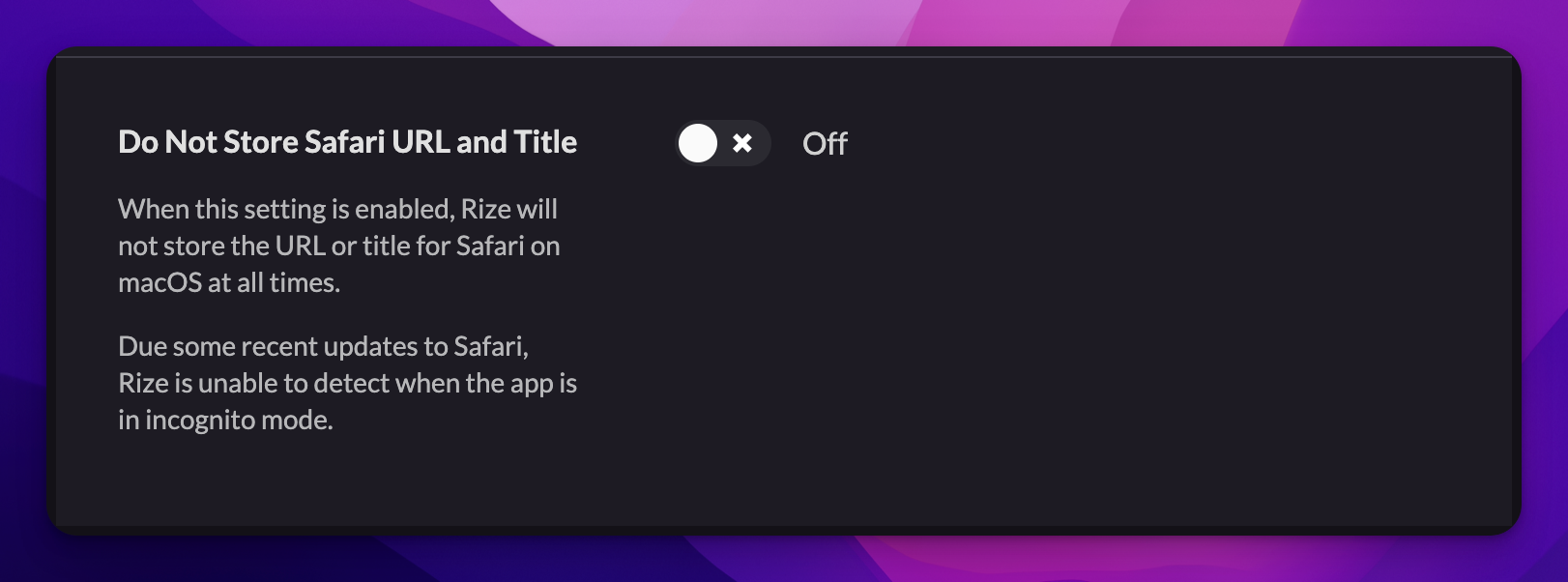
Do Not Store Safari URL and Title
A new privacy setting stops Rize from storing the URL and title of Safari tracking events, a temporary fix for incognito detection in Safari.
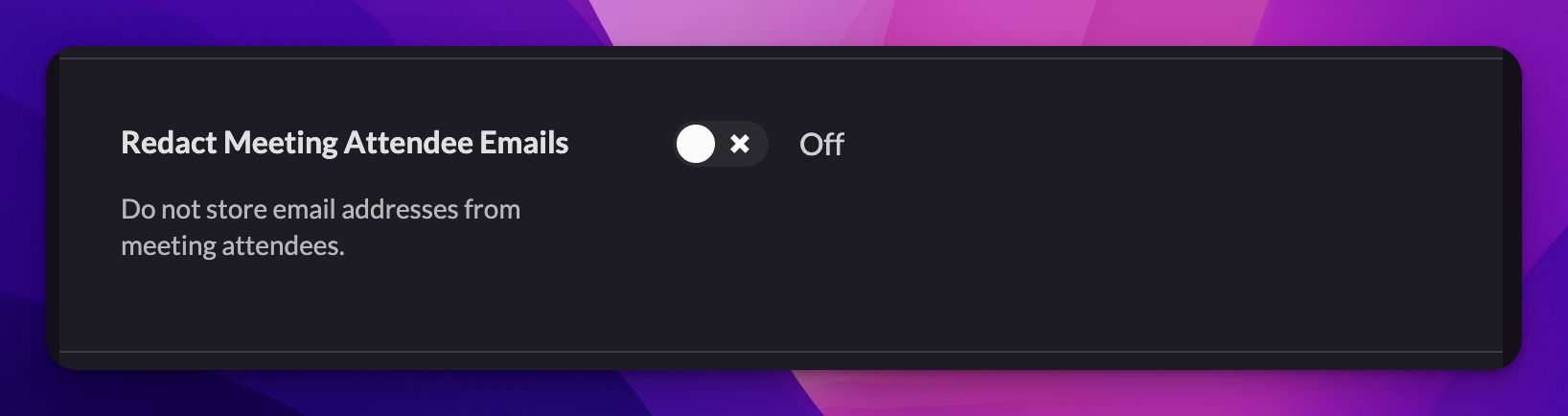
Redact Emails from Calendar Events
A new privacy setting redacts attendee email addresses from calendar events. Enable it under Settings > Privacy > Redact Meeting Attendee Emails.
Automatic Project Tagging Based on Keywords
Add custom keywords to your projects and Rize will automatically tag blocks of time to the right project based on the titles of your activity.
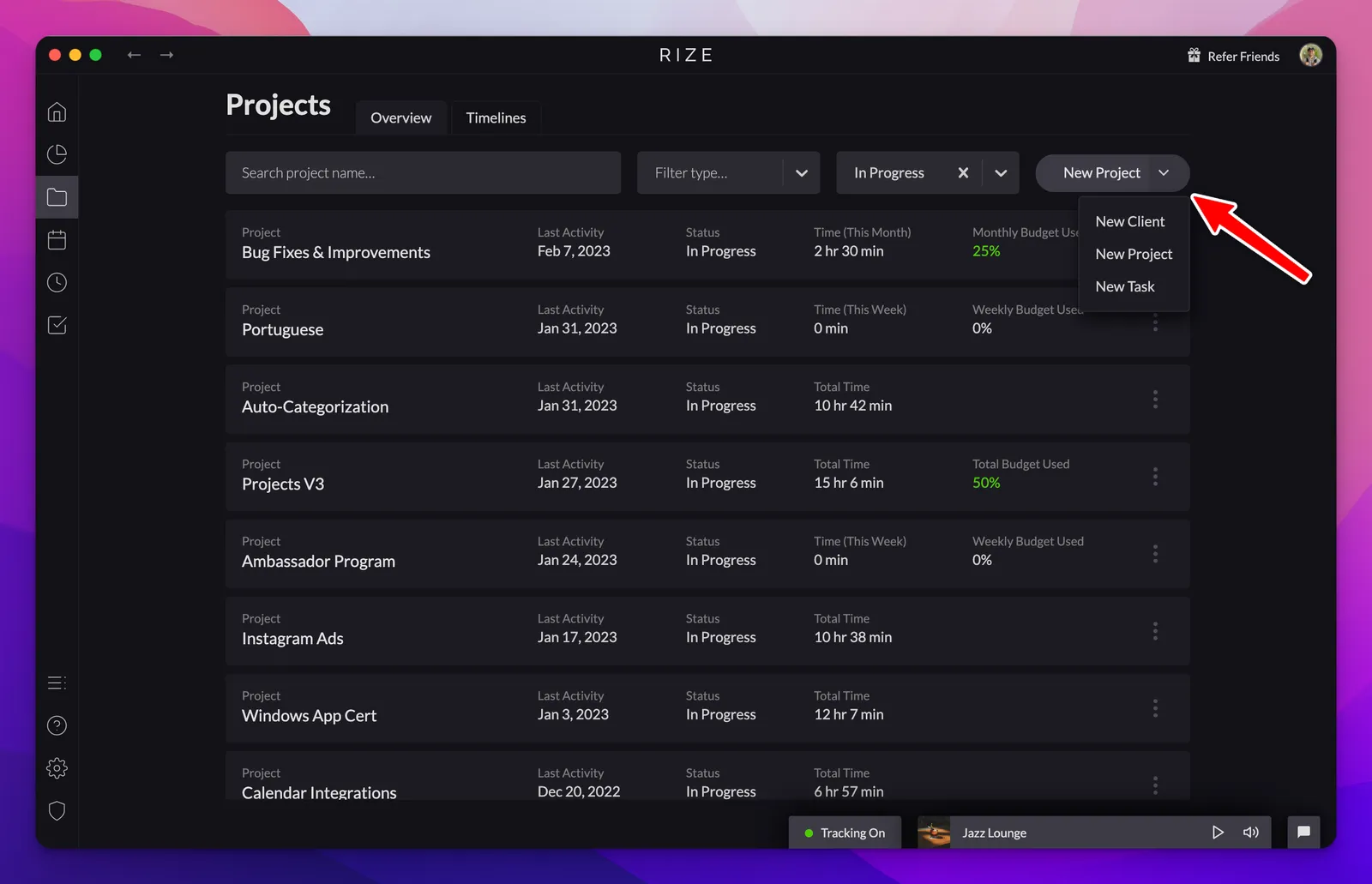
Create Clients and Tasks for Specific Projects
Create Clients and Tasks alongside Projects in Rize, assign them to each other, and see child time totals roll up into parent totals.
Exporting the Breakdown for Projects into a PDF
Generate detailed reports with project time breakdowns by exporting custom PDF reports for any selected time range.
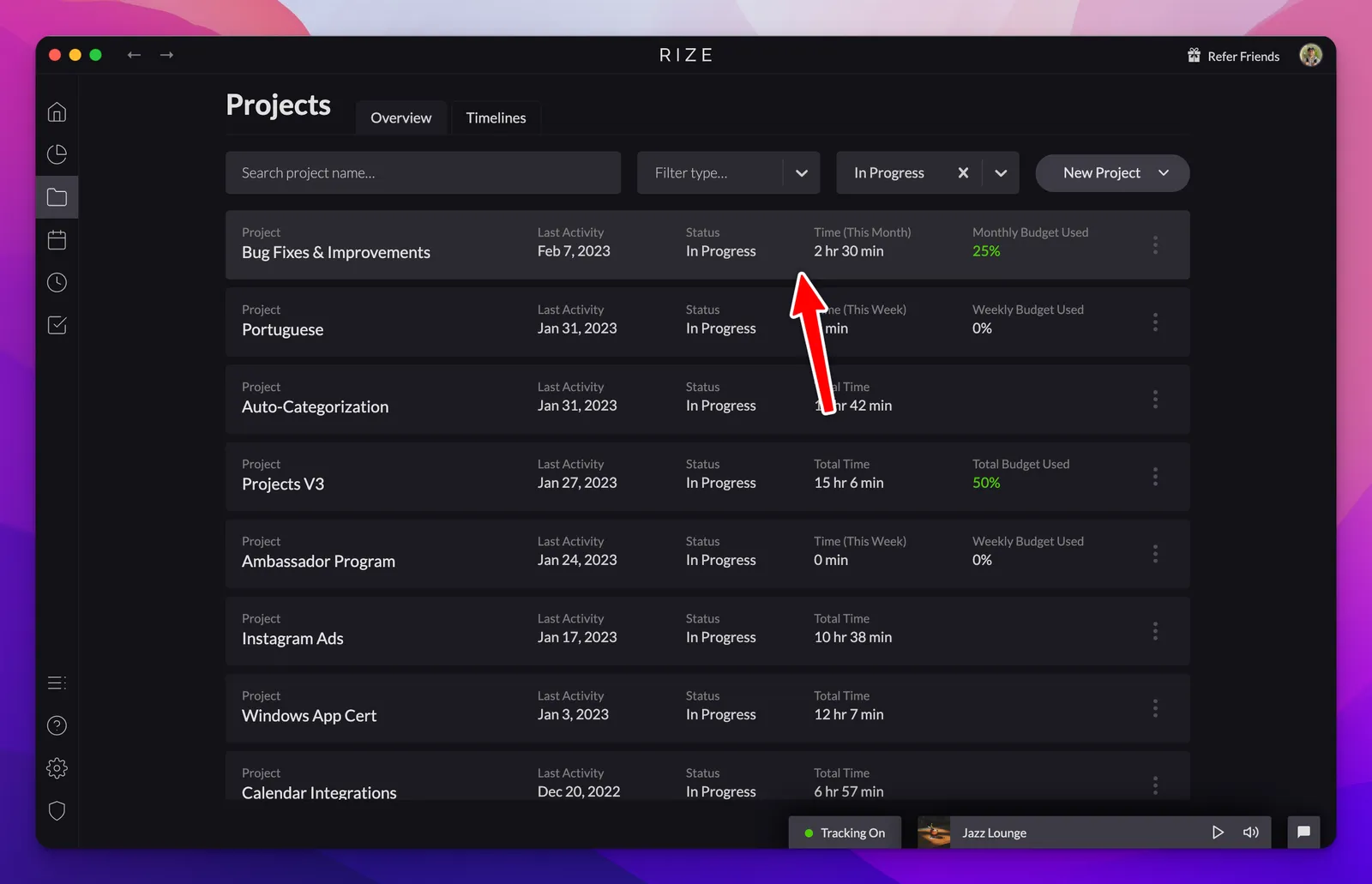
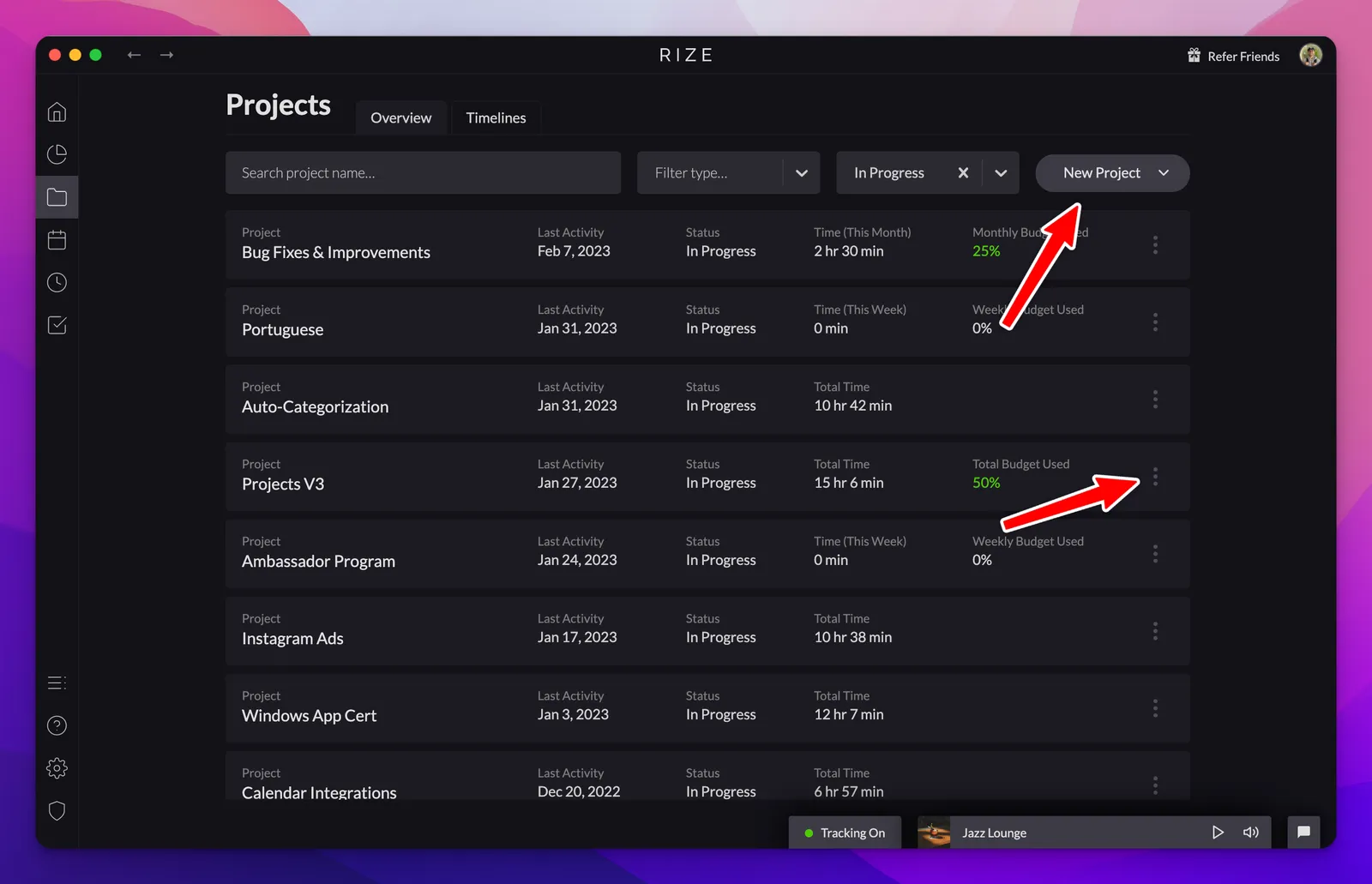
New Projects Tab and Functionality
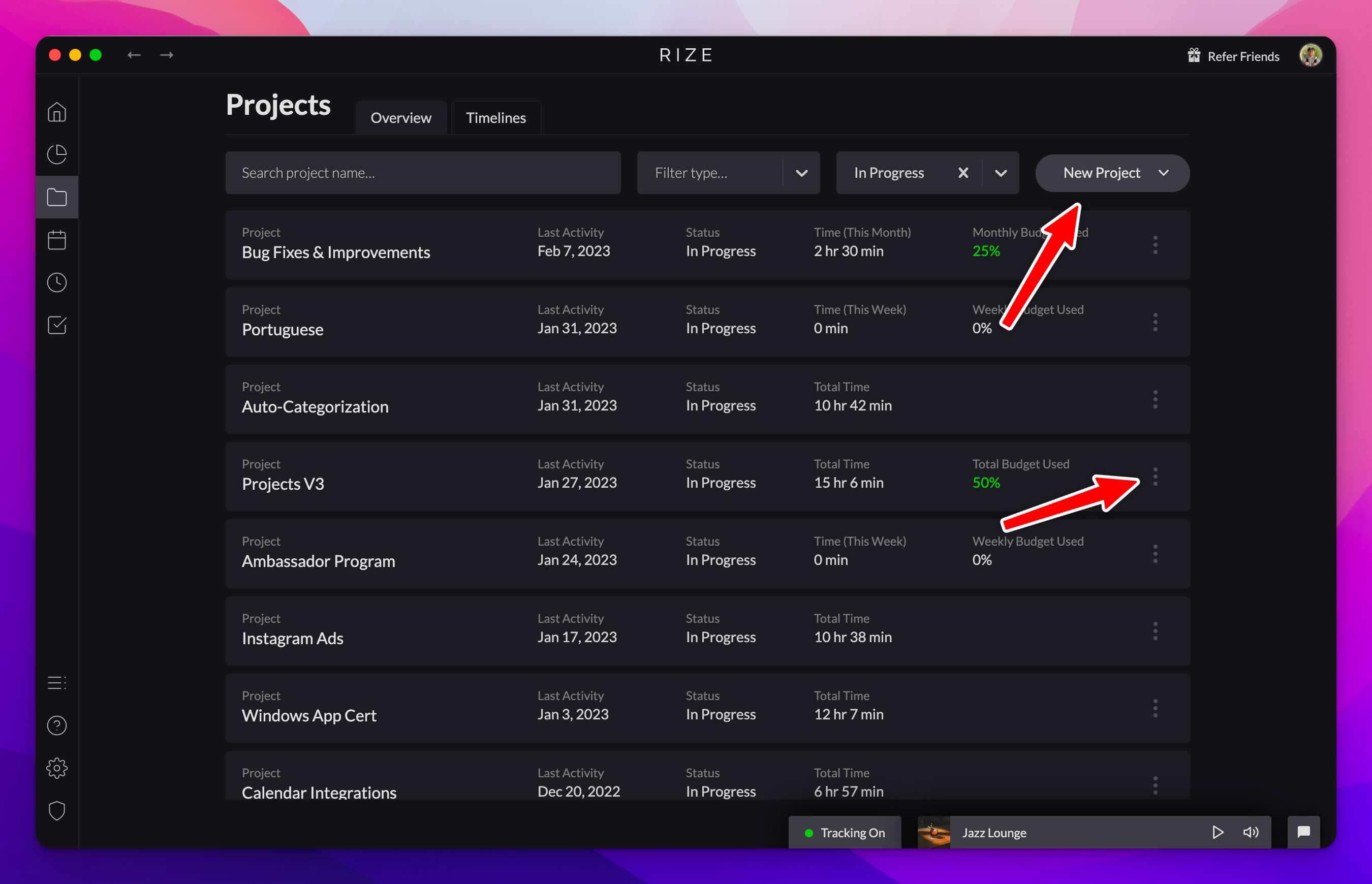
Gain deeper insights about your workday with the new Projects tab, offering advanced tools for automatic tagging, time budgeting, and detailed reporting.
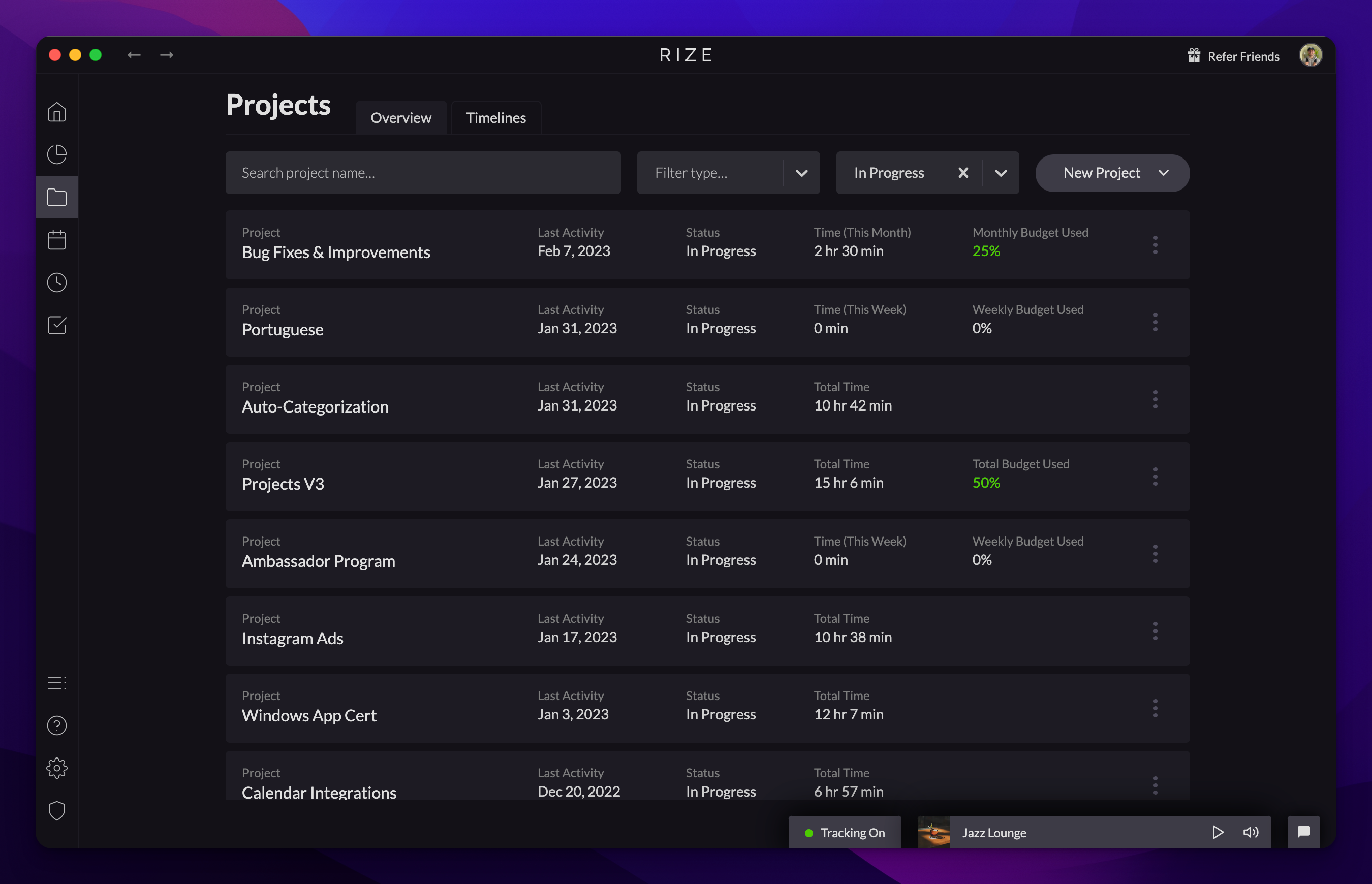
Project Time Budgets: Weekly, Monthly, or Total
Stay on target with your time management goals by setting weekly, monthly, or total time budgets for your projects.