Changelog
See what's new and improved in Rize.
Try the latest features — start your free trial today.
Start Free Trial1.1.47 Release
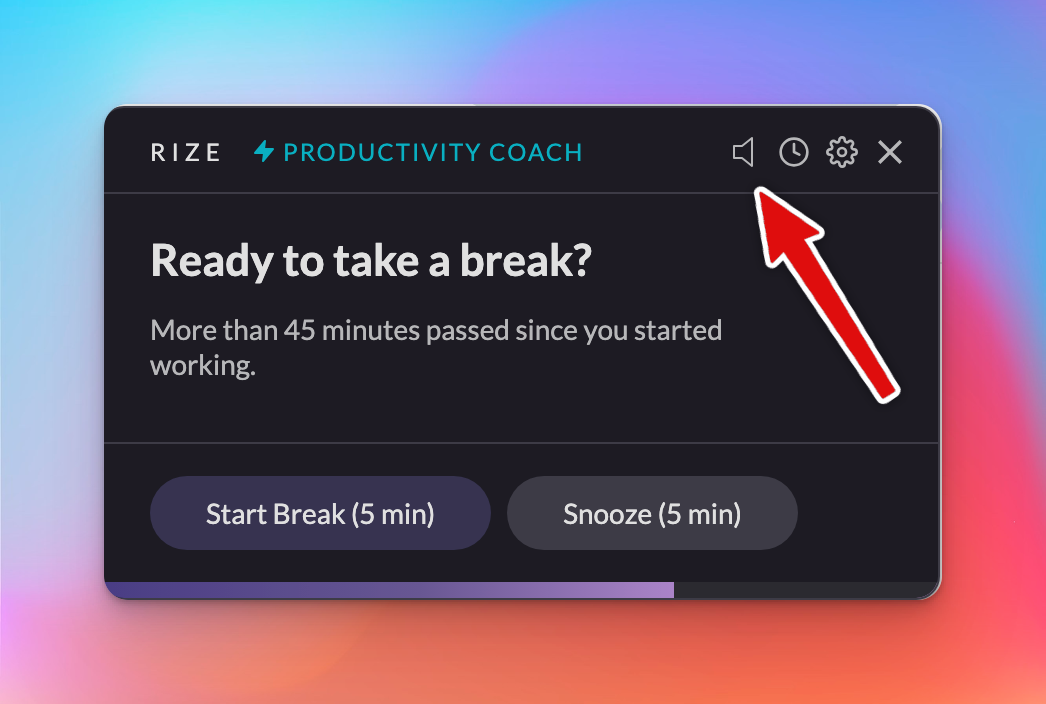
Gain greater control over your notifications by muting or managing notification sounds directly from the alert.
1.1.46 Release
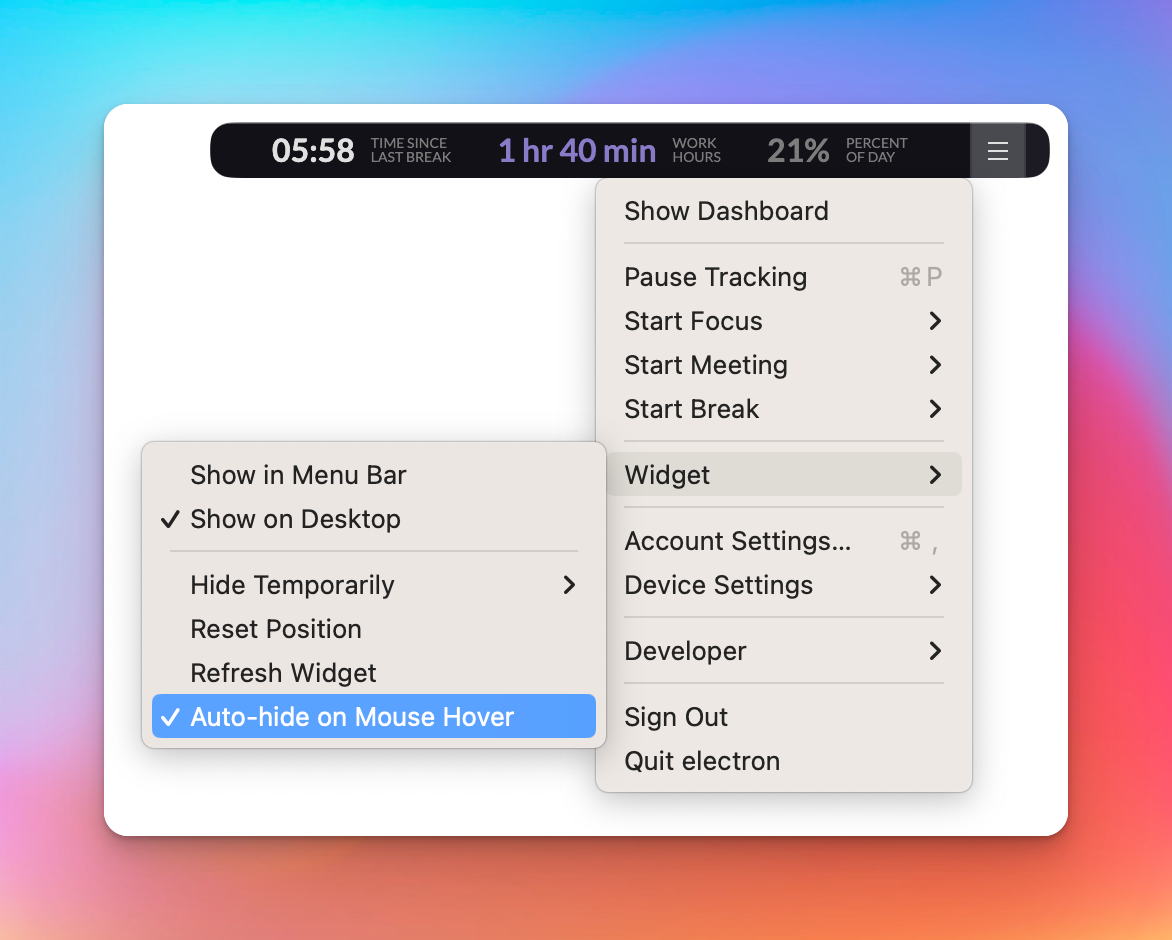
Rize 1.1.46 ships bug fixes, customizable widget settings, and an improved distraction blocker for more control over your tracking.
Releasing AI Coach & Productivity Insights
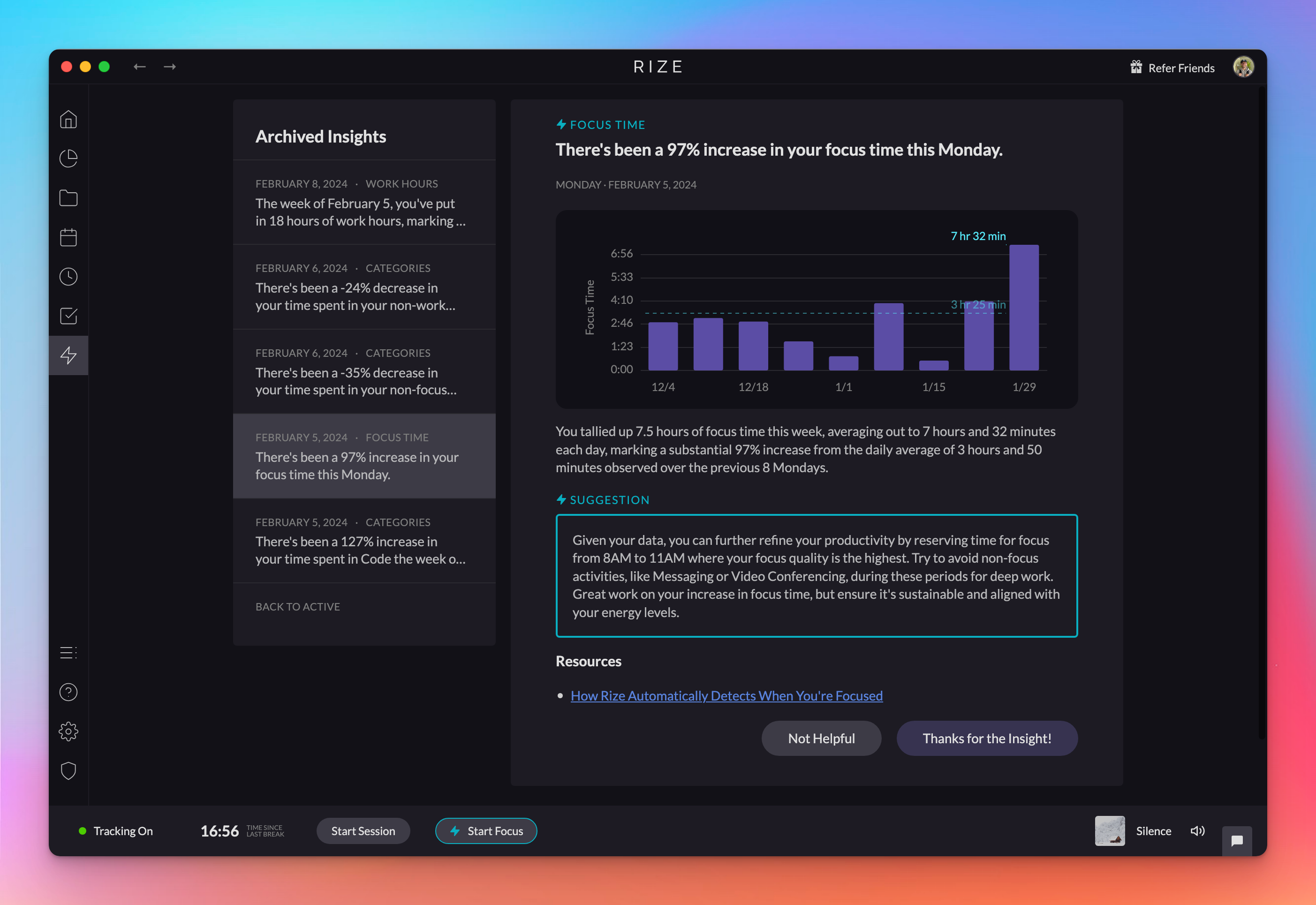
The new AI Coach analyzes your activity in the Insights tab, sends nudges through the day, and gives personalized productivity recommendations.
1.1.43 Release
Rize 1.1.43 includes bug fixes and infrastructure improvements that lay the groundwork for upcoming features in the desktop app.
1.1.40 Release
Rize 1.1.40 fixes a bug where starting a focus session from the Toast notification would occasionally fail, so the button now works reliably.
1.1.39 Release - Improved Distraction Blocker
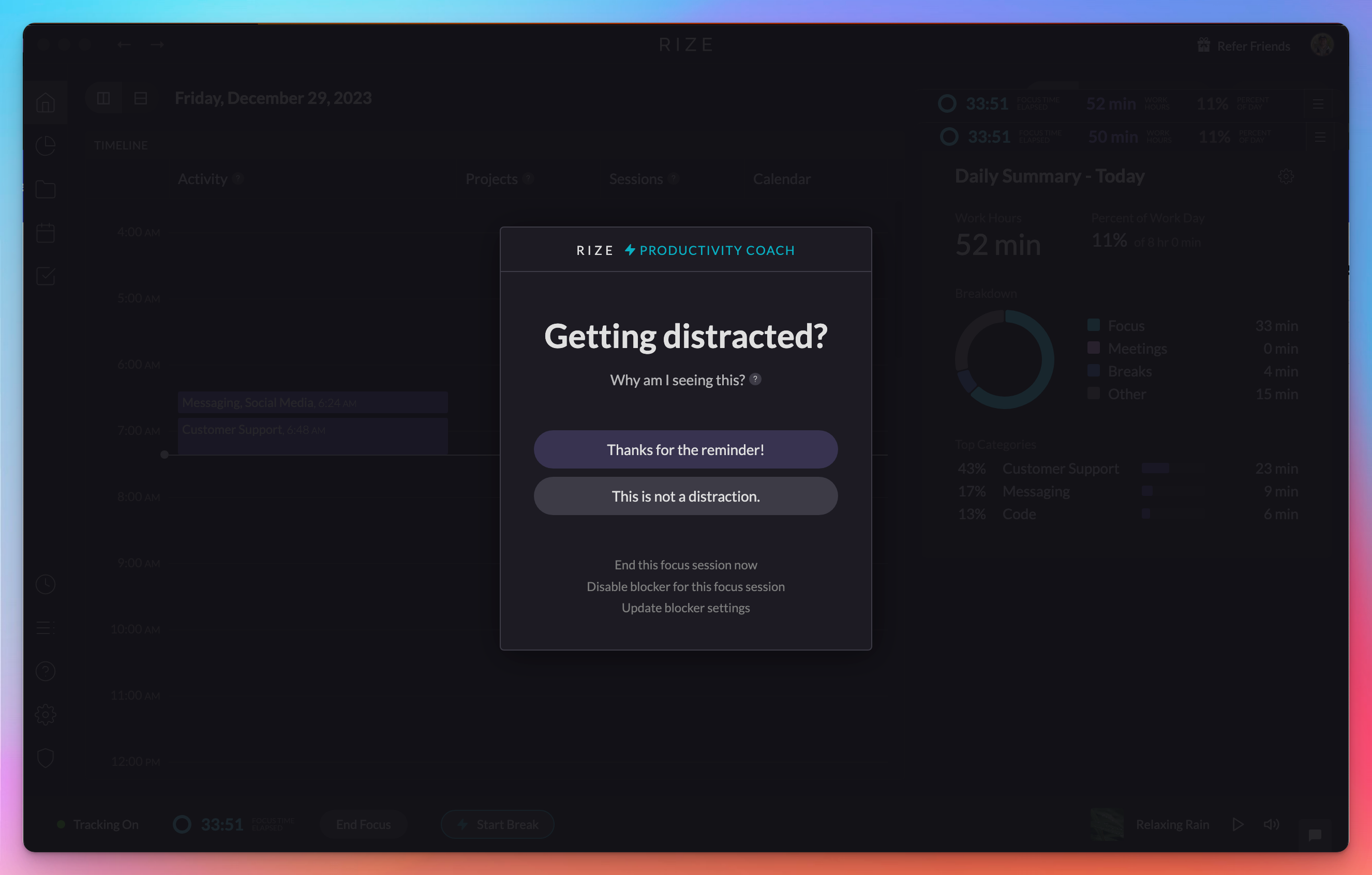
Rize 1.1.39 simplifies the Distraction Blocker UI to two clear options and lets you mark app or website categories as non-distracting for a session.
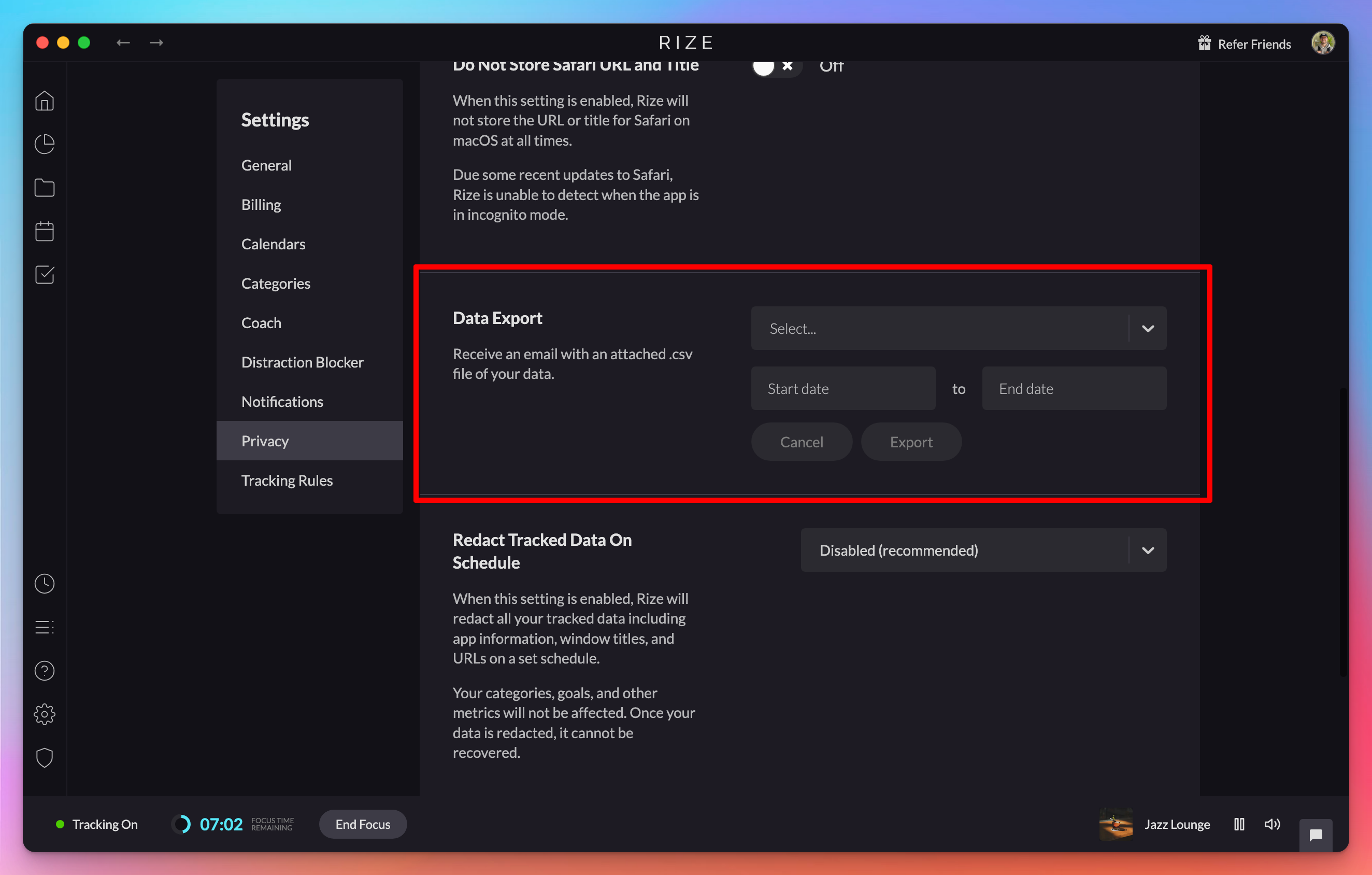
Project, Session, and Events Data Export
Export your Projects, Sessions, and Events data as CSV from Settings. Pick what to export and a time range, and Rize emails you the file.
1.1.38 Release
Benefit from improved functionality and stability with the latest bug fixes and minor enhancements in Rize version 1.1.38.
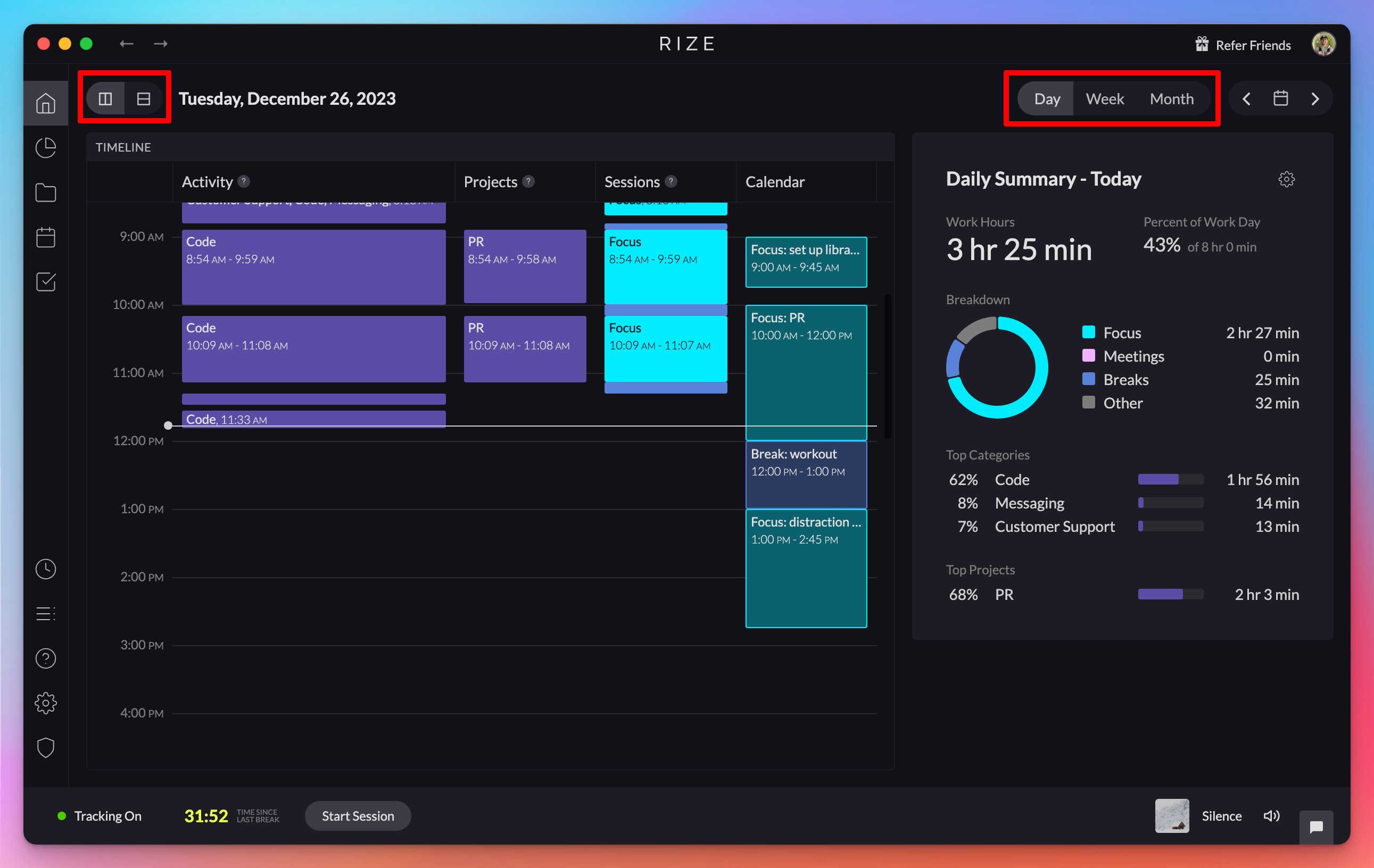
New Home Navigation and View Options
The Home tab now lets you switch quickly between Calendar and Timeline views and check your weekly and monthly stats without leaving the page.
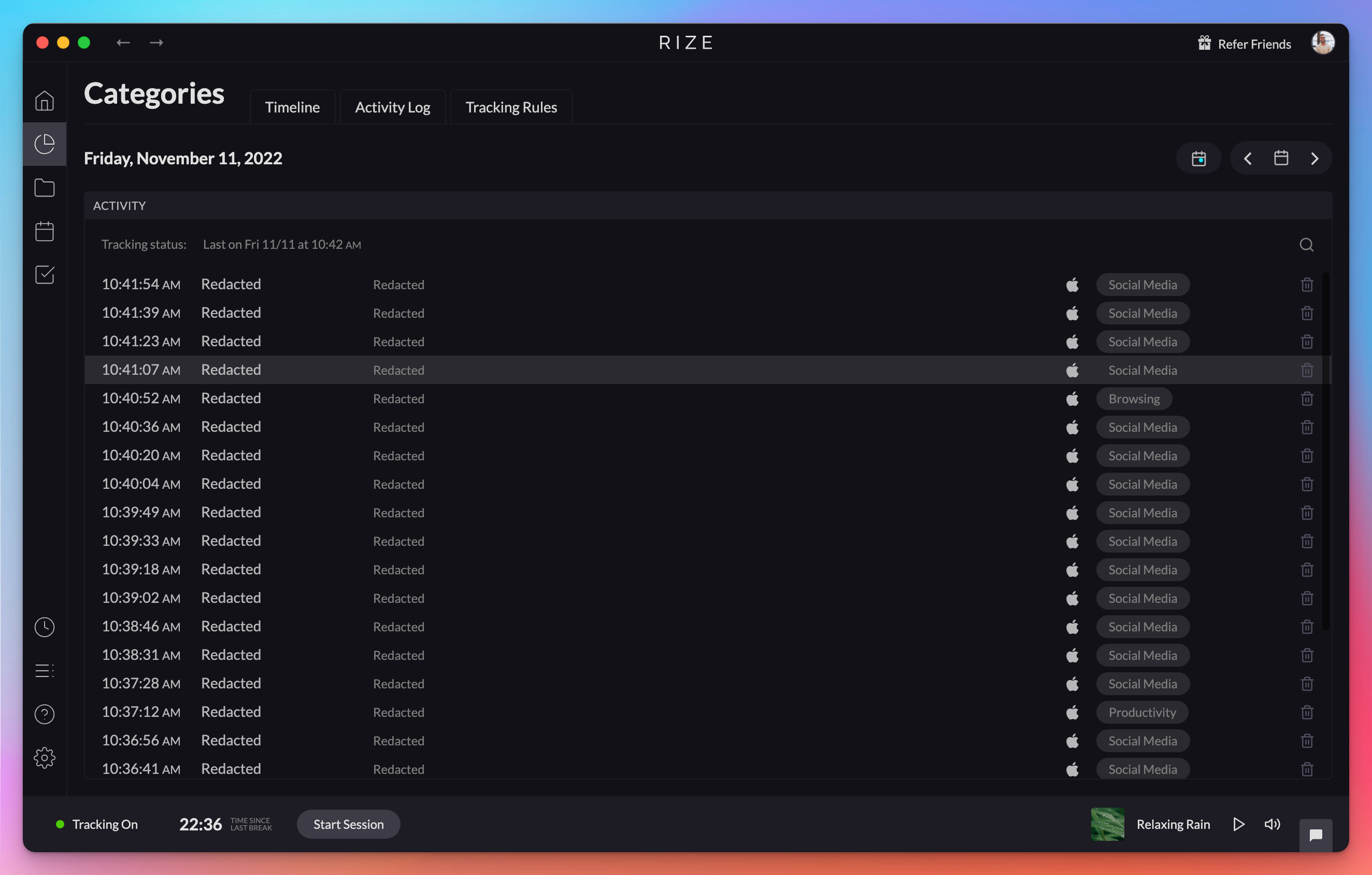
Redact Tracked Data Privacy Setting
Enhance your data privacy by permanently removing identifying information like app names and URLs from all previously tracked data.
1.137 Release
Rize 1.1.37 is a maintenance release with bug fixes that improve the stability and reliability of the desktop time tracking app.
1.1.36 Release
Rize 1.1.36 updates the macOS Distraction Blocker to return you to your previous window after dismissal and disables the time zone check on Sonoma.
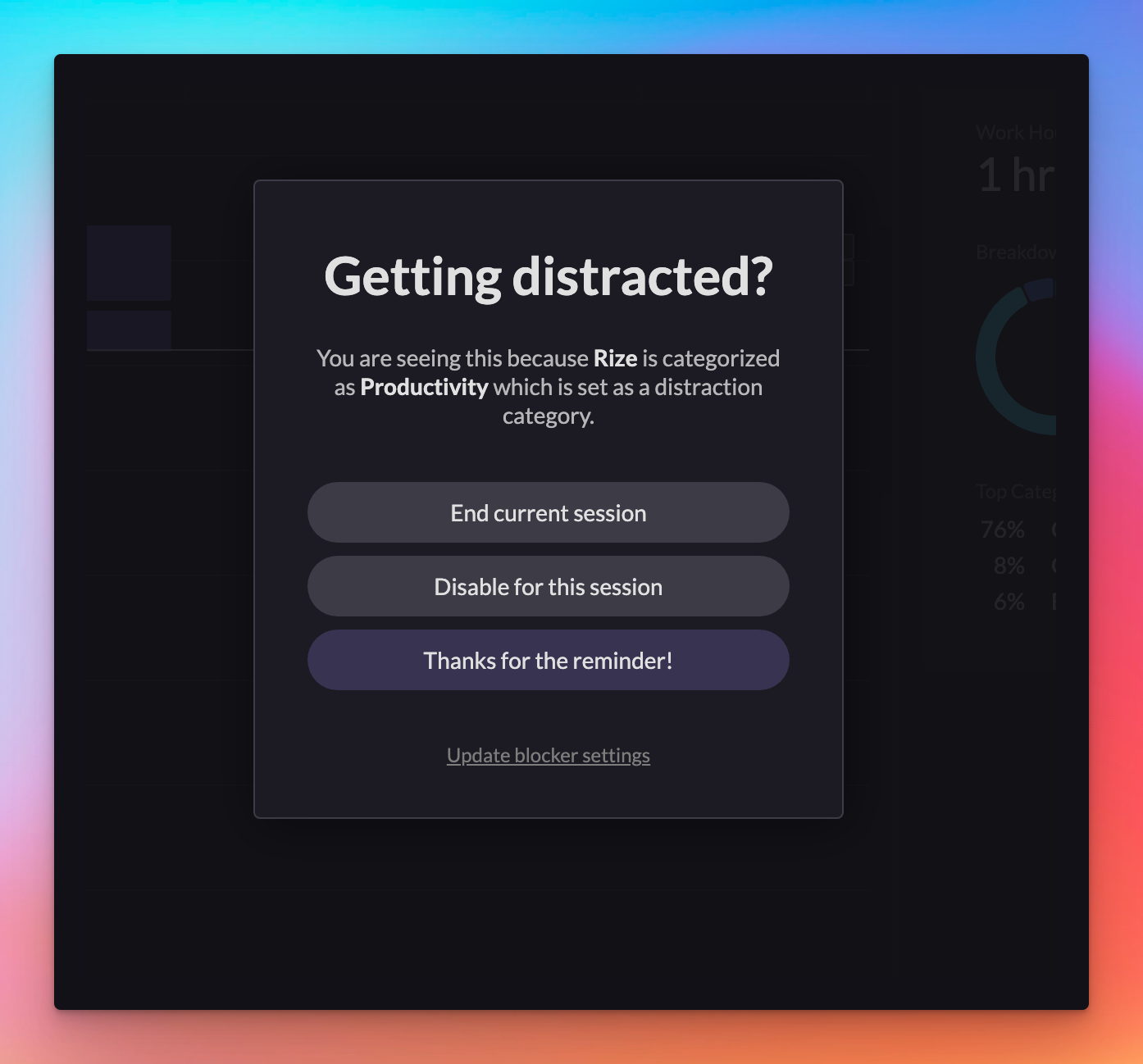
1.1.23 Release - Distraction Blocker Improvements
Improve your focus with the updated Distraction Blocker, including new settings, flexible notification options, and the "urge surfing" feature.
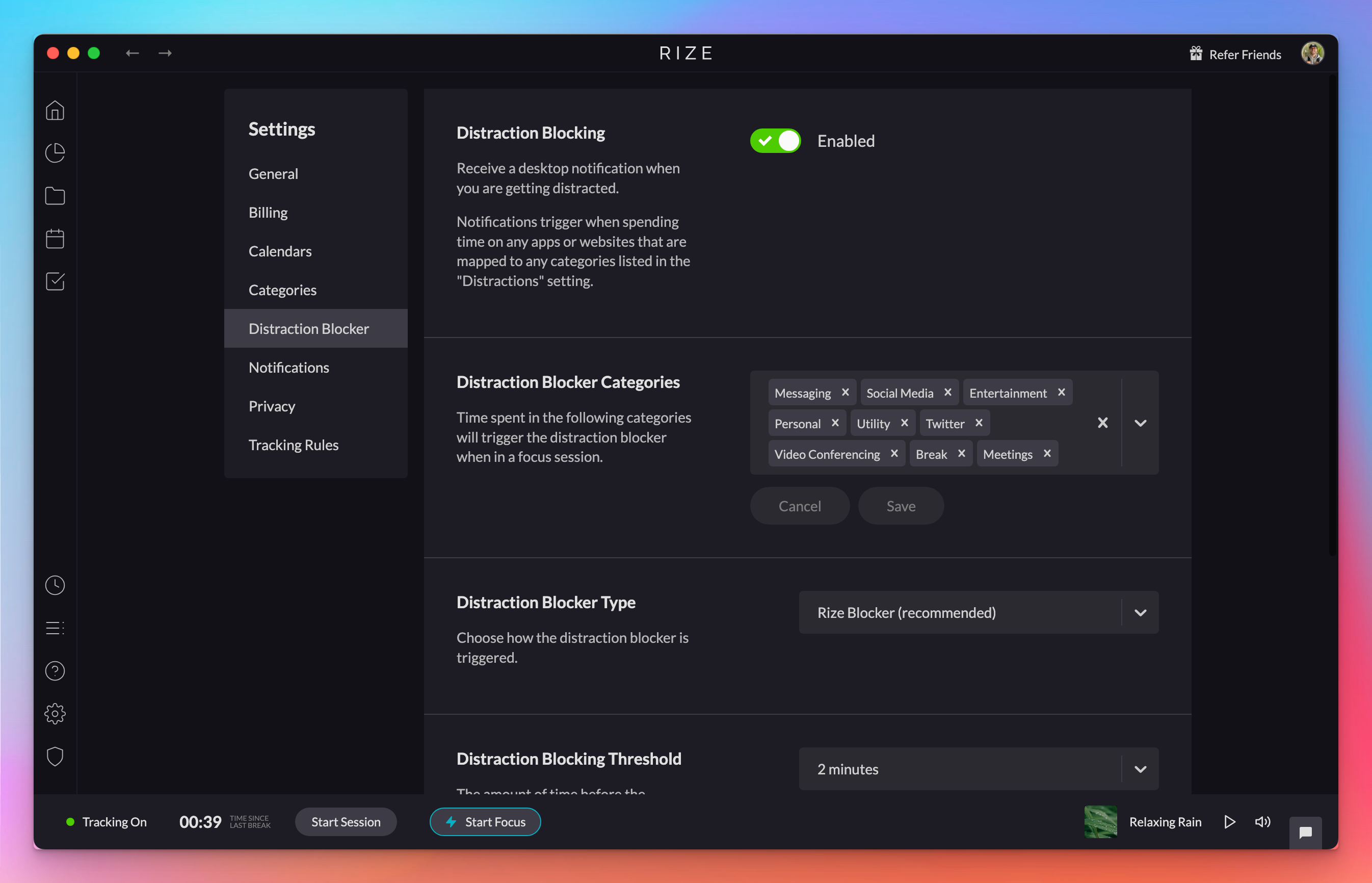
1.1.18 Release
Rize 1.1.18 fixes a bug where the Distraction Blocker ignored the threshold set in your notification settings, so blocking now triggers correctly.
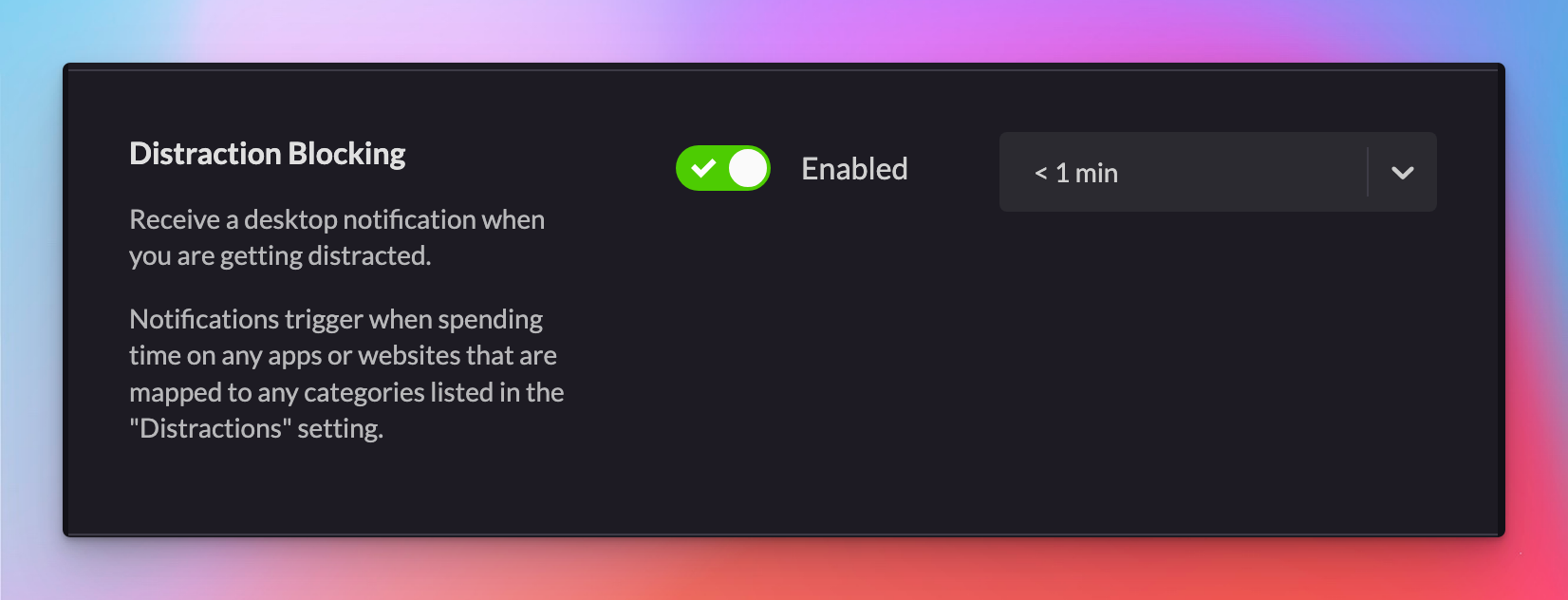
1.1.13 Release
Rize 1.1.13 adds native OperaGX support for URL categorization on macOS, updates the categories page and distraction blocker settings, and fixes bugs.
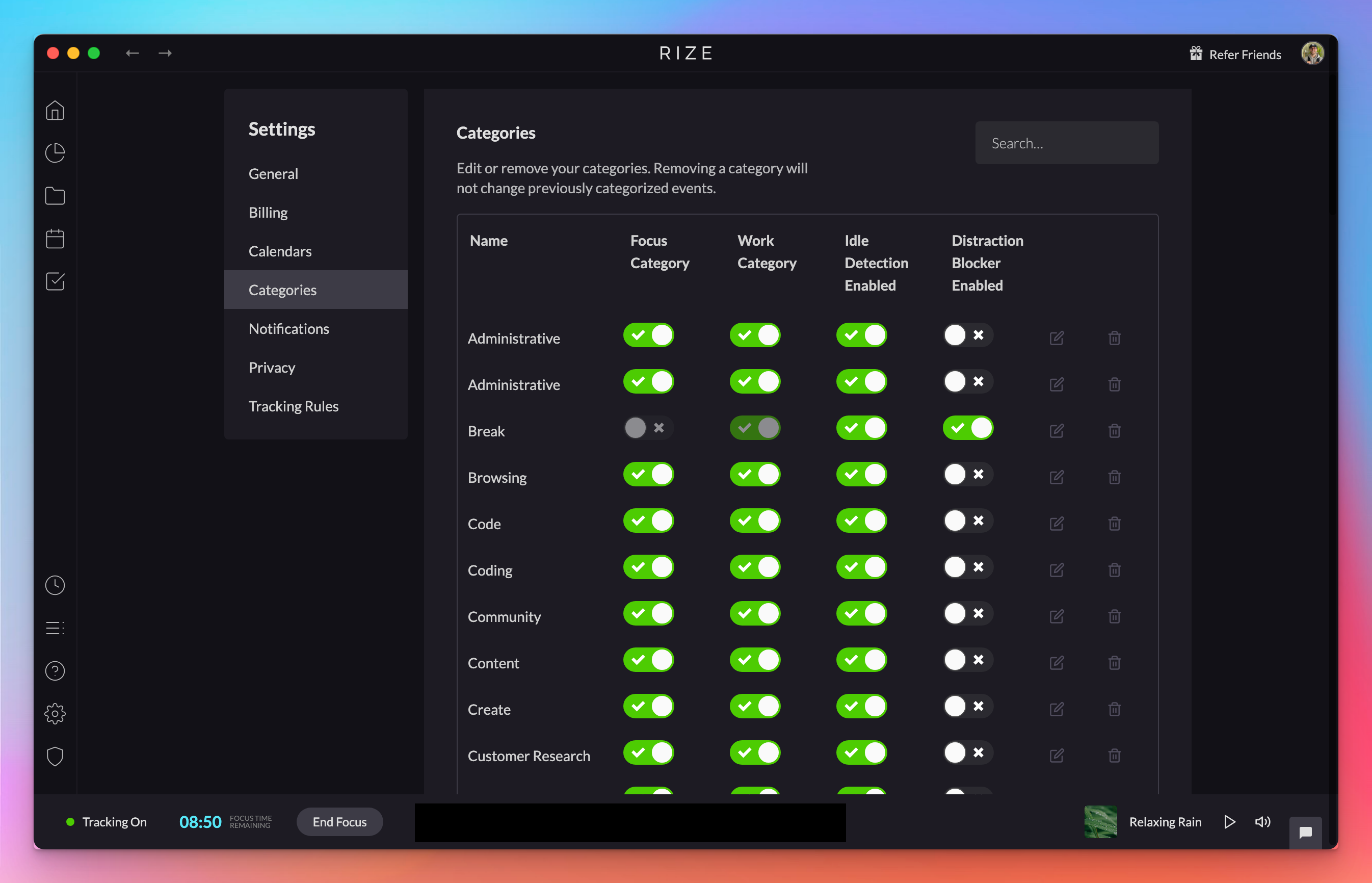
Updated Categories Page & Distraction Blocker Setting
The updated Categories page makes it easier to toggle Focus and Work categories, idle detection exemptions, and distraction blocker triggers.
1.1.8 Release
Rize 1.1.8 adds Orion browser support for URL categorization and fixes a bug that blocked tracking rules from loading on first app open.
1.1.5 Release
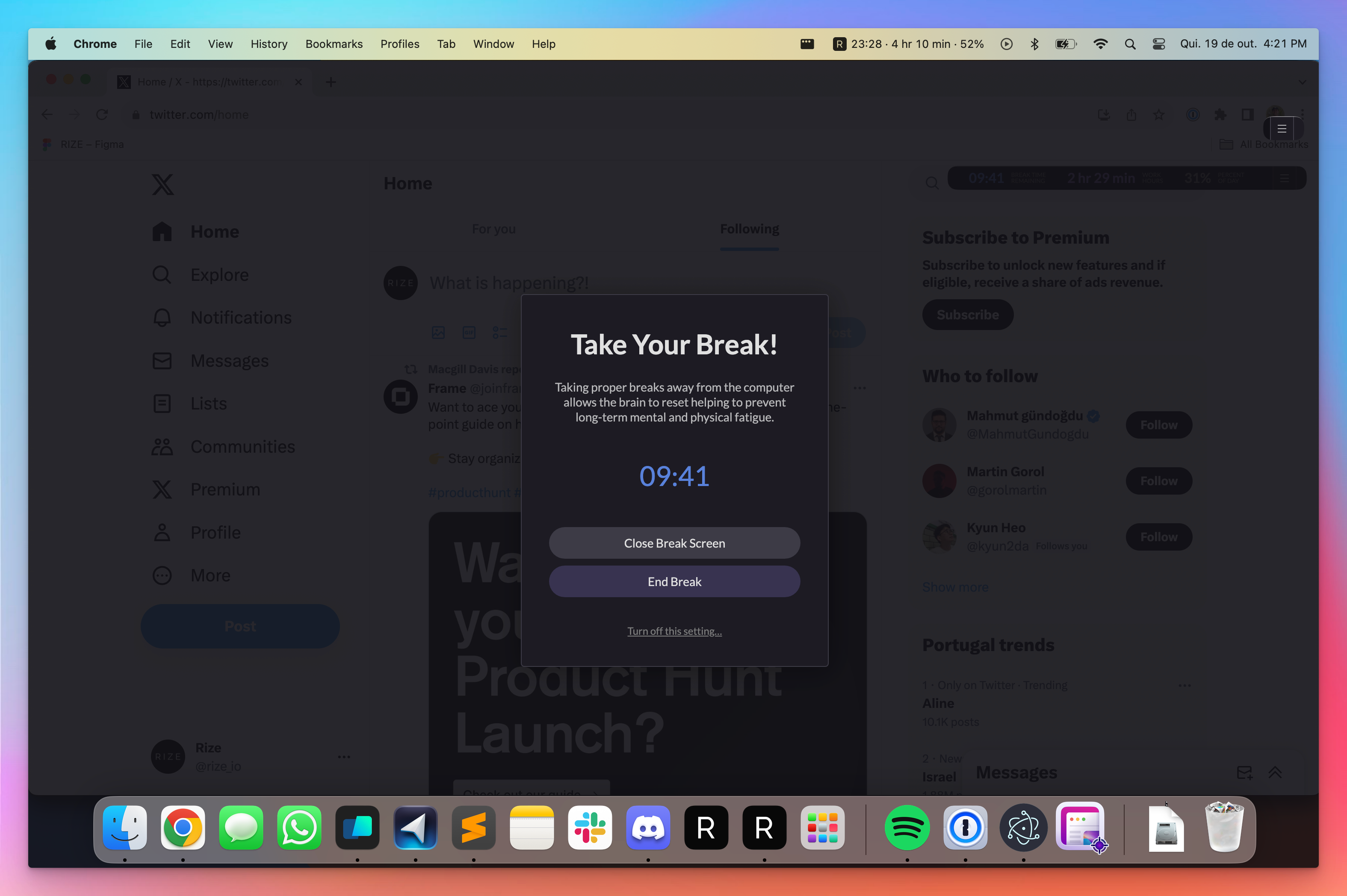
Achieve balanced workdays with the new Full Screen Break Mode and more accurate tracking with bug fixes in Rize version 1.1.5.
Full Screen Break Mode
Maximize your downtime with Full Screen Break Mode to ensure you fully step away from your computer during breaks.
macOS Menu Bar Widget
Rize v1.0.24 adds the option to show widget information in the macOS menu bar. Enable it under Widget > Show in Menu Bar. Not available on Windows.
